
Gamma can turn a loose prompt into an attractive presentation remarkably quickly. The trouble appears later, when a client asks for an editable PowerPoint, a manager wants every page brought back on brand, or the third deck of the month looks suspiciously like the first two. People searching for Gamma alternatives are trying to fix that workflow, not merely acquire more AI.
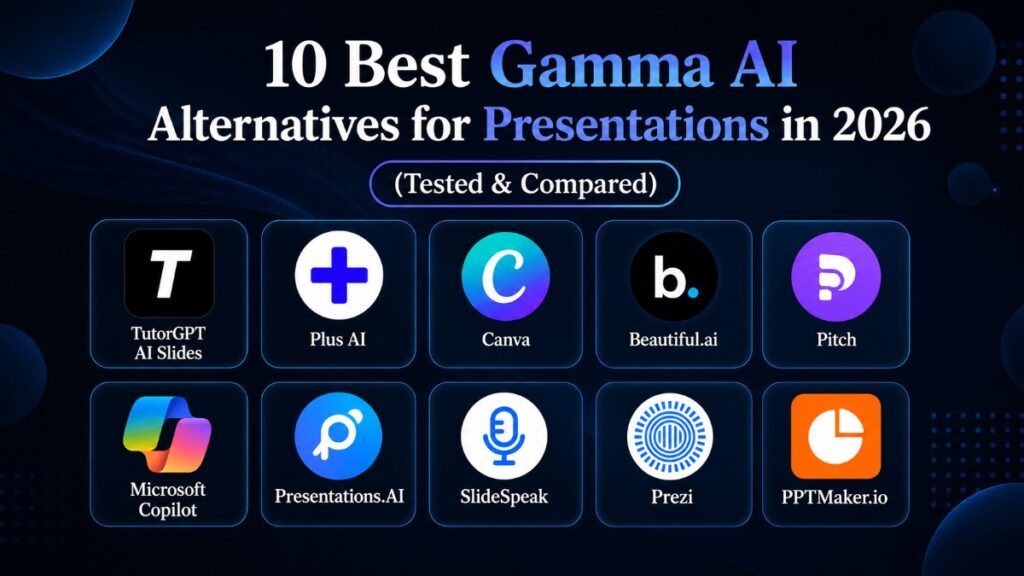
We compared 10 Gamma AI alternatives by first-draft quality, post-generation control, PowerPoint and Google Slides fit, pricing, and cleanup. No tool wins every category. TutorGPT AI Slides is the strongest all-round choice for turning mixed source material into editable slides; others suit brand governance, native office workflows, collaboration, or visual campaigns.
The best Gamma alternatives at a glance
Quick comparison by workflow, export, and pricing
| Tool | Best for | PPT workflow | Pricing approach |
| TutorGPT AI Slides | Turning notes, PDFs, links, and videos into decks | Editable PPT and PDF export | Free credits; paid credit plans |
| Plus AI | Teams already working in PowerPoint or Google Slides | Native in existing slide editors | Paid plans after a limited trial |
| Canva | Marketing decks and broader visual content | PPTX and PDF export | Useful free tier; paid Pro plan |
| Beautiful.ai | Brand-controlled business presentations | Editable PowerPoint export | Trial, then individual or team plans |
| Pitch | Collaborative sales and startup decks | PPTX on paid plans | Free tier plus paid team plans |
| Microsoft Copilot | Microsoft 365 organizations | Native PowerPoint workflow | Requires an eligible Microsoft plan |
| Presentations.AI | Fast, polished business drafts | PowerPoint export | Free entry tier and paid plans |
| SlideSpeak | Converting reports and documents | PPTX and PDF export | Limited free use; credit-based plans |
| Prezi | Non-linear, animated presentations | Better for presenting than PPT handoff | Free and paid tiers |
| PPTMaker.io | Quick, no-sign-up slide generation | PPTX, PDF, Keynote, and image export | Basic use is free |
Why look beyond Gamma in 2026?
Gamma is still fast, but delivery changes the equation
Gamma remains one of the quickest AI presentation tools for creating a coherent, web-friendly story. Its card format looks fresh and sharing is simple. For brainstorming, internal updates, and decks viewed through a link, staying with Gamma may be sensible.
The recurring frustration begins at handoff. Users describe opening exports in PowerPoint and finding substituted fonts, altered spacing, overlapping text, missing motion, or flattened interactive blocks. Five minutes before a meeting, a “small cleanup pass” becomes the most expensive step.
Repetitive design and limited brand control add hidden work
Visual repetition is another concern. Gamma's default layouts are clean, but frequent users start recognizing the same card patterns and familiar AI imagery. The result looks polished yet oddly interchangeable. Brand-heavy teams feel a related pain: a good-looking deck is not necessarily a compliant one when logo position, typography, approved colors, and legal footers must remain fixed.
The best Gamma alternatives in 2026 compete on what happens next: outline editing, single-page regeneration, genuinely editable objects, and compatibility with the team's existing tools. Those details matter more than a dramatic demo.
10 best Gamma AI alternatives tested and compared
1. TutorGPT AI Slides: best overall Gamma alternative for mixed-source workflows
TutorGPT AI Slides is the most balanced alternative for people who begin with material rather than a perfectly written prompt. It accepts text and notes, PDFs and other files, article links, and YouTube URLs. That makes it useful when the real job is not “make a deck about climate change,” but “turn this 28-page paper, lecture recording, or rough client brief into a presentation I can finish today.”
TutorGPT creates an editable outline first, letting you add, remove, or reorder sections before design begins. This prevents a common failure: beautiful slides built around the wrong argument. Once the structure is right, generate, edit, and download as PPT or PDF.
There are two creation modes. Agent Slides prioritizes structure and editability, making it the better option for classes, research summaries, reports, and business decks. Creative Slides uses image-generation models to create more visually composed pages. If one page misses the mark, you can change the prompt for that slide and regenerate it without disturbing the rest of the presentation. Anyone who has burned credits repeatedly recreating nine acceptable slides to repair one bad slide will understand why this matters.
TutorGPT also includes chat, summarization, image, voice, and research tools. New users receive free credits; paid plans add monthly allowances and premium models. Heavy users must still watch credits, and regulated or brand-locked decks require human review. For people converting existing material, however, it offers the most complete prompt-to-editable-deck workflow among these Gamma alternatives.
2. Plus AI: best when PowerPoint or Google Slides is non-negotiable
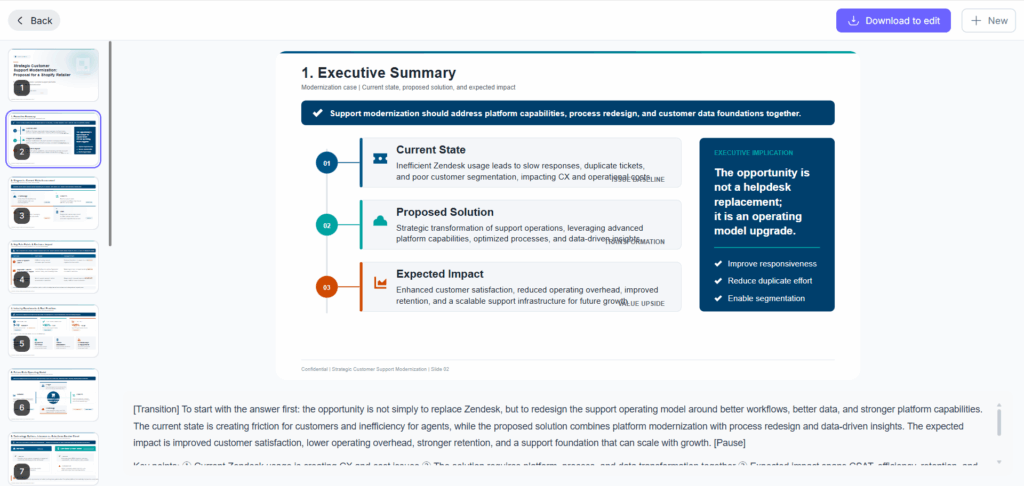
Plus AI takes a different route: instead of asking the team to adopt a new presentation environment, it brings AI into PowerPoint and Google Slides. You can build an outline, generate a deck, rewrite content, remix a slide, or create new pages inside the editor colleagues already know.
This tackles handoff at its source: a client expecting PowerPoint receives PowerPoint, while a Google Workspace team collaborates without importing a web deck. It is especially useful for consultants and sales teams using company templates.
Compared with Gamma, the experience can feel less adventurous and more conventional. That is also the attraction. Choose Plus AI when editability and compatibility outweigh the novelty of a web-native presentation. Skip it if you want an all-in-one creative workspace or do not regularly use either supported slide platform.
3. Canva: best for presentations inside a larger content campaign
Canva makes sense when the deck is only one deliverable. A campaign might also need a social post, one-page handout, short video, infographic, and event graphic. Keeping those assets in one design system is often more valuable than choosing the most specialized AI slide generator.
Its huge template and media libraries give users more visual range than the typical prompt-first tool, while brand kits help keep colors, fonts, and logos consistent. Magic Design can accelerate the opening draft, but Canva still rewards hands-on design decisions. That makes it a strong Gamma alternative for marketers and creators who want the AI to start the work, not dictate the final layout.
Finding the right Canva design can take longer, and PPT exports still deserve a check. The free tier is capable; premium assets, fuller brand controls, and heavier AI usage require payment.
4. Beautiful.ai: best for enforcing brand rules
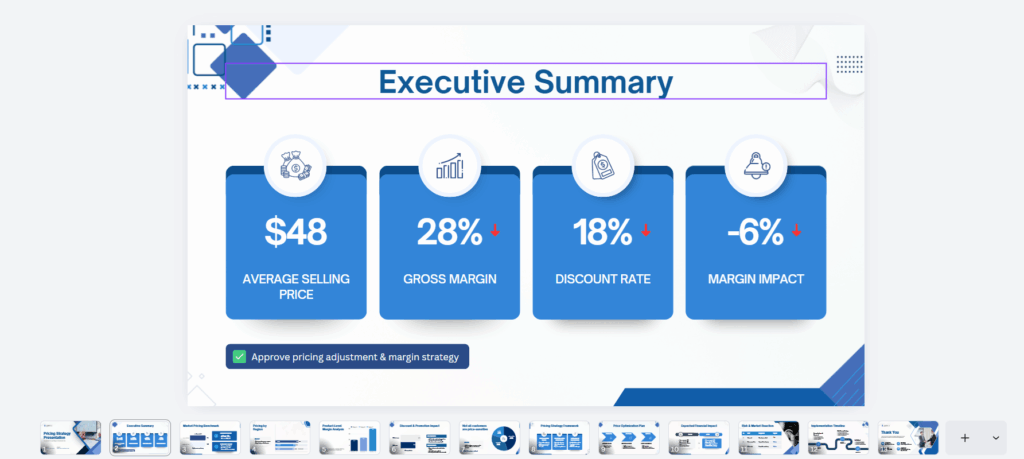
Beautiful.ai is designed around guardrails. Its Smart Slides automatically rebalance content as you edit, reducing the chance that an enthusiastic teammate will turn a clean layout into a wall of text. Shared themes, locked slides, centralized assets, version control, and enterprise administration make it particularly attractive to larger organizations.
This is one of the best Gamma AI alternatives when “on brand” is mandatory. A sales rep can change the message without moving the logo or inventing a new blue. Editable PowerPoint export is supported; team plans add collaboration and analytics.
Structure can also feel restrictive. Designers who want to break the grid may fight the same rules that protect everyone else. Pricing is more business-oriented than casual-user-friendly, with an individual plan, higher per-seat team pricing, and enterprise options. Choose it for repeatable corporate decks, not experimental visual storytelling.
5. Pitch: best for collaborative sales decks
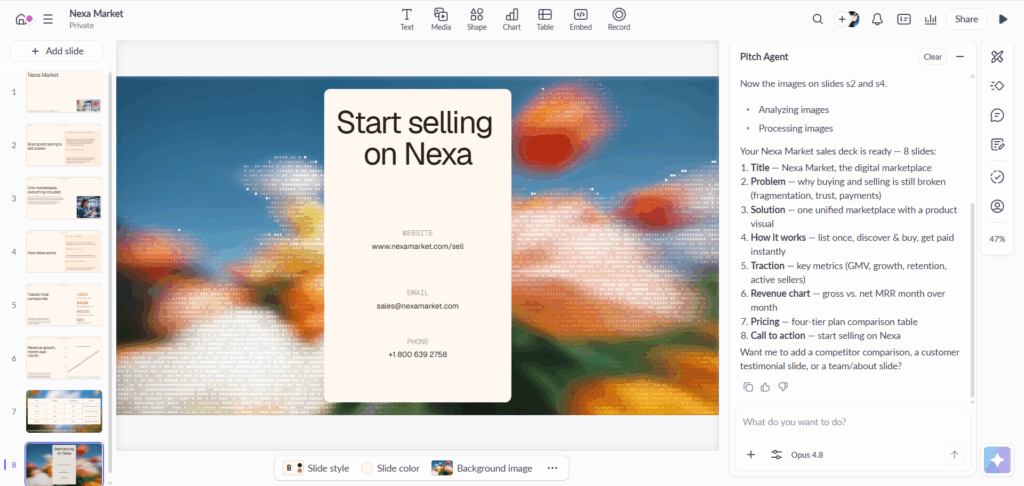
Pitch feels less like a one-click generator and more like a modern presentation workspace with AI inside it. Multiple people can edit together, comment, manage shared templates, invite external guests, and distribute presentations through trackable links. Higher plans add richer engagement analytics and pitch-room style sharing.
That fits startups, agencies, and revenue teams whose decks pass through several hands. Gamma is faster for a solo first draft; Pitch is stronger when a presentation has an ongoing team life.
The free plan supports unlimited presentations but offers a limited pool of AI credits, and unbranded PowerPoint export belongs to paid tiers. If collaboration is the bottleneck, the upgrade can make sense. If all you need is a one-off school presentation, it is probably more workspace than you need.
6. Microsoft Copilot: best for Microsoft 365 organizations
For companies already centered on Word, Excel, SharePoint, Teams, and PowerPoint, Microsoft Copilot may be the most logical Gamma alternative. It can draft presentations in PowerPoint and use existing Microsoft 365 content as source material, while the resulting file remains in the organization's normal storage, permission, and editing workflow.
The advantage is continuity. There is no final PPTX conversion because PowerPoint is the destination from the beginning, and every department can use familiar masters and controls.
Its first drafts can be conservative, and access depends on the right Microsoft subscription and organizational setup. It is not the cheapest route for an individual creator. For enterprise users, though, the cost of switching tools, moving files, and resolving permissions can easily outweigh the appeal of a more visually surprising generator.
7. Presentations.AI: best for polished business-first drafts
Presentations.AI focuses on taking a prompt or source document and producing a business-ready narrative with adaptable layouts. Brand controls, collaboration, sharing, and analytics make it suitable for founders, marketers, and client-facing teams that want more structure after generation than Gamma typically provides.
The appeal is speed without abandoning professional conventions: the result behaves like a familiar sales, proposal, or strategy deck rather than a collection of attractive cards.
As with any younger AI presentation platform, template breadth and edge-case export behavior can change quickly, so test a representative deck before moving a team. It is a good fit when business polish matters more than access to a giant general-purpose design library.
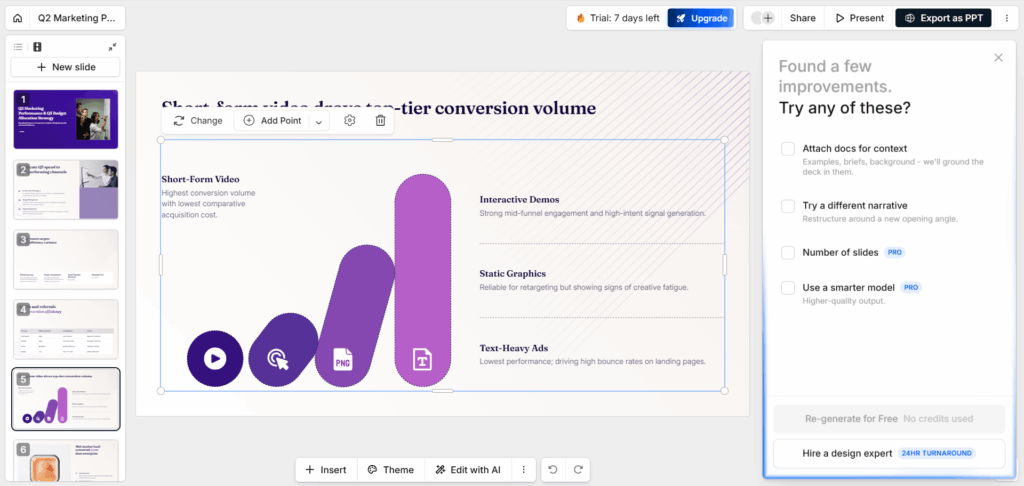
8. SlideSpeak: best for turning long documents into presentations
SlideSpeak is built for the moment when the source already exists. Upload a PDF, Word document, or other substantial file, and it can summarize the material, answer questions about it, and convert it into a presentation. Researchers, analysts, and students will recognize the value immediately: extracting the argument from a 40-page report is harder than decorating the slides.
The source still needs checking. AI may compress a qualification or create certainty the document does not support. Use SlideSpeak for reduction and structure, then verify numbers, citations, and conclusions.
Credit limits make it less compelling for rapid, repeated experimentation. For document-heavy work, however, it remains one of the more purposeful Gamma alternatives for presentations.
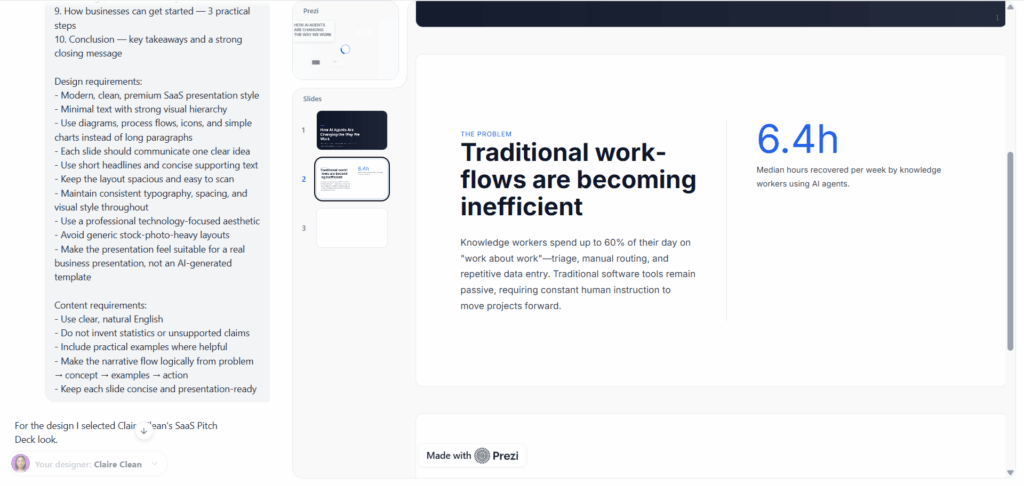
9. Prezi: best for non-linear storytelling
Prezi is the outlier in this comparison. Rather than reproducing a sequence of rectangular slides, it uses a zoomable canvas that lets presenters move between a big-picture map and individual details. Its AI features help establish the story, but the distinctive value is the presentation format itself.
This works for conference talks, nested concepts, and stories where the audience should see how pieces connect. It is less suitable when the deliverable is an ordinary editable PowerPoint; Prezi is at its best inside Prezi.
Choose it because you want to present differently, not merely because you want another prompt-to-deck generator. The motion also needs restraint; constant zooming can distract an audience faster than a plain slide ever could.
10. PPTMaker.io: best for a quick deck without creating an account
PPTMaker.io deserves a mention for removing setup friction. You can begin with text, a file, an article link, or a YouTube link, choose a language and approximate deck length, edit the proposed outline, switch templates, and export in common formats. Basic functions are available without registration.
It is practical for occasional school, training, or meeting decks when another workspace would be excessive. PPTX, PDF, Keynote, and image exports give it unusually broad handoff options for a lightweight generator.
It is not the obvious choice for enterprise permissions, deep brand governance, or a large team's content lifecycle. Treat it as a fast utility: useful when the deadline is close, the brief is straightforward, and you want a file you can continue editing elsewhere.

How to choose the right Gamma alternative for your workflow
Begin with the final file and collaboration requirements
Start at the end. If another person must edit the presentation in PowerPoint, prioritize a native PowerPoint workflow or test the exported PPTX before committing. If the deck will stay online, web sharing, interaction, and analytics matter more. When several people touch every presentation, permissions, comments, templates, and version history deserve more weight than the prettiest first draft.
Match the tool to your source material
Then examine the source. Almost any tool can handle a two-sentence idea; PDFs, recordings, papers, and articles require real ingestion and structure. TutorGPT and SlideSpeak suit that job. Canva fits broader campaigns, while Beautiful.ai or Microsoft may save hours of brand cleanup.
Test the points where AI decks usually fail
Finally, test the failure points, not the demo. Use one real deck with a dense chart, a long title, a custom font, speaker notes, and at least one slide that colleagues will need to edit. Export it, reopen it on another computer, and ask someone else to make a change. A Gamma alternative is only faster if it saves time across generation, review, delivery, and revision.
Frequently asked questions
What is the best free alternative to Gamma?
For no-sign-up basic generation, PPTMaker.io is an easy starting point. Canva has a broader free design ecosystem, while TutorGPT provides free credits for trying its mixed-source AI slide workflow. Free allowances and export restrictions change, so check the current plan before building an important deliverable.
Which Gamma AI alternative is best for PowerPoint export?
Plus AI and Microsoft Copilot are strong options because they work in or alongside native slide editors, reducing conversion problems. TutorGPT exports editable PPT files and is more flexible when the source is a PDF, notes, an article, or a YouTube video. Whatever tool you select, reopen the PPTX and inspect fonts, charts, spacing, and animations before delivery.
Is Gamma still worth using in 2026?
Yes. Gamma remains excellent for rapid ideation, clean web-based presentations, and shareable internal content. Look at Gamma AI alternatives when editable PowerPoint delivery, strict branding, native office collaboration, or varied visual styles are more important than the speed of the initial web deck.
Can AI presentation tools replace a designer?
They can remove the blank page and produce a strong first draft. They do not replace judgment about the audience, narrative, evidence, typography, or the emotional rhythm of a high-stakes talk. For routine decks, AI may complete most of the work. For investor pitches, major keynotes, regulated material, and brand-defining presentations, human review remains essential.
Final verdict
For most people comparing Gamma alternatives in 2026, TutorGPT AI Slides is the best place to start. It handles the messy inputs people actually have—notes, documents, articles, and videos—then lets them correct the outline before generation, edit the result, regenerate an individual slide, and export to PPT or PDF. That is a practical improvement to the whole presentation workflow, not just the opening prompt.
Plus AI is the better choice for teams that live in PowerPoint or Google Slides. Beautiful.ai wins when brand guardrails matter most, Pitch is stronger for collaborative selling, Canva covers the broadest design workflow, and Microsoft Copilot fits organizations already committed to Microsoft 365. SlideSpeak is valuable for document conversion, Prezi offers a genuinely different presenting style, Presentations.AI targets polished business output, and PPTMaker.io is useful when speed and no-sign-up access are the priority.
The best Gamma alternative is therefore not the tool that generates the flashiest sample. It is the one that still feels fast after your manager edits it, your client downloads it, and you return to revise it the night before the meeting.