
I care less about how quickly an AI tool fills ten slides than how much work those slides leave behind.
Can I change the recommendation without rebuilding the layout? Will a colleague be able to update the chart? Does the deck still make sense after I remove the generic introduction and three unnecessary summary slides?
Those are the questions I would use to choose an AI presentation maker. Generating something that resembles a presentation is a useful start. Getting to a file you can confidently present, revise, and hand off is the more demanding job.
The ten tools below approach that job differently. My recommendations focus on where each fits into the process, from organizing research to making the last round of edits.
This is an editorial comparison of documented capabilities and published user experiences, rather than a hands-on benchmark. TutorGPT publishes this guide and is one of the products covered.
What Is the Best AI Tool to Create a PowerPoint Presentation?
If I already worked in PowerPoint every day, Plus AI would be near the top of my shortlist. Keeping the deck inside the application where it will be edited and presented removes an entire handoff.
For a presentation that people will read through a link, I would look closely at Gamma. For visual work that needs a personal touch, Canva makes more sense. Beautiful.ai appeals when consistent layout matters more than precise control.
TutorGPT interests me for a different reason: its combination of Agent, Creative, and presentation Skills gives you several ways to shape the same source material. Manus is worth considering when the assignment includes substantial research.
The best AI to create a PowerPoint presentation is the one that handles your hardest step well. That may be writing the argument, arranging the information, or revising a file that already exists.
Best AI Tools for PowerPoint: Quick Comparison
| Tool | Where I would consider it | What would make me hesitate |
| TutorGPT | Turning research into a configurable presentation draft | Limited independent Slides-specific experience |
| AI PPT Maker | Getting a document into an initial slide structure | Visual relevance and mode-specific editing limits |
| Plus AI | Working inside PowerPoint or Google Slides | Exact company-template support requires closer attention |
| Gamma | Sharing concise, visually organized updates online | A demanding editable-PowerPoint handoff |
| Canva | Refining a presentation’s visual identity | Expecting AI to supply the finished story |
| Beautiful.ai | Keeping recurring business slides consistent | Highly specific layouts or unusual diagrams |
| SlidesAI | Converting a prepared outline into slides | Wanting extensive design variety with little adjustment |
| NoteGPT | Preparing presentation content from learning materials | Assuming summary quality predicts slide quality |
| Presentations.AI | Building a new business deck around a brief | Precisely revising an established presentation |
| Manus | Combining research and presentation drafting | Treating researched content as automatically verified |
How We Compare AI PowerPoint Tools
Slide Quality and Content Accuracy
My first question is whether the slide makes a defensible point. A polished page with a vague headline still needs work. I care about preserved qualifications, meaningful comparisons, and visuals that help explain the evidence.
PPTX Export and PowerPoint Compatibility
I would distinguish between a file that opens and a file that remains useful. Editable text, a movable illustration, and a chart with accessible data are different things. The right output depends on what someone will need to change later.
Editing Features and Design Control
The second draft tells me more than the first. Shortening a paragraph or adding another comparison should be manageable. Automated layouts can help, but I want to understand where their rules begin to restrict the work.
Ease of Use
I count preparation and cleanup alongside generation. A familiar editor can be more valuable than a spectacular preview. An outline review also earns its place if it prevents several rounds of unnecessary slide redesign.
Pricing and Free-Plan Limits
I look at the cost of completing the assignment. Free generation does not necessarily include an unbranded PowerPoint download. A trial may cover one project comfortably while being unsuitable for recurring unpaid use.
10 Best AI Tools to Create a PowerPoint Presentation
TutorGPT
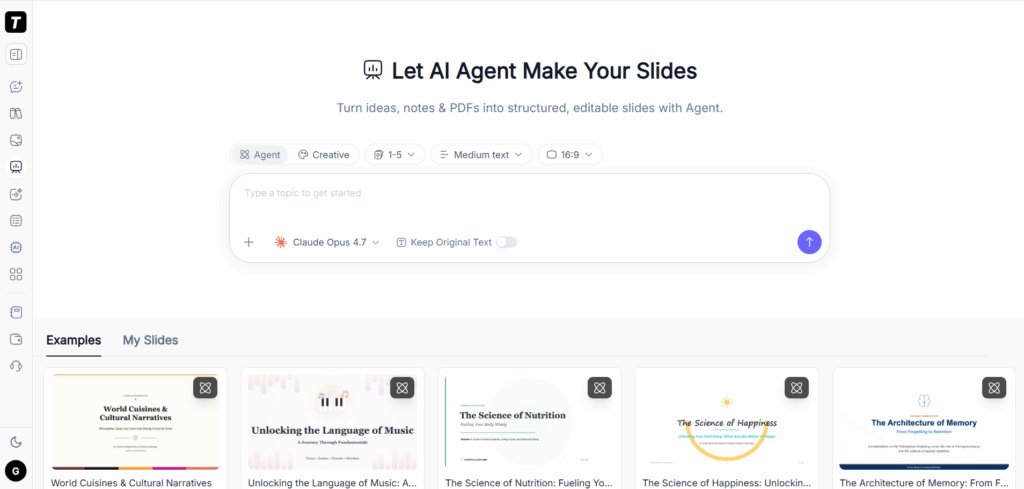
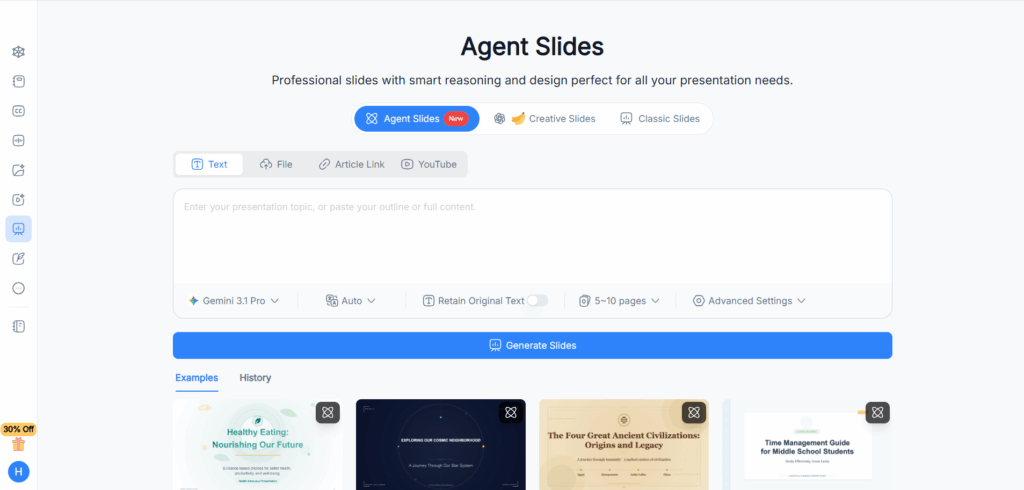
What draws me to TutorGPT AI Slides is the ability to choose how a draft takes shape. Agent, Creative, and different presentation Skills offer different starting directions, with controls for page count, text density, and aspect ratio. Image generation adds another way to develop the visual treatment.
I would consider it for turning a collection of market research into a short internal briefing. The useful question is whether the selected Skill helps organize the material around a decision, rather than simply dividing the research into pages.
Keep Original Text is particularly relevant when wording matters. I would still compare the result with the source; a preservation setting should support review, not replace it.
My reservation is the limited independent evidence around its Slides output. The workflow is promising, but I would not equate flexibility with consistent finished quality. Images, citations, factual coverage, and the exported layout still deserve attention.
AI PPT Maker
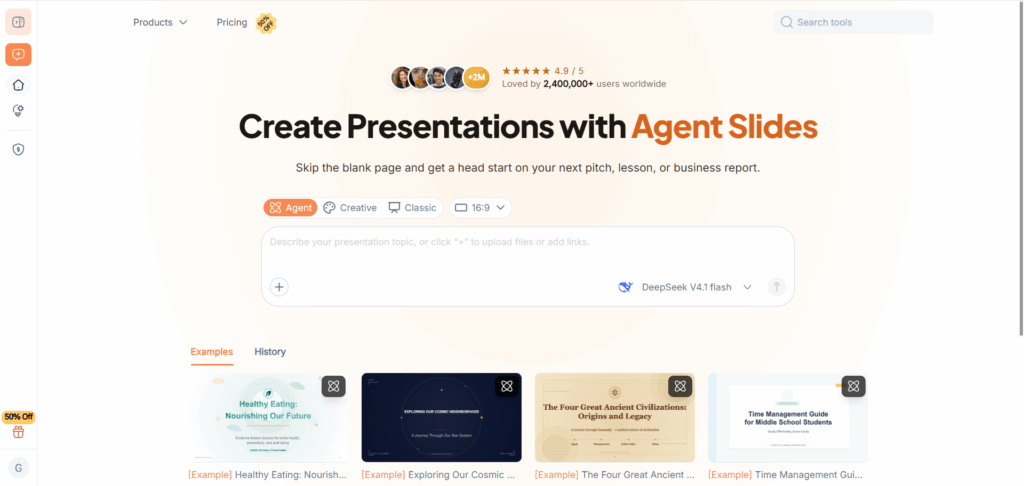
AI PPT Maker makes the most sense to me when the material is already written and the immediate problem is getting it into a usable sequence.
Take an employee handbook. An onboarding presentation needs a sensible progression through policies, practical procedures, and common questions. That is a reasonable job for an initial document-to-slides pass.
I would plan a separate visual edit. Early community feedback praised the content parsing and basic arrangement while questioning how closely some images and icons matched the subject. A tidy slide can still need a better example or a more explanatory diagram.
Mode selection matters, too. Classic, Agent, and Creative serve different purposes. The free Classic route includes watermarked downloads; editable Agent output belongs to a paid workflow. I would settle that choice before building a training deck others will maintain.
Plus AI
Plus AI’s strongest argument is easy to appreciate: the work stays where the team already works.
For a consultant turning interview notes into a diagnostic presentation, generating a first draft is only the beginning. The next tasks are trimming language, qualifying claims, adding missing context, and adjusting individual slides. Plus AI’s in-app rewriting and layout tools fit that sequence.
I particularly value the ability to work on part of a deck. A useful assistant should not require a fresh presentation every time the brief changes.
I would still edit interview material carefully. A memorable quotation can reveal someone’s identity, and one person’s complaint can become an overstated conclusion.
Published accounts have sometimes preferred its Google Slides experience to PowerPoint. Exact slide-master support also needs a separate look; matching brand colors is a less demanding requirement.
Gamma
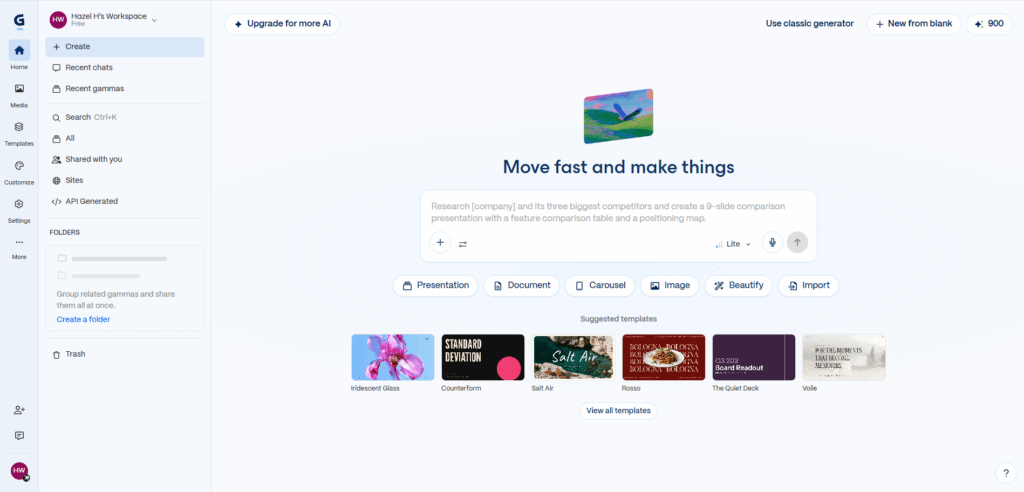
Gamma would be on my shortlist for a product update that readers can explore at their own pace.
A developer’s release notes rarely need the formality of a board presentation. They need clear sections, screenshots, and a quick explanation of what changed. Gamma’s card-based format suits that kind of communication.
What I would watch is the compression. A concise summary is useful until it removes the migration requirement, compatibility caveat, or other detail that actually affects the reader.
The delivery method would influence my decision. For a browser link, Gamma is a natural candidate. For a PowerPoint file that a client intends to revise extensively, I would leave time for export review. Community accounts describe occasional font, spacing, and complex-element cleanup.
Its free plan includes PPTX export, which makes it accessible for a short presentation without committing to a subscription.
Canva
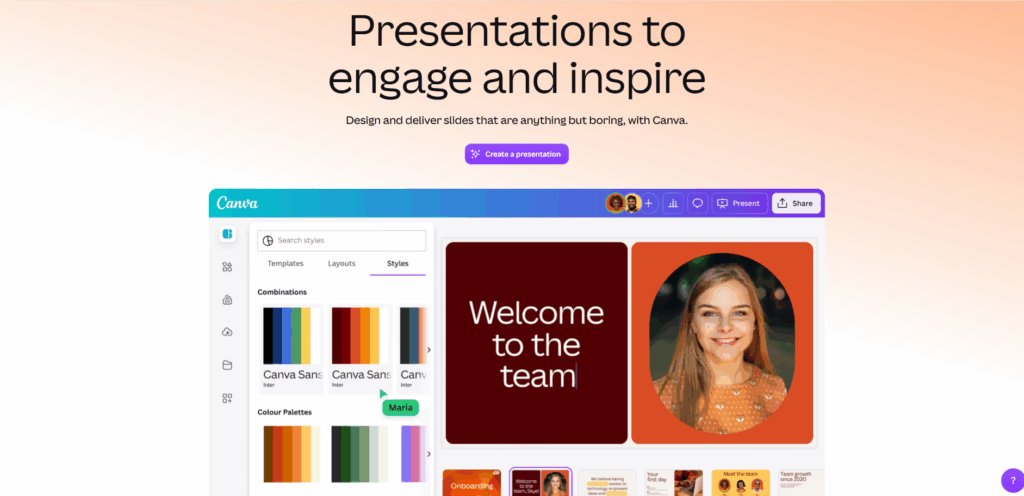
I would choose Canva when I expected to spend meaningful time shaping the presentation after generation.
For a nonprofit’s annual thank-you event, the important material might include photographs, impact figures, and one carefully told personal story. Templates can establish a consistent look, but they cannot decide which moment deserves a full slide.
That is where I find Canva’s proposition convincing: it provides a visual environment in which those choices can be made.
I would rewrite generic AI copy aggressively. “Creating lasting impact” says little until the next sentence explains what actually changed. I would also adjust the reading order so the audience notices the intended point first.
The generation is a starting layout, not an editorial finish. Premium assets and the exported PowerPoint version deserve a final check before delivery.
Beautiful.ai
Beautiful.ai appeals to the part of me that does not want to spend an afternoon aligning boxes.
For a recurring market briefing, consistent comparisons and summary pages are often more useful than a new visual concept every week. Smart Slide layouts address that repetitive design work.
The same system would make me pause if the presentation depended on a very particular diagram. Users who want precise positioning and unconventional spacing have described frustration with its constraints.
I would choose it when the available layouts match the content, rather than assuming I can bend every layout into whatever I imagine.
There is also a handoff distinction: exporting to PowerPoint does not transfer Beautiful.ai’s automatic layout behavior. A colleague editing the downloaded file is working with the exported objects, not the original design system.
SlidesAI
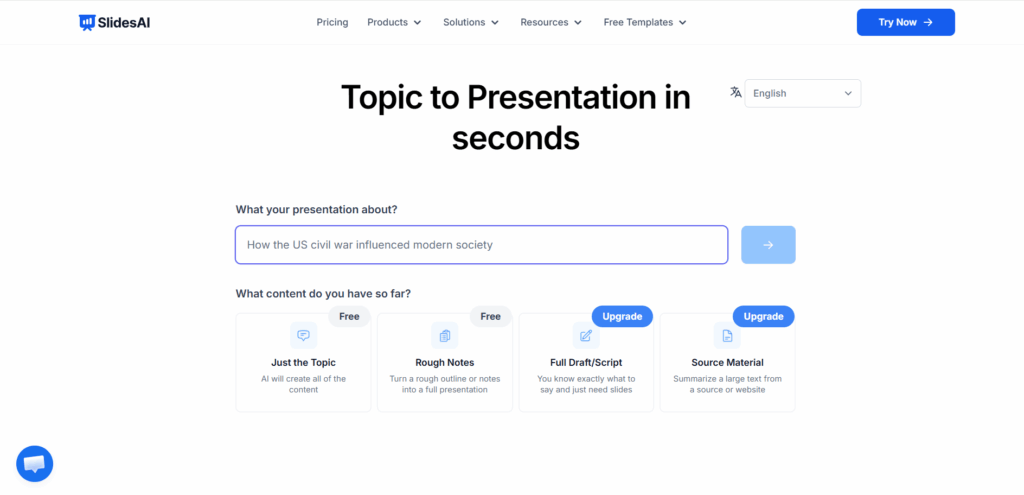
SlidesAI is a sensible candidate when the outline is already in good shape.
For a teacher preparing a lesson, I would start with the teaching sequence: what students need to understand, which example introduces it, and where a question or activity belongs. SlidesAI can then help move that prepared material into a slide structure.
Its integrations are part of the appeal. Staying close to Google Slides or PowerPoint reduces the disruption of trying another tool.
I would keep expectations around visual variety modest. Some users want more distinct layouts and an easier way to change the whole presentation’s style. Features may also differ between the web app and extensions.
My preferred use would be getting a coherent draft from an existing script, followed by a teaching-focused edit. Feeding in an entire chapter without priorities asks the tool to make too many instructional decisions.
NoteGPT
I see NoteGPT’s clearest value earlier in the process.
If I were preparing a discussion of an English-language podcast, I would first need to understand the argument, identify useful examples, and perhaps produce a bilingual summary. Those tasks matter before choosing a slide theme.
Community feedback is stronger around NoteGPT’s summaries, batch video-to-notes workflows, and interface than around finished PowerPoint quality. That is useful evidence, but it supports a narrower recommendation.
NoteGPT does offer presentation generation. I would not dismiss that capability simply because independent slide reviews are scarce. I would, however, evaluate the resulting slides separately from the quality of its notes.
For this list, its appeal is the connection between learning material and presentation preparation. I would be cautious about presenting it as a proven design standout.
Presentations.AI
With Presentations.AI, I would draw a firm distinction between creating a fresh deck and making surgical changes to an old one.
A startup responding to investor feedback may need a stronger market argument and a revised financial explanation. Generating alternatives could be helpful. Preserving everything else exactly as it stands is a more demanding editing task.
Community complaints have touched on that gap between getting close and finishing efficiently. They do not prove that the current product always mishandles templates, notes, or charts, so I would avoid making those blanket claims.
My decision would depend on the assignment. For a new business presentation, I would consider it. For two tightly controlled revisions inside an established pitch deck, I would evaluate those exact edits before committing the project.
Manus
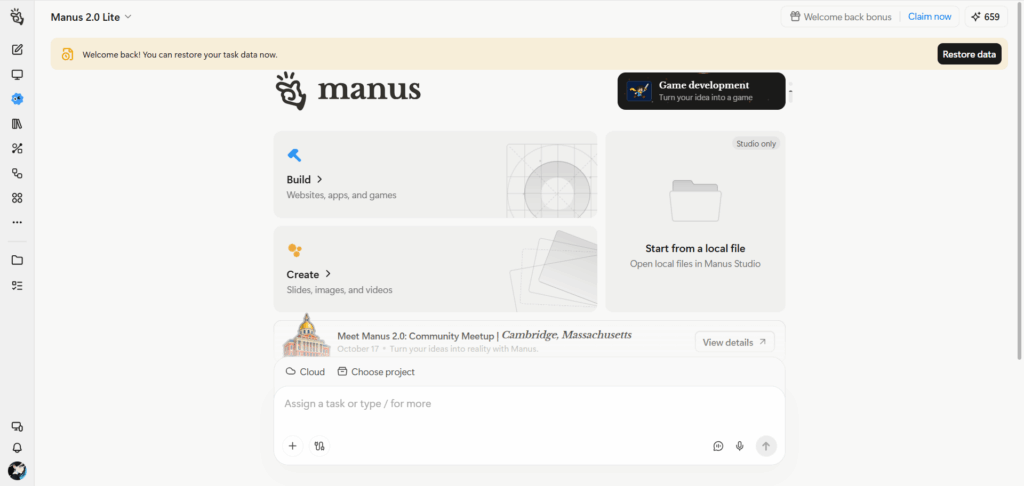
Manus interests me most when the presentation begins with unanswered questions.
A donor briefing on food security, for example, requires more than arranging supplied text. Someone has to find relevant reports, distinguish regional trends, and decide which findings support the briefing’s purpose.
Detailed early user accounts describe strong reactions to Manus’s ability to research and organize a substantial draft from a short request. They also identify a familiar weakness: useful research did not always become explicit references on the finished slides.
I would specify source requirements at the outset and review the main claims against the original reports.
Manus has introduced native PowerPoint generation since those early experiences. I would therefore treat older export problems as historical feedback, while still reserving time to inspect the current file.
Which AI Presentation Tool Should You Choose?
For Creating Slides Directly in PowerPoint
I would start with Plus AI or SlidesAI. The benefit is continuity through drafting and revision. Compare the specific actions you perform repeatedly, especially rewriting existing slides and adding material without rebuilding the deck.
For Turning Documents and Notes into Presentations
TutorGPT, AI PPT Maker, and NoteGPT offer relevant starting points. I would consider Manus when further research is part of the job. For all four, a clear brief helps prevent a long source document from dictating an equally long presentation.
For Greater Control over Slide Design
My shortlist would be Canva for manual refinement and Beautiful.ai for automated consistency. If the organization mandates an exact PowerPoint template, I would investigate that requirement separately from general branding features.
For Creating Presentations on a Free Plan
Gamma provides a clear free PPTX route. AI PPT Maker’s Classic workflow and SlidesAI offer alternatives with different restrictions. I would check the final download conditions before spending time polishing a deck inside any free AI presentation maker.
How to Create a PowerPoint Presentation with AI
Prepare Your Source Material and Presentation Brief
I would give the tool both the evidence and an explicit purpose.
Create five slides for a ten-minute research briefing. Use the supplied material for factual claims. Explain the main finding, show the supporting evidence, retain important limitations, and finish with the decision required. Flag missing information rather than inventing it.
That is a more useful assignment than “make a professional presentation.”
Generate and Refine the Outline
Before looking at the design, I would read the slide titles in order.
They should explain the argument without requiring the audience to guess how the sections connect. Move evidence next to the claim it supports. Remove repeated background. Fixing the story here prevents unnecessary design work later.
Create the Slides and Check the Content
My content review would focus on changed numbers, missing qualifications, and recommendations that have become statements of fact.
Then I would examine the visuals. Does the image explain anything? Is the chart necessary? Can the audience identify the main point quickly? A crowded slide often needs a clearer decision about what to leave out.
Export to PowerPoint and Review the Final Deck
I would open the actual deliverable and make a few representative edits: change a sentence, move a shape, and inspect an important chart.
Then I would run Slide Show view on the intended device. Cropping, font substitution, and awkward wrapping are easier to fix before the file reaches a client or colleague.
Frequently Asked Questions
Can AI Create an Editable PowerPoint Presentation?
Yes. Several tools generate editable PowerPoint files, although individual objects can behave differently. Editable text does not necessarily mean an accompanying illustration or chart can be modified in the same way.
What Is the Best Free AI PowerPoint Generator?
Gamma is a practical starting point for a short deck because its free plan includes PPTX export. I would compare its limits with SlidesAI and AI PPT Maker if the input requirements or watermark conditions matter more.
Can AI Use an Existing PowerPoint Template?
Some products support templates or custom slide masters. I would look for that exact capability. A brand kit that applies colors and a logo does not necessarily preserve the layouts and placeholders in an established template.
Will AI-Generated Slides Keep Their Formatting in PowerPoint?
They may need adjustments. The export method, fonts, and complexity of the slide all matter. I would review the PowerPoint file itself rather than use the browser preview as evidence that the handoff is complete.
Conclusion
My choice would come down to the work left after generation. An impressive first draft matters, but so do clear arguments, manageable revisions, and a file the next person can use.
For a presentation that starts with research or notes, TutorGPT AI Slides offers a flexible place to shape the draft. Choose a Skill that fits the task, define the audience, and refine the outline before spending time on visual polish. The goal is a presentation you can explain and revise with confidence.