
Jordan Mitchell
Product Marketing Manager
“I needed a quick feedback survey for a feature launch. TutorGPT’s AI Form Builder gave me the questions and fields in one go. I tweaked a few things, but skipped most of the setup.”
Create custom forms in seconds with AI. Build surveys, feedback forms, registrations, and more.
 Auto
AutoSee It in Action
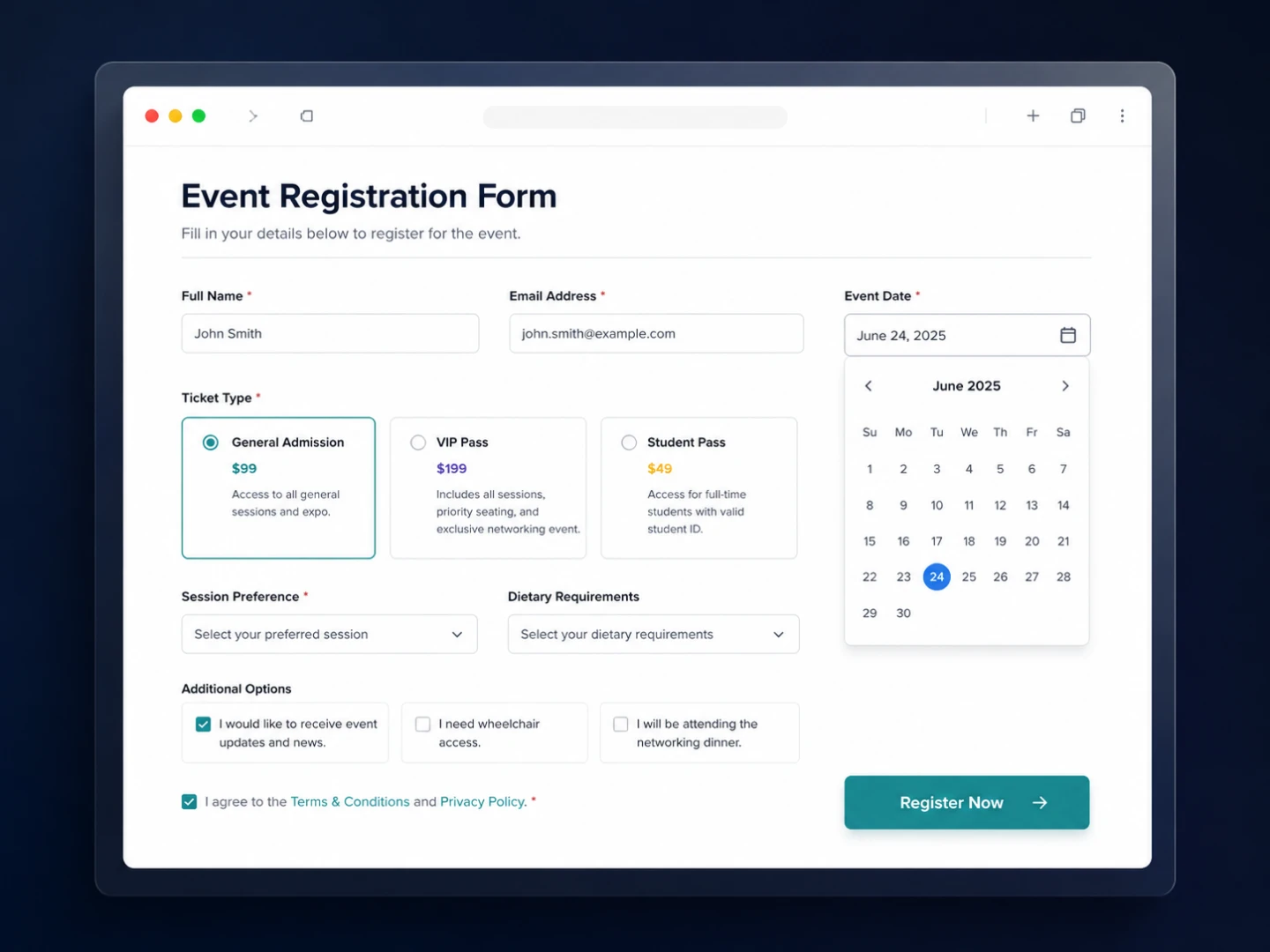
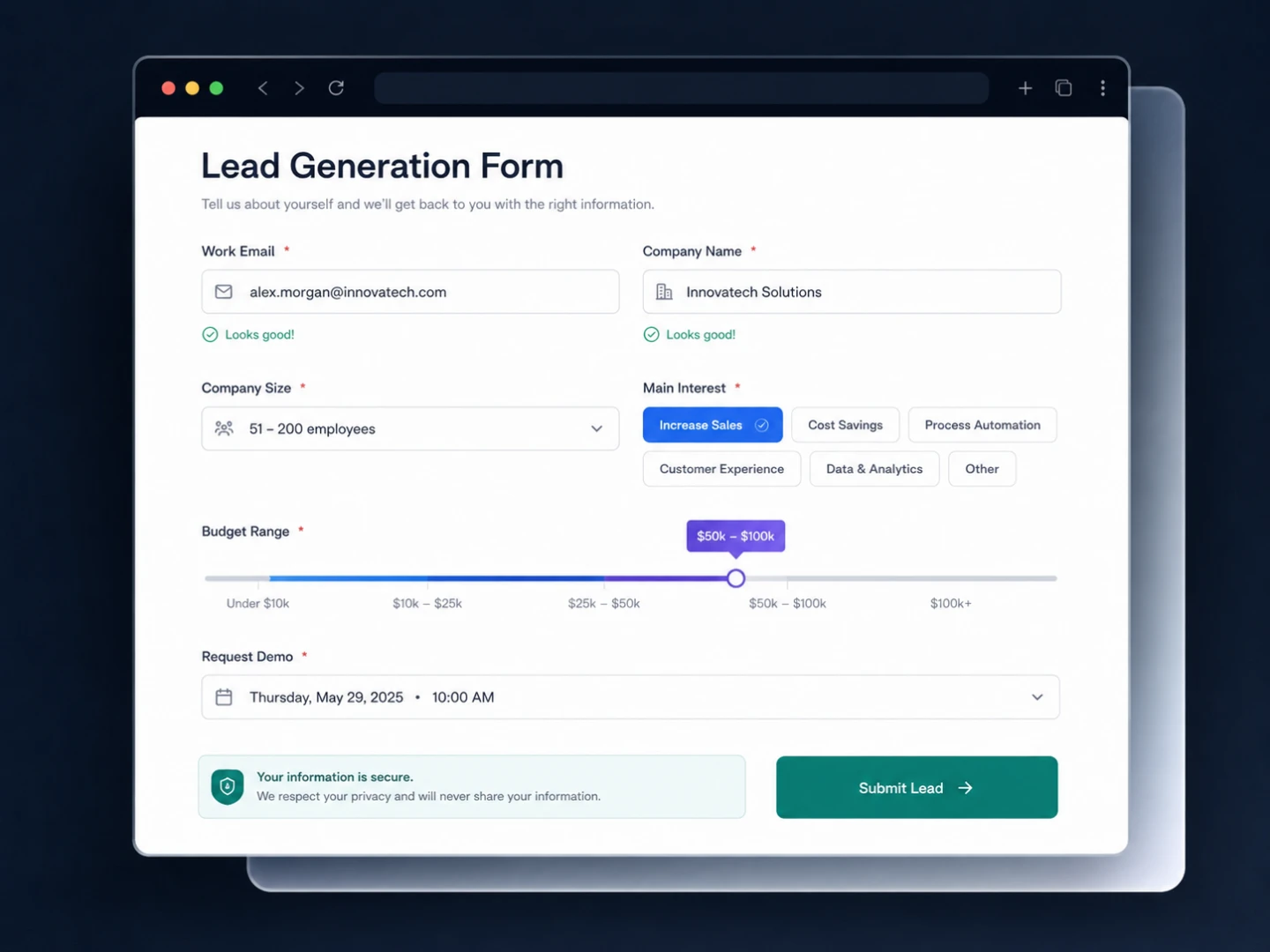
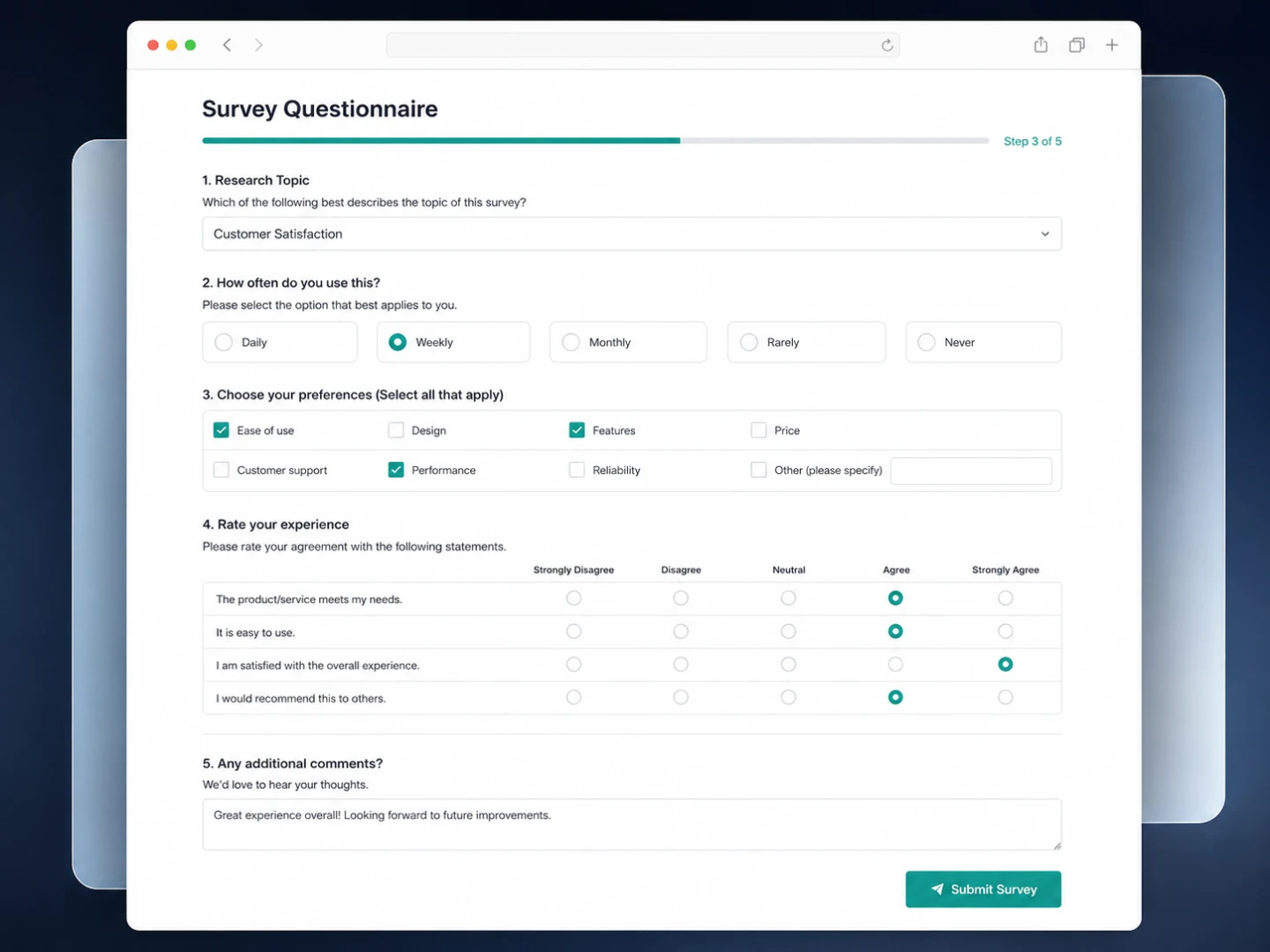
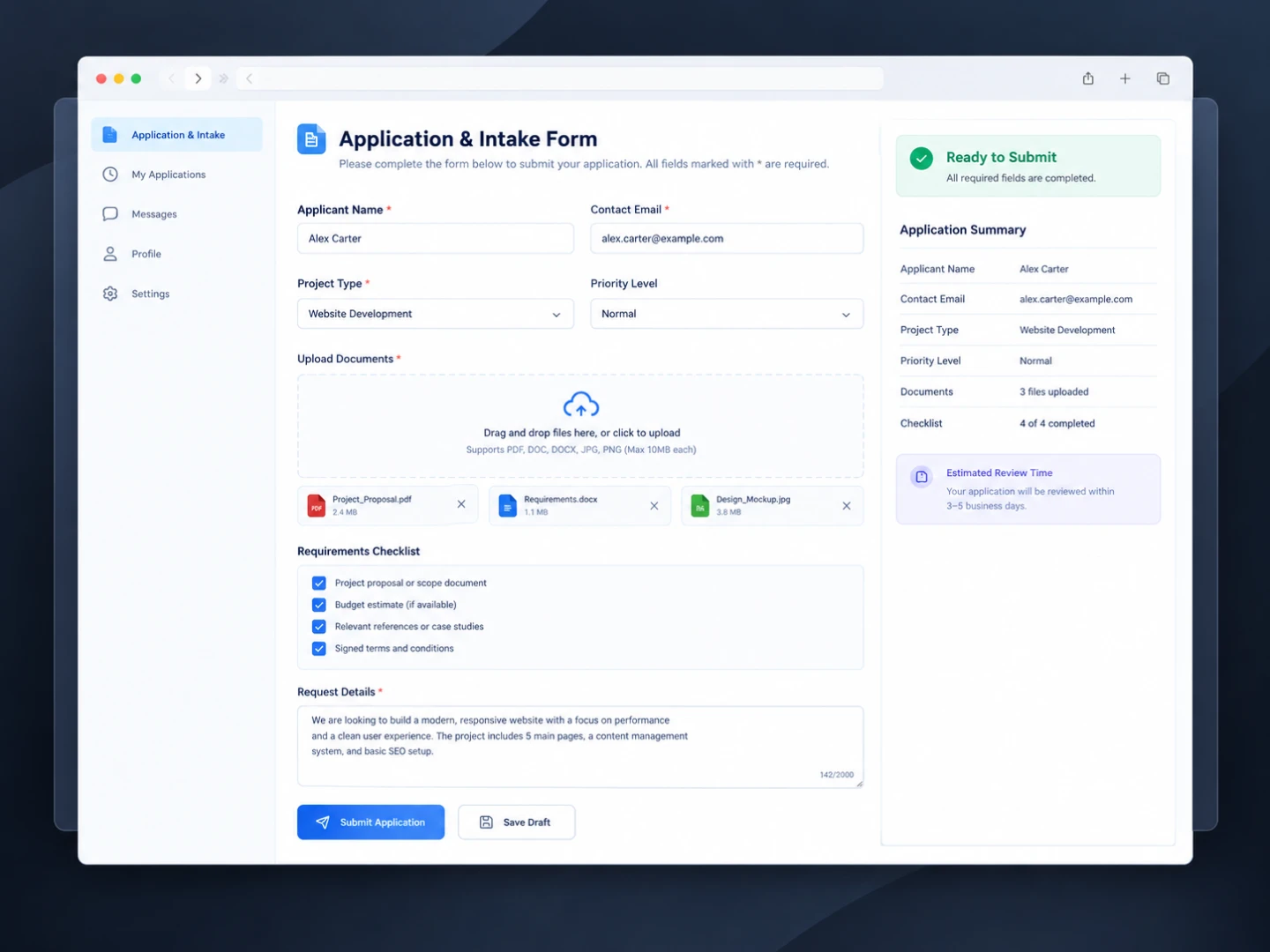
Explore shared AI Form Builder conversations. Tap any card to preview the result.
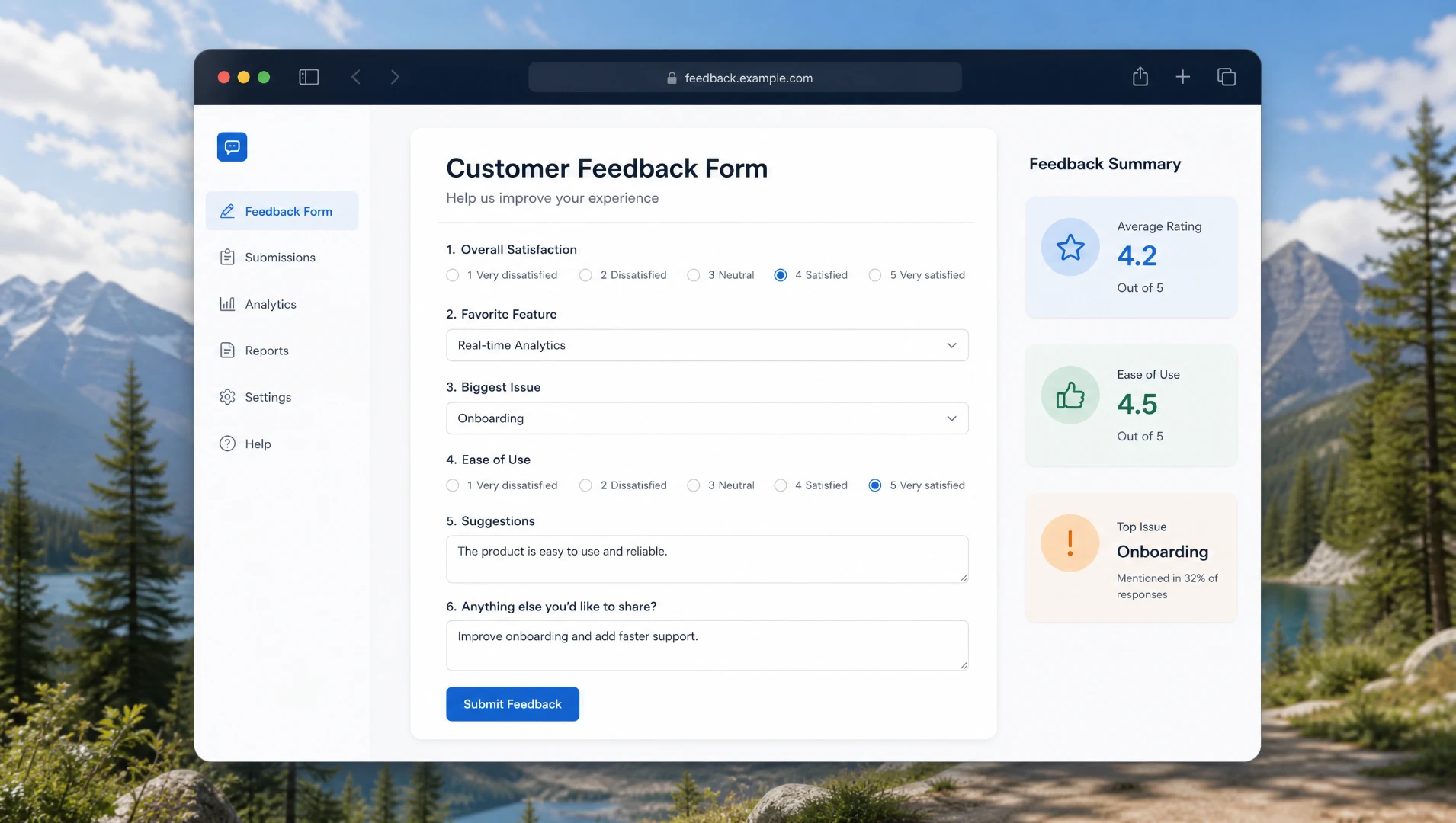

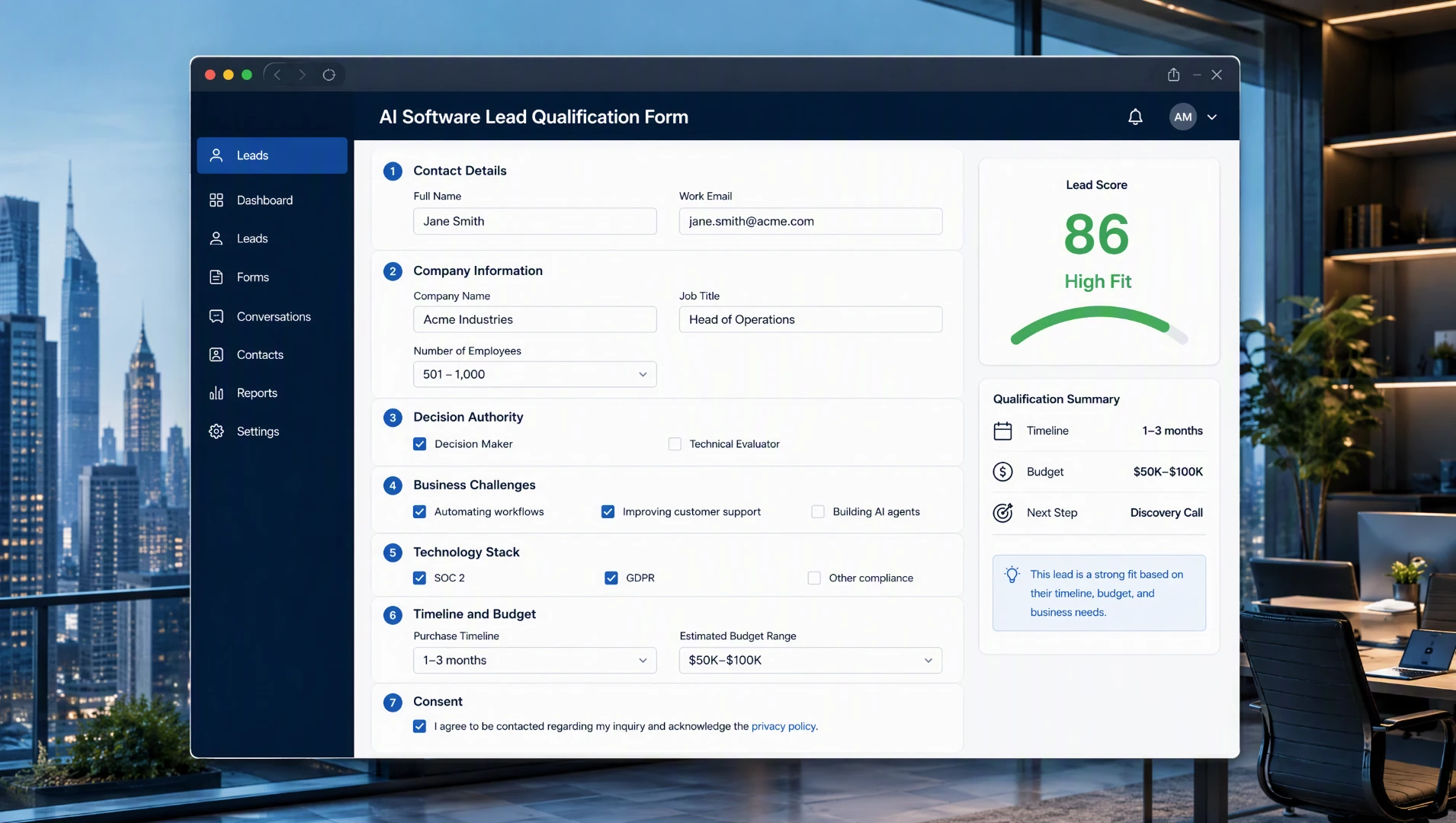


Create forms online for free with TutorGPT's AI Form Builder. Generate custom surveys, feedback forms, registration forms, and more in seconds.

Trusted Worldwide
Built on reliable AI technology for effective learning and homework support. Trusted by learners, educators, and professionals worldwide.





















AI handles the complexity behind form creation, from understanding intent to structuring every field.
TutorGPT analyzes your request to understand the purpose, audience, and information you need.
AI organizes questions, fields, and answer types into a clear, logical form structure.
The generated form reflects your context, making it easier to review, refine, and use.

A useful form starts with the right questions. AI Form Builder creates relevant questions, answer options, and input fields based on what you want to learn or collect.
Create surveys, registration forms, applications, or feedback forms with fields suited to each purpose. The AI form generator adapts the form to the information you need.
Use the Market Research Tool to understand your audience, or the AI Excel Data Analyzer to review existing data before refining your form.
These highlights help our AI Form Builder stand out:
Describe your audience, goal, and information to collect. AI Form Builder turns that context into questions, fields, and answer types instead of a blank canvas.
You don't need to decide every field upfront. TutorGPT organizes questions and input types around your request, giving you a complete form draft to review.
Your first draft is only the beginning. Adjust questions, remove unnecessary fields, or clarify details without rebuilding the form from scratch.
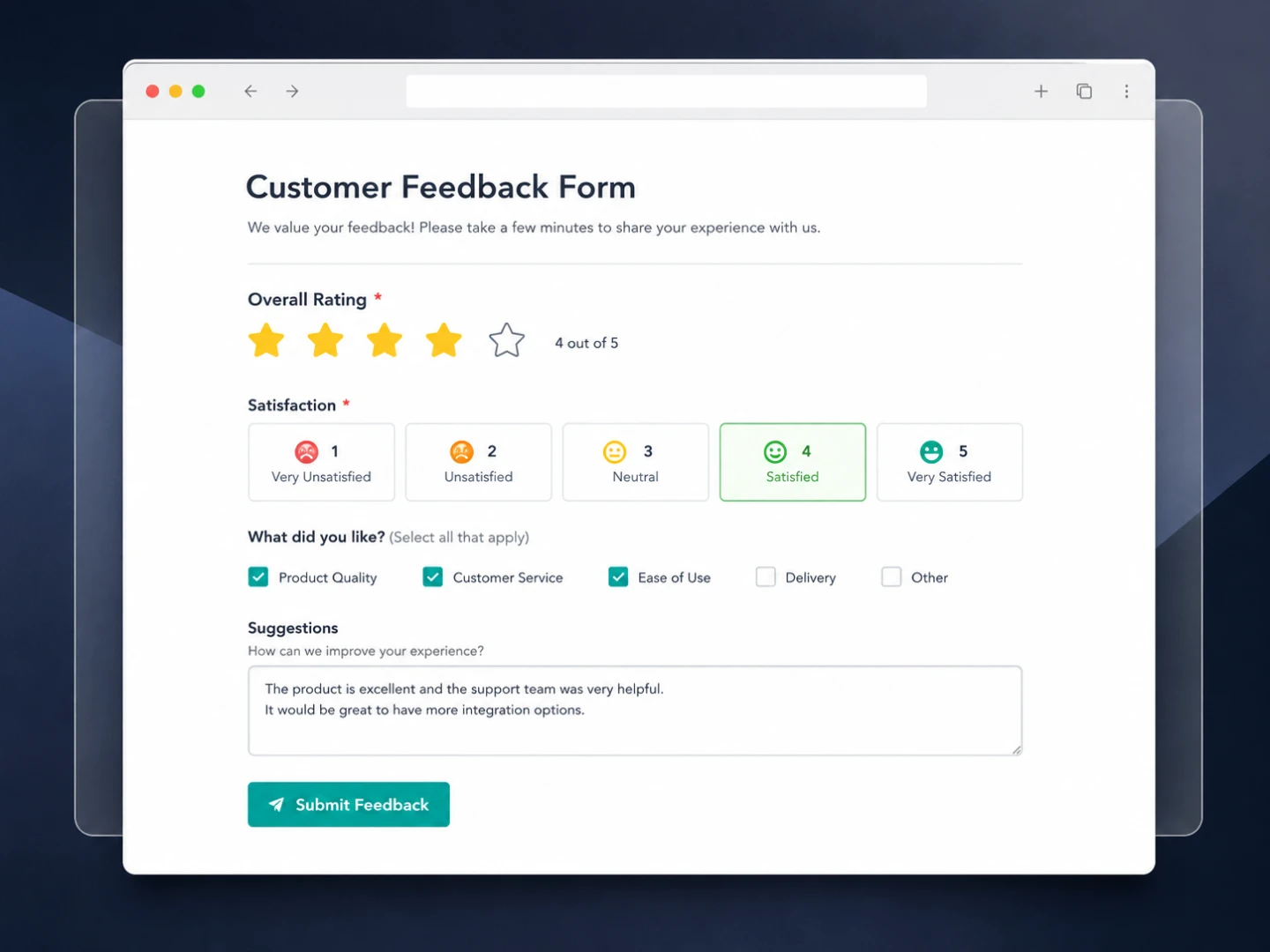
Collect customer opinions, satisfaction ratings, and product feedback with less manual setup. AI Form Builder helps you create focused forms that make it easier to understand what customers like and what needs improvement.
Here’s how to turn a simple idea into a ready-to-share form with TutorGPT.

Tell the AI Form Builder what your form is for and what information you need. You can describe the audience, purpose, or questions in your own words without figuring out every field first.

TutorGPT’s AI Agent processes your requirements and builds the form for you, organizing relevant questions, fields, and answer options into a clear structure based on what you described.

Take a quick look at the generated form, make any changes you need, and share it when it’s ready. Your survey, registration form, feedback form, or application can go from idea to live form in minutes.
Put your requirements into TutorGPT's AI Form Builder and get a structured, ready-to-use form without building every field yourself.
Jordan Mitchell
Product Marketing Manager
“I needed a quick feedback survey for a feature launch. TutorGPT’s AI Form Builder gave me the questions and fields in one go. I tweaked a few things, but skipped most of the setup.”

Chloe Bennett
Freelance UX Designer
“Client intake forms usually take longer than they should. I gave TutorGPT’s AI Form Builder the project details, and it built a solid first draft. I just cleaned up a few fields.”

Lucas Grant
Workshop Instructor
“I had a workshop coming up and needed a registration form fast. I described what I needed to TutorGPT, and AI Form Builder handled the basic questions for me. Much less fiddling around.”

Megan Carter
Customer Success Specialist
“Honestly, I hate starting forms from scratch. TutorGPT’s AI Form Builder gave me a proper structure from a rough description. I changed the wording, removed two questions, and called it done.”

Andrew Wilson
Community Program Coordinator
“We had a messy list of application questions. I pasted the requirements into TutorGPT and got a structured form back. AI Form Builder saved me from sorting every field manually.”

Sophia Reynolds
Research Analyst
“I’m picky about survey questions, so I still review everything. But TutorGPT’s AI Form Builder gets the first draft out quickly, with relevant fields already organized. That’s the useful part.”