

























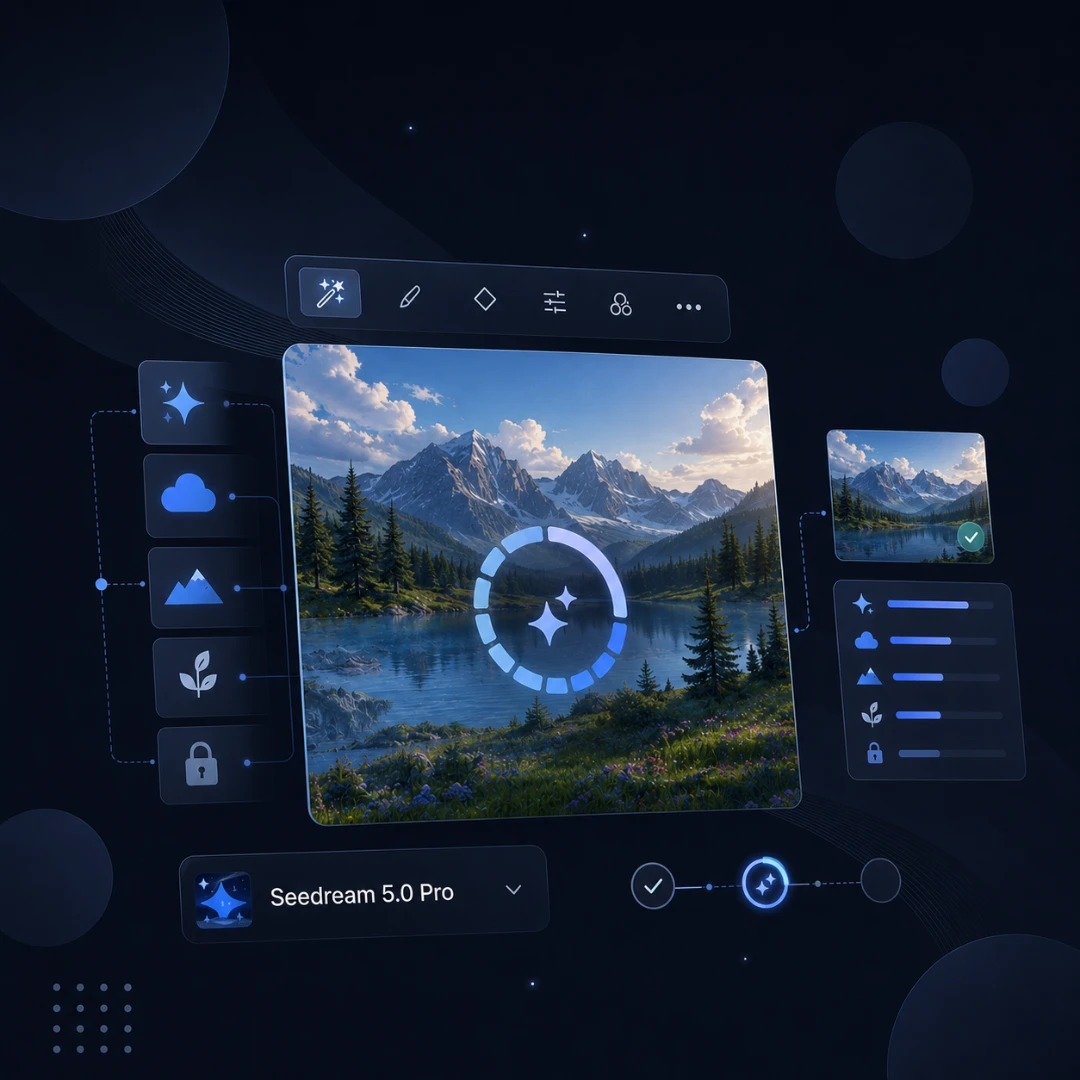
Create Pro-Level Visuals with Seedream 5.0 Pro

Generate, edit, and enhance stunning images with Seedream 5.0 Pro on TutorGPT.

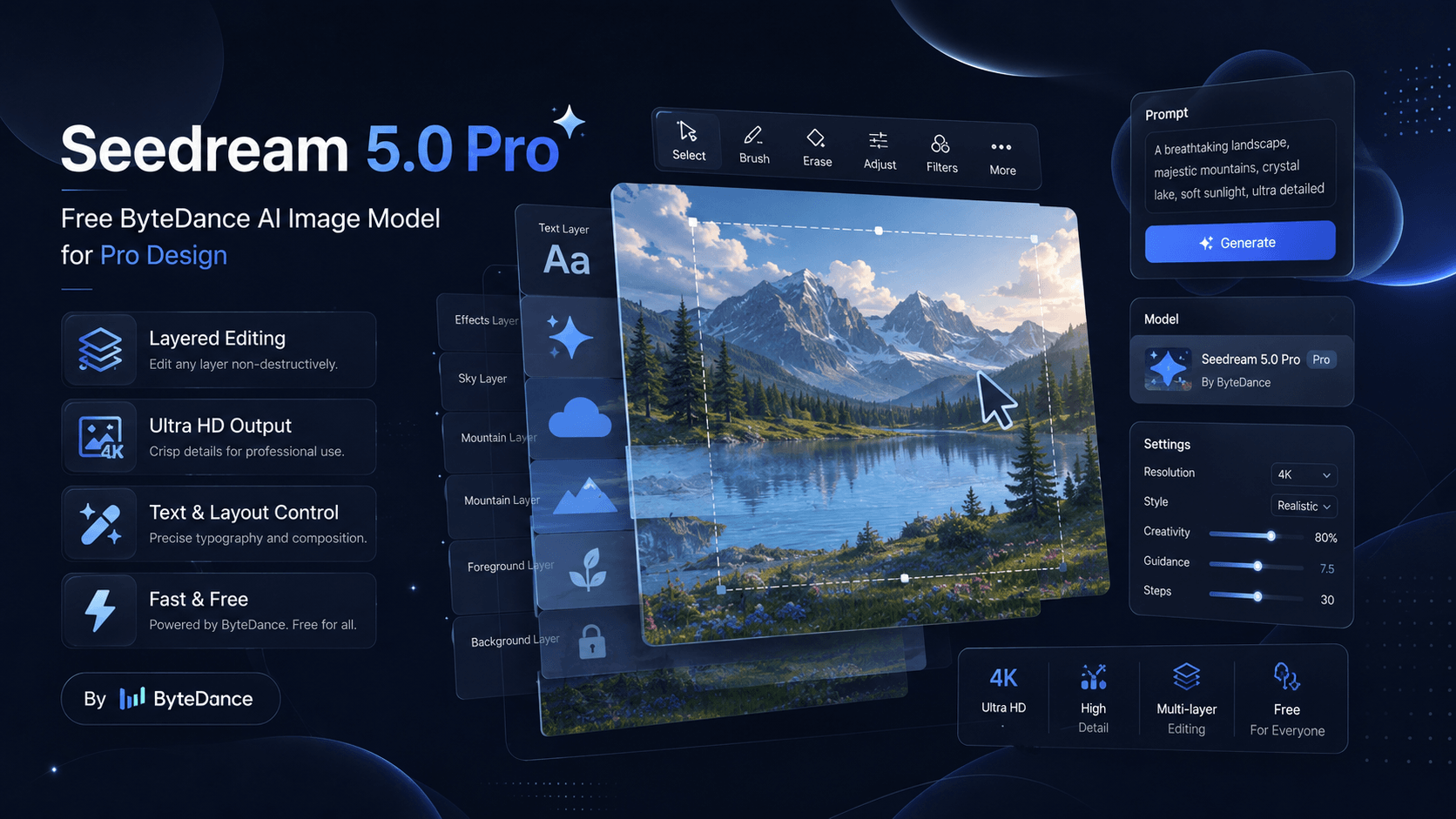
Seedream 5.0 Pro - Free ByteDance AI Image Model for Pro Design

Create stunning visuals with Seedream 5.0 Pro on TutorGPT. Try ByteDance AI image model with smart design, editing, and high-quality image creation.

Seedream 5.0 Pro - Free ByteDance AI Image Model for Pro Design

Trusted Worldwide

Built on reliable AI technology for effective learning and homework support. Trusted by learners, educators, and professionals worldwide.

Dublin
Atlanta
Klien
Davis
Capistirano
Everrette
Buffalo
Denver--public-school
Appleton
Greenville
HCS
Seattle-Public-Schools
Northside
Irvine
Norfolk
PCS
TheSteppingStonesGroup_black
Napperville
Logo24
YouTube
Princeton
Dublin
Atlanta
Klien
Davis
Capistirano
Everrette
Buffalo
Denver--public-school
Appleton
Greenville
HCS
Seattle-Public-Schools
Northside
Irvine
Norfolk
PCS
TheSteppingStonesGroup_black
Napperville
Logo24
YouTube
Princeton
Dublin
Atlanta
Klien
Davis
Capistirano
Everrette
Buffalo
Denver--public-school
Appleton
Greenville
HCS
Seattle-Public-Schools
Northside
Irvine
Norfolk
PCS
TheSteppingStonesGroup_black
Napperville
Logo24
YouTube
Princeton

What is Seedream 5.0 Pro?

Seedream 5.0 Pro is a multimodal image generation model from ByteDance for professionals who need text-rich infographics, photorealistic visuals, and multilingual content. It turns prompts into detailed graphics with precise editing control. Try this ByteDance AI Image Model on TutorGPT now.

What is Seedream 5.0 Pro?

Spending Too Much Time Fixing AI-Generated Images?

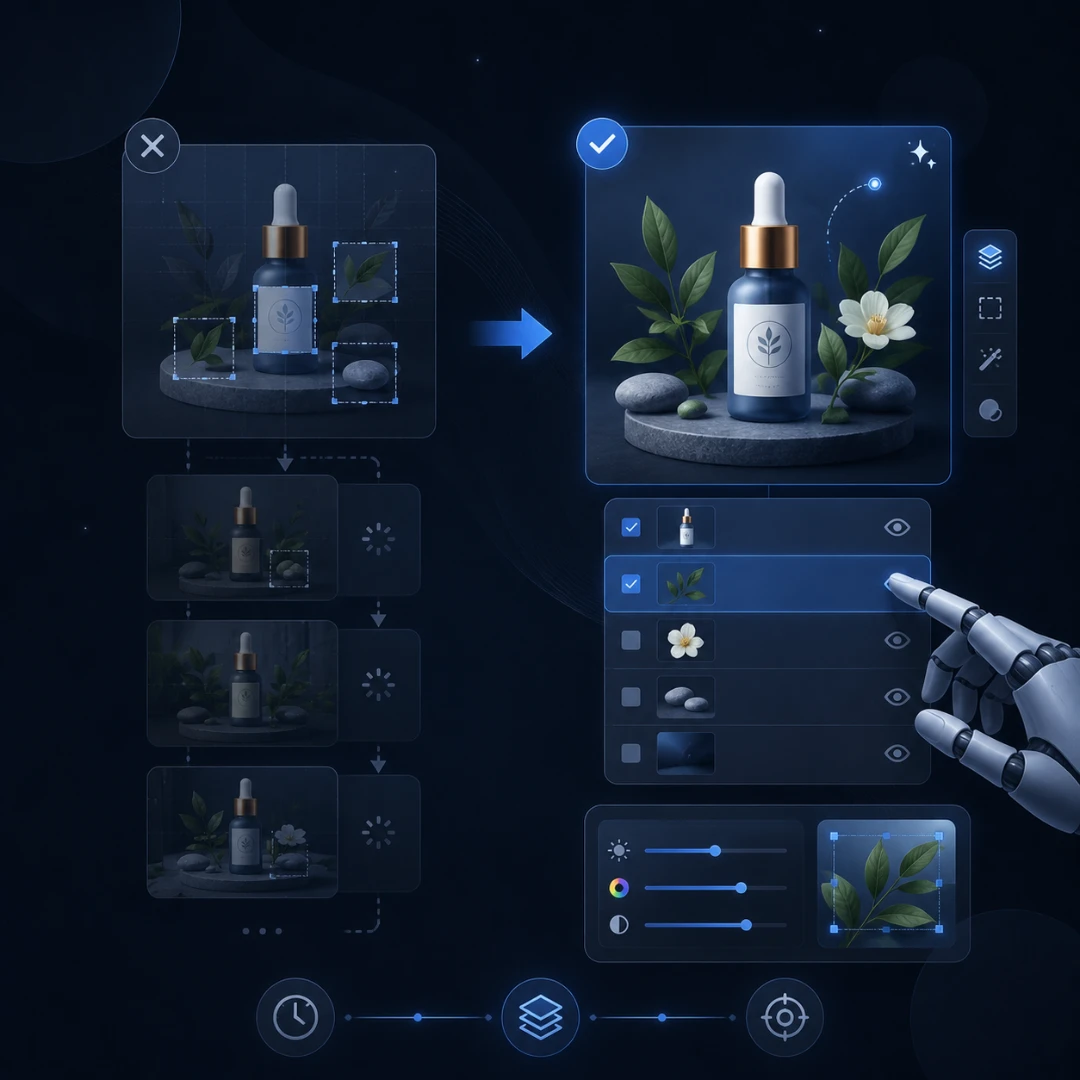
Creating an AI image is easy, but getting the exact result you need is often difficult. When a product label, background, text layout, or small detail needs to be changed, many AI image tools force you to regenerate the entire image, causing wasted time and inconsistent results. Seedream 5.0 Pro solves this problem with advanced AI image editing, multi-layer control, and precise element adjustments. You can modify specific parts of an image, refine designs, and create professional visuals without starting over.

Spending Too Much Time Fixing AI-Generated Images?

What Makes Seedream 5.0 Pro Stand Out?

Seedream 5.0 Pro combines smart reasoning, precise editing, and studio-grade realism in one place.

Text-Rich Infographics Without the Chaos

Build charts and posters with accurate text. This AI Design Tool handles complex layouts for education and business.

Sketch-and-Annotate Editing That Actually Listens

Mark up your image with boxes and notes. This AI Image Editor follows your guidance precisely, every single time.

Photorealistic Output With Natural Light and Skin

Recreate authentic lighting, shadows, and skin textures. AI Image Creation reaches a level rivaling professional photography.

Simplify Your Life with Seedream 5.0 Pro

Content Creators

Content Creators

Content Creators can use this model to produce scroll-stopping graphics and storyboards, so they spend less time formatting and more on storytelling.

How to Use Seedream 5.0 Pro in 3 Simple Steps

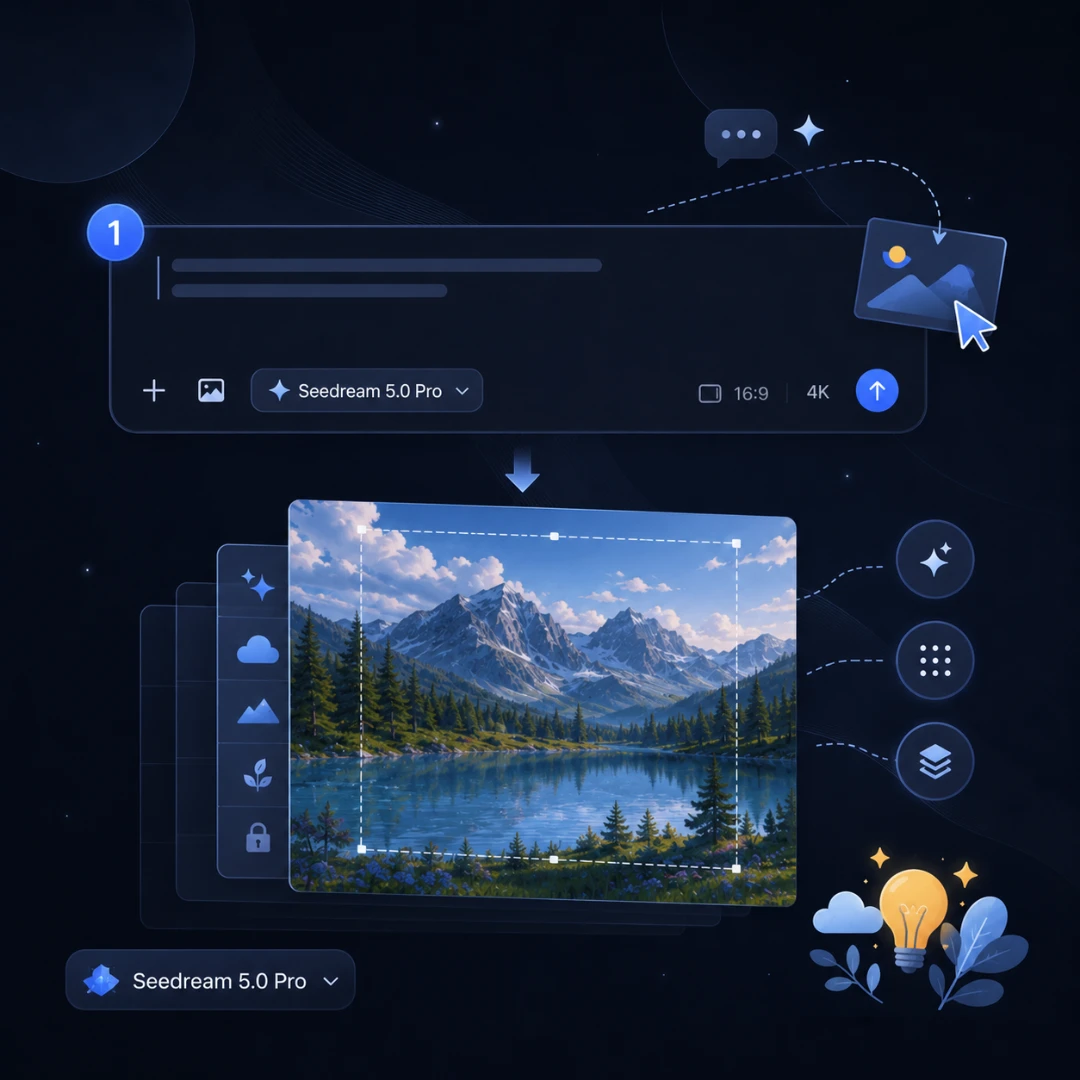
Step 1: Describe Your Vision

Step 1: Describe Your Vision

Type a prompt or upload a reference image with annotations to guide the output.

Step 2: Let the Model Work

Step 2: Let the Model Work

The AI processes your input and renders a detailed visual in seconds.

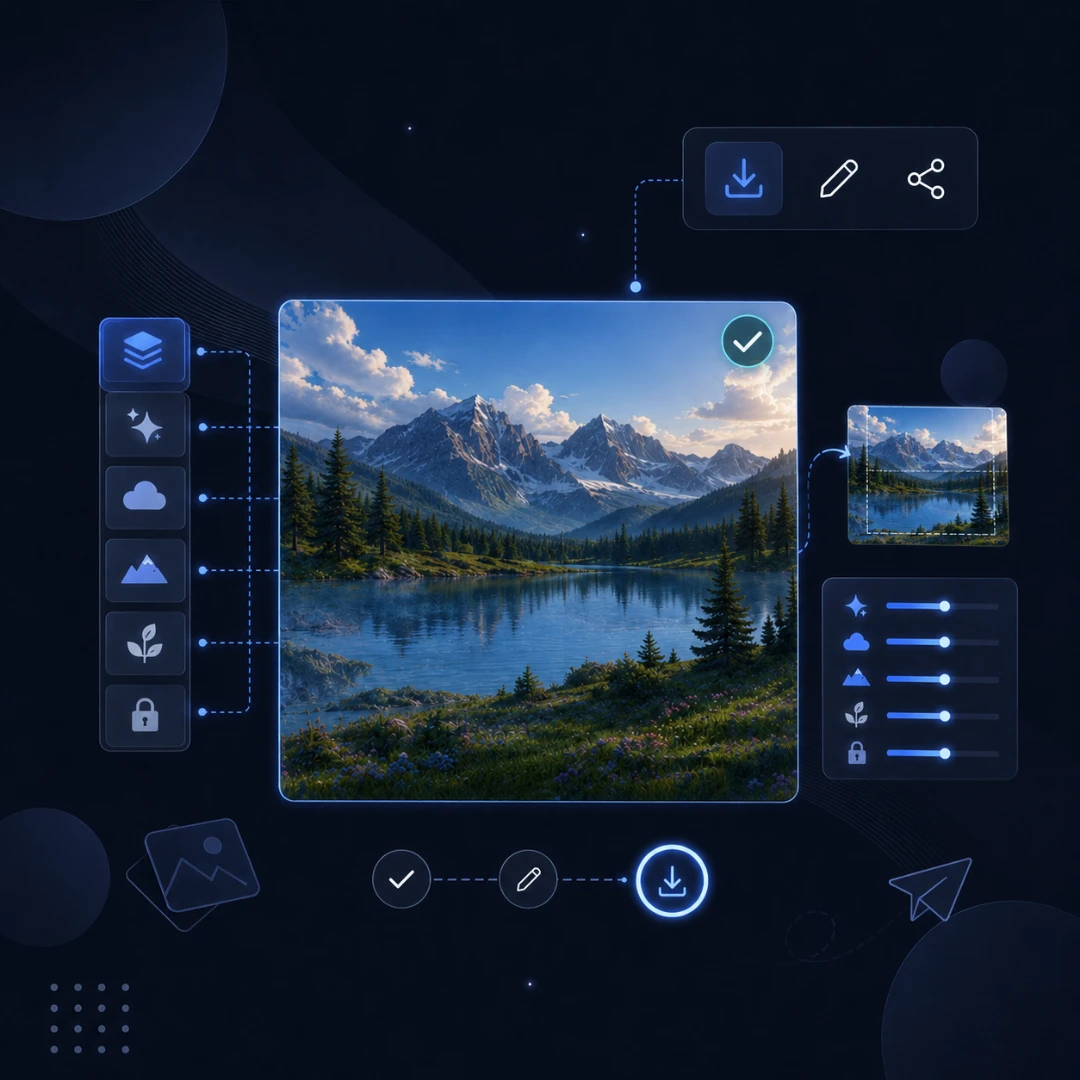
Step 3: Download and Refine

Step 3: Download and Refine

Save your picture, make further edits with annotations, or share it directly.

Start Creating With Seedream 5.0 Pro Today

Turn any idea into a polished visual in minutes. Seedream 5.0 Pro runs right in your browser. Sign up free on TutorGPT and start your first project.

What Users Say About Seedream 5.0 Pro

Emily R. avatar

Emily R.

Digital Marketer

Seedream 5.0 Pro helps me create high-quality visuals much faster. The ByteDance AI Image Model delivers impressive AI image creation results with detailed designs, realistic styles, and creative ideas. I use it for social media graphics and marketing materials, and it saves me a lot of time.
David M. avatar

David M.

Graphic Designer

I've tried many AI design tools, but Seedream 5.0 Pro stands out because it is easy to use and produces professional-looking images. This AI Image Editor helps me improve my designs, edit images quickly, and turn simple concepts into polished visuals without complicated steps.
Sophia L. avatar

Sophia L.

Content Creator

Seedream 5.0 Pro is a great choice for anyone who needs AI image creation for daily projects. As a content creator, I use this ByteDance AI Image Model to generate unique illustrations, blog images, and creative assets. The quality and speed are both excellent.
Kevin T. avatar

Kevin T.

E-commerce Manager

Creating product images used to take me hours, but Seedream 5.0 Pro makes the process much easier. This AI Design Tool helps me generate attractive visuals, test different styles, and create professional images for online stores and campaigns.
Mia W. avatar

Mia W.

UI Designer

Seedream 5.0 Pro gives me more freedom when working on creative projects. The AI Image Model understands my ideas well and helps me create detailed images with better quality. It is a useful tool for designers who want to explore new visual concepts.
Alex P. avatar

Alex P.

Freelance Creator

I enjoy using Seedream 5.0 Pro because it makes AI image creation simple and accessible. The AI Image Editor is helpful for making quick changes, improving image details, and creating fresh designs. It has become part of my regular creative workflow.

Frequently Asked Questions About Seedream 5.0 Pro