






























Let AI Agent Make Your Slides

Turn ideas, notes & PDFs into structured, editable slides with Agent.

Agent
Creative
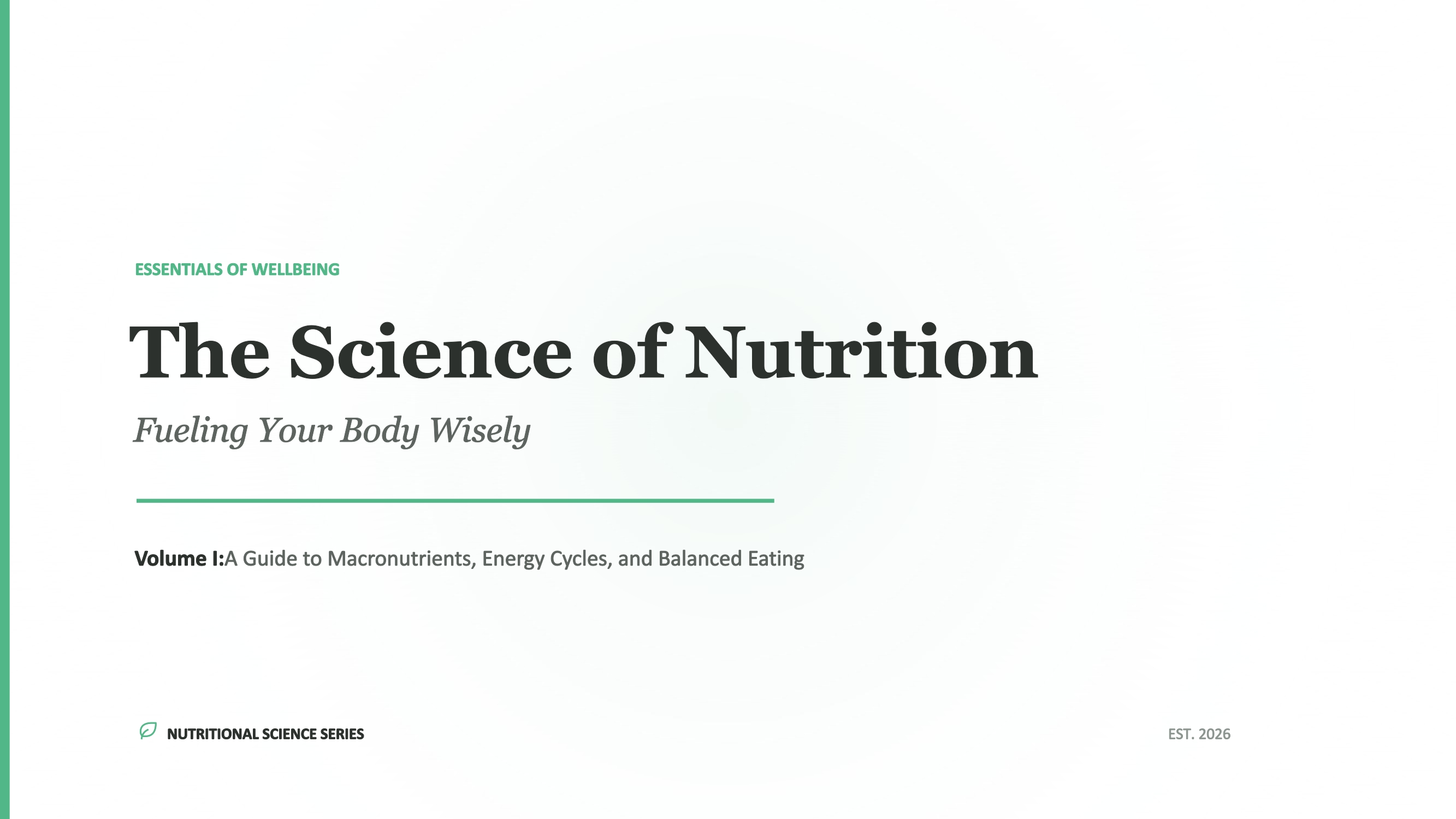
Healthy Eating: Nourishing Our Future
Exploring Our Cosmic Neighborhood: The Solar System
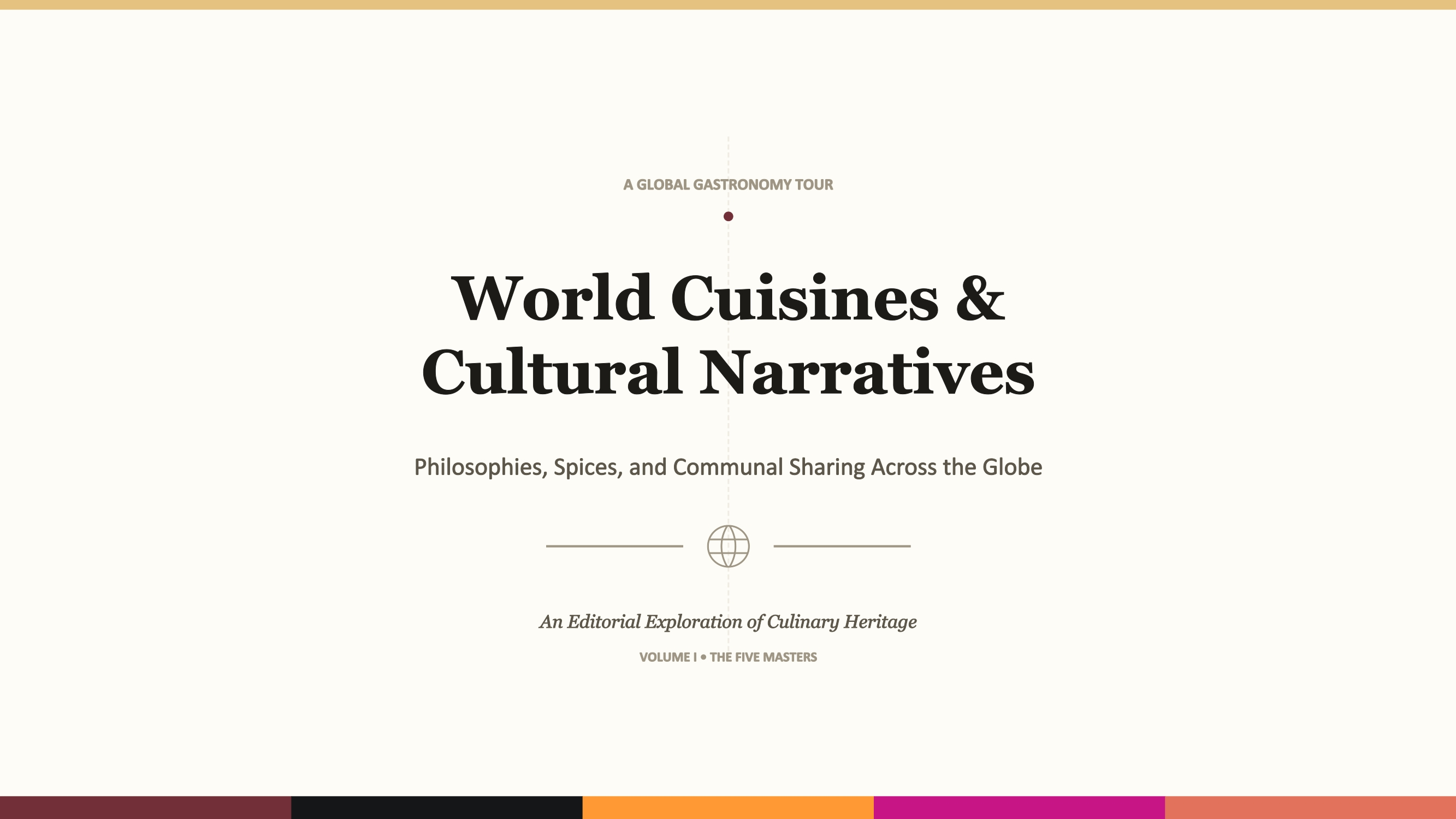
The Four Great Ancient Civilizations: Origins and Legacy
Time Management Guide for Middle School Students

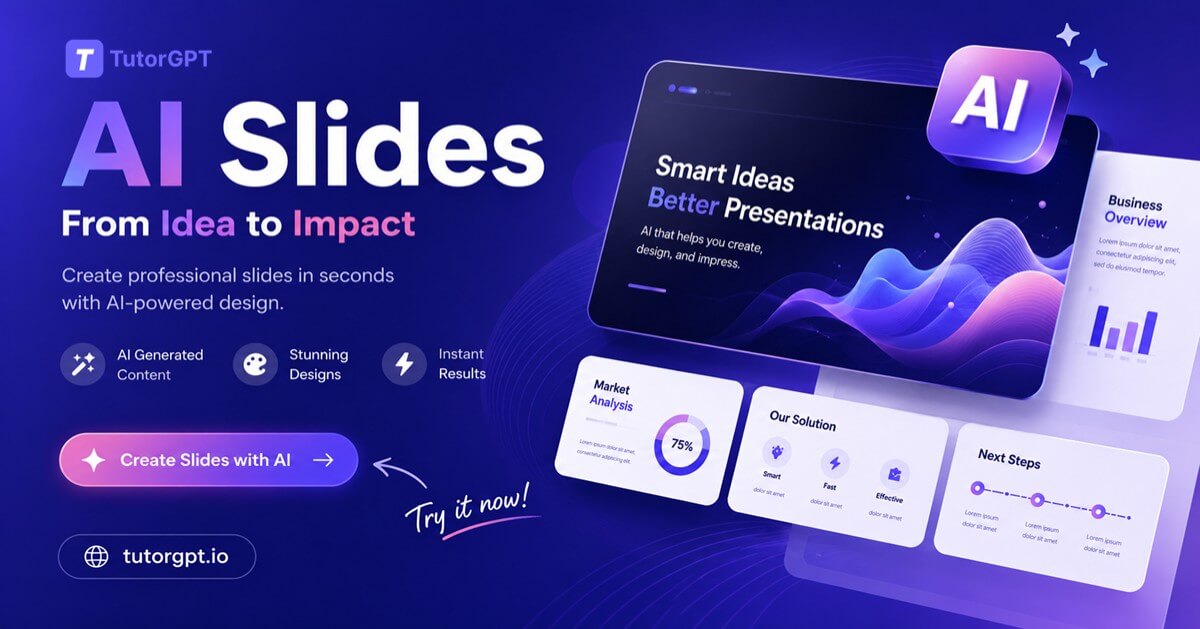
AI Slides - Create Editable Presentations from Text & PDFs

Create editable AI slides from text, PDFs & notes. TutorGPT turns content into structured presentations instantly — fast, flexible, no design skills needed.

AI Slides - Create Editable Presentations from Text & PDFs

Trusted Worldwide

Built on reliable AI technology for effective learning and homework support. Trusted by learners, educators, and professionals worldwide.

Dublin
Atlanta
Klien
Davis
Capistirano
Everrette
Buffalo
Denver--public-school
Appleton
Greenville
HCS
Seattle-Public-Schools
Northside
Irvine
Norfolk
PCS
TheSteppingStonesGroup_black
Napperville
Logo24
YouTube
Princeton
Dublin
Atlanta
Klien
Davis
Capistirano
Everrette
Buffalo
Denver--public-school
Appleton
Greenville
HCS
Seattle-Public-Schools
Northside
Irvine
Norfolk
PCS
TheSteppingStonesGroup_black
Napperville
Logo24
YouTube
Princeton
Dublin
Atlanta
Klien
Davis
Capistirano
Everrette
Buffalo
Denver--public-school
Appleton
Greenville
HCS
Seattle-Public-Schools
Northside
Irvine
Norfolk
PCS
TheSteppingStonesGroup_black
Napperville
Logo24
YouTube
Princeton

What is AI Slides?

AI Slides in TutorGPT is a tool that helps you turn text, PDFs, and notes into clean, editable presentations in seconds. It works as an AI presentation maker that structures your content into slides automatically, making it easy to create AI Slides from documents without design skills or manual formatting.

What is AI Slides?

Still Spending Hours on One Presentation?

Most people spend more time fixing layouts than sharing ideas. You drag boxes, adjust fonts, and rebuild slides over and over. With AI Slides in TutorGPT, simply paste your notes or upload a PDF to create a clean, editable presentation in seconds—no manual formatting required.

Still Spending Hours on One Presentation?

What Makes TutorGPT AI Slides Different

Two different ways to create slides — pick the one that fits how you work.

Agent Slides: Turn Any Content into an Editable Deck

Paste text, upload files, drop an article link, or even a YouTube URL. With AI Slides in TutorGPT, everything is turned into a clear, structured presentation you can download and edit directly in PowerPoint or Google Slides.

Creative Slides: Visually Designed Slides, Ready to Edit

Go beyond simple bullet points. Creative Slides uses GPT Image 2 and Nano Banana to turn ideas into visually rich presentations. Each slide is generated as a design, not just text. If something doesn't fit, just adjust the prompt for that page and regenerate it without touching the rest.

Adjust Any Single Slide Without Redoing the Whole Deck

Need to fix just one page? You can update the prompt for that slide and regenerate only that part. The rest of your presentation stays exactly the same, making editing faster and more flexible inside AI Slides.

Simplify Your Life with TutorGPT AI Slides

Students

Students

Turn your lecture notes or study materials into clear, structured AI Slides — perfect for exam prep or group presentations, without spending hours on late-night formatting.

How to Create AI Slides in 3 Simple Steps

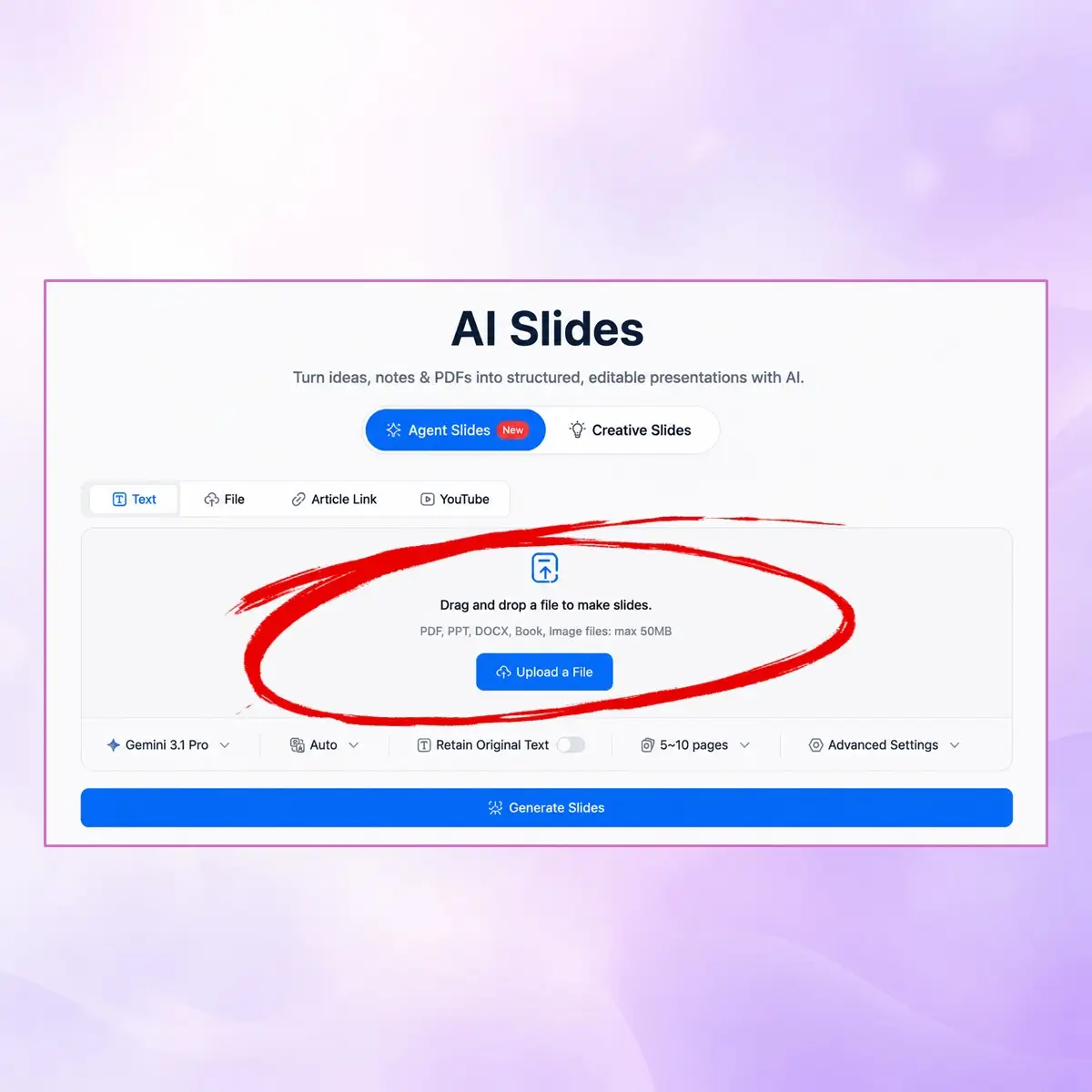
Step 1: Add Your Content

Step 1: Add Your Content

Paste your text or notes, upload a PDF, or drop in a file — whatever you already have.

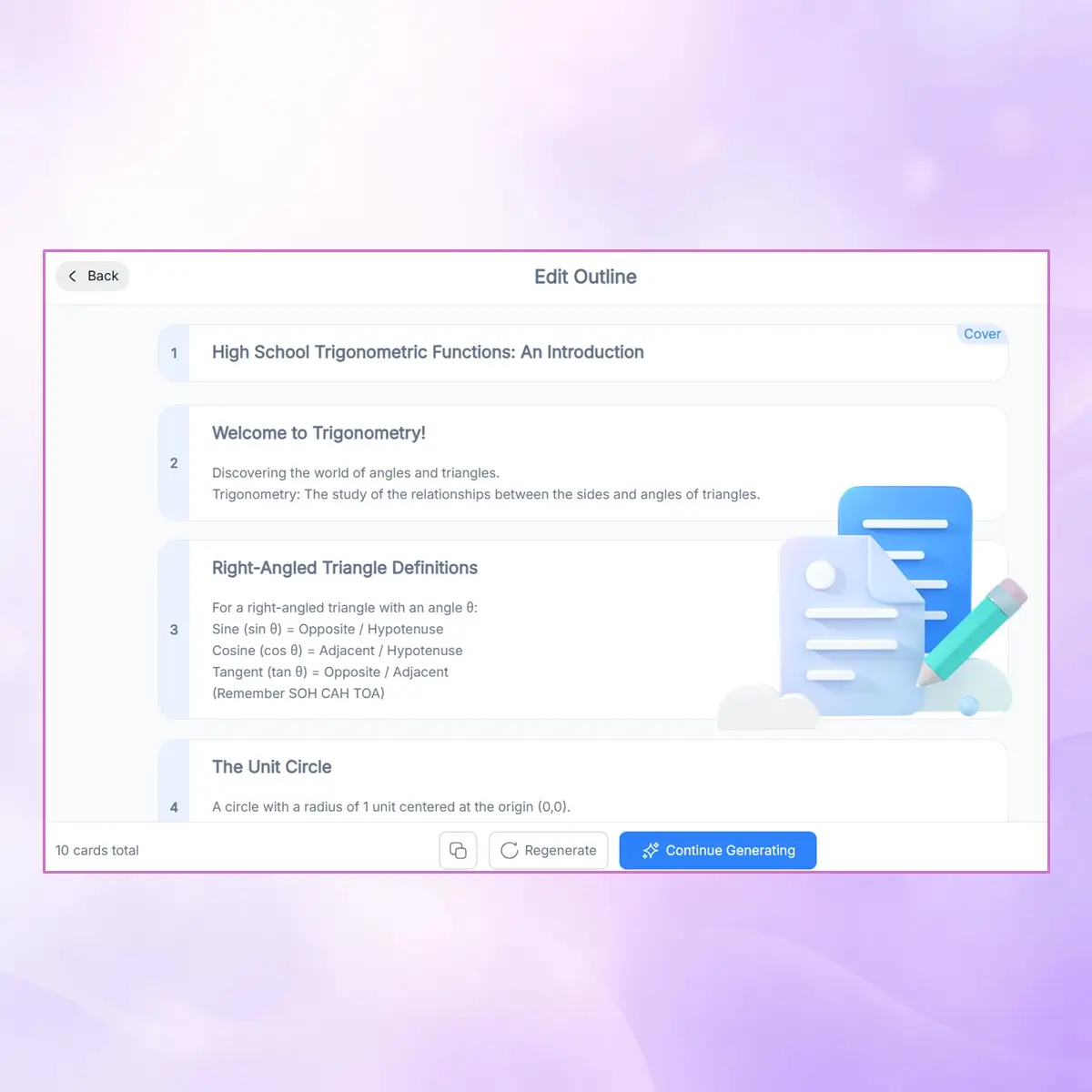
Step 2: Review and Adjust the Outline

Step 2: Review and Adjust the Outline

Before the slides are built, you’ll see an editable outline. Add, remove, or reorder sections until the structure feels right.

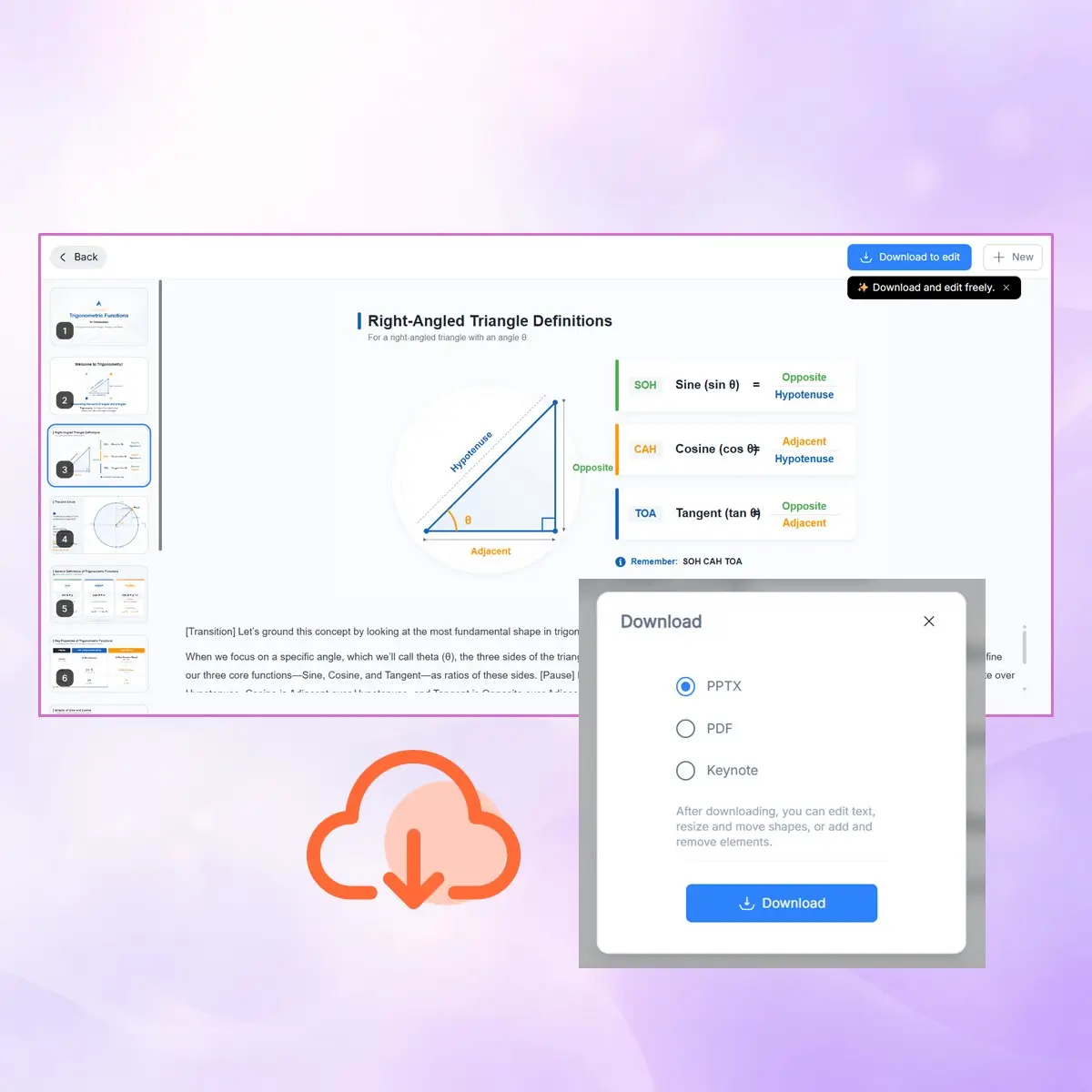
Step 3: Generate, Edit, and Export

Step 3: Generate, Edit, and Export

TutorGPT builds your deck instantly. Tweak any slide, then download as PPT or PDF — ready to present.

Start Creating AI Slides in Seconds

Turn your ideas, notes, or PDFs into clear, editable presentations without any effort. With AI Slides in TutorGPT, you can build professional slides in just a few clicks and focus more on your content instead of design work.

What Our Users Are Saying

S. Mitchell avatar

S. Mitchell

High School Teacher

I used to spend half my Sunday making slides for Monday’s class. With AI Slides in TutorGPT, I just paste my lesson notes and get a clean, structured deck in under a minute. The outline step is what really helps — I can fix the structure before anything is fully generated. It saves me at least two hours every week.
J. Ramirez avatar

J. Ramirez

Graduate Student

As a grad student, I’m constantly turning research papers into presentations. AI Slides handles the heavy lifting — it pulls key points from long texts and organizes them into clear slides I can actually use. I still do some editing, but I’m no longer starting from a blank page.
D. Chen avatar

D. Chen

Management Consultant

I work in consulting and decks are a big part of my job. AI Slides in TutorGPT makes it easy to go from a rough brief to a structured presentation fast. I can upload a document and quickly get a downloadable PPT that’s ready to polish. It fits smoothly into my workflow.
A. Patel avatar

A. Patel

Marketing Manager

I’ve tried a few AI tools before, but most of them still needed a lot of rewriting. AI Slides actually understands the content and builds meaningful structure. The Creative Slides option is great when I need something more visual than a normal bullet-point deck.
L. Nguyen avatar

L. Nguyen

Online Course Creator

I create a lot of online courses, and AI Slides has become part of my workflow. I drop in a YouTube link or article, and it turns everything into a usable slide deck. Being able to adjust a single slide with a prompt instead of rebuilding the whole thing saves a lot of time.
R. Okafor avatar

R. Okafor

Product Manager

Honestly didn’t expect it to be this useful. With AI Slides, I uploaded meeting notes and got a proper presentation I could share the same day. No formatting stress, no layout work. Just clean slides ready for the team.

Frequently Asked Questions