






















Chat With Image with AI

Chat with images using AI. Upload pictures, ask questions, and get instant answers online.

Chat With Image AI – Free, Online & Unlimited Chats

Chat With Image AI on TutorGPT. Upload images and chat with AI to analyze pictures, answer questions, extract information, and get unlimited online image conversations.

Chat With Image AI – Free, Online & Unlimited Chats

Trusted Worldwide

Built on reliable AI technology for effective learning and homework support. Trusted by learners, educators, and professionals worldwide.

Dublin
Atlanta
Klien
Davis
Capistirano
Everrette
Buffalo
Denver--public-school
Appleton
Greenville
HCS
Seattle-Public-Schools
Northside
Irvine
Norfolk
PCS
TheSteppingStonesGroup_black
Napperville
Logo24
YouTube
Princeton
Dublin
Atlanta
Klien
Davis
Capistirano
Everrette
Buffalo
Denver--public-school
Appleton
Greenville
HCS
Seattle-Public-Schools
Northside
Irvine
Norfolk
PCS
TheSteppingStonesGroup_black
Napperville
Logo24
YouTube
Princeton
Dublin
Atlanta
Klien
Davis
Capistirano
Everrette
Buffalo
Denver--public-school
Appleton
Greenville
HCS
Seattle-Public-Schools
Northside
Irvine
Norfolk
PCS
TheSteppingStonesGroup_black
Napperville
Logo24
YouTube
Princeton

What is Chat With Image?

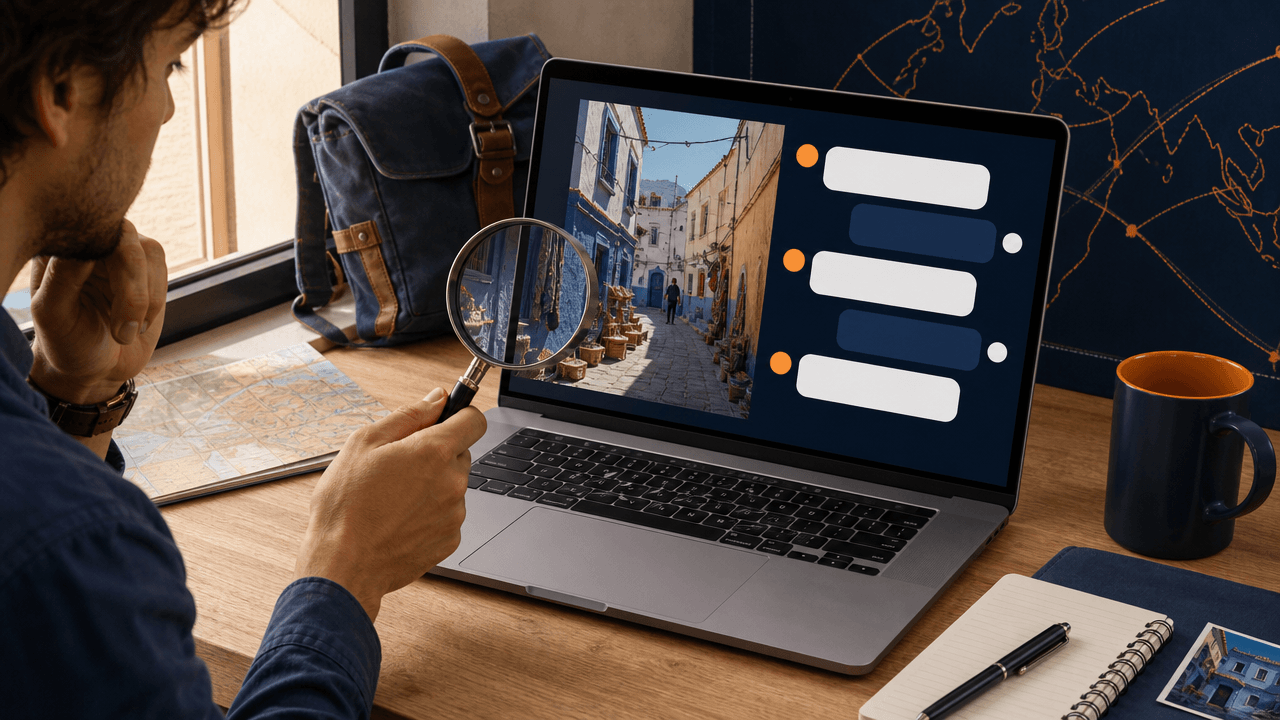
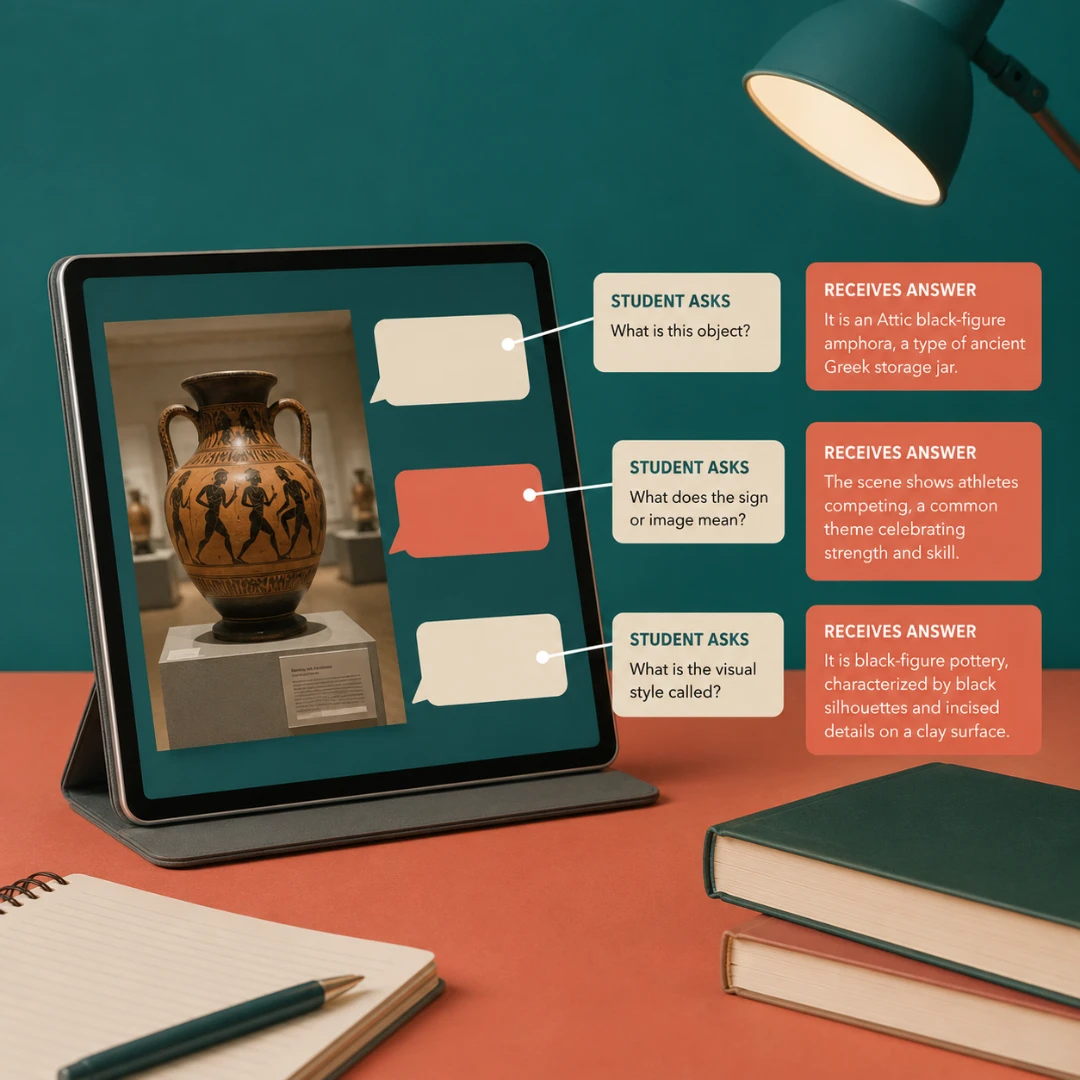
Chat With Image by TutorGPT lets you upload a picture, ask natural questions, and get clear answers about objects, text, context, language, or visual style. Start an image conversation online to inspect details, translate words, and turn complex visuals into useful information.

What is Chat With Image?

Tired of Guessing What a Picture Really Shows?

Manual searches miss context, while separate OCR and translation apps slow you down. You deserve one conversation that turns visual details into clear, useful answers.

Tired of Guessing What a Picture Really Shows?

What Makes Chat With Image Stand Out?

Move from upload to useful insight through one simple, responsive conversation.

Understand Details and Visual Context

Reading a complex picture feels simpler—AI explains objects, relationships, and small details.

Translate Text Inside Your Pictures

No more copying text by hand: visual chat assistant reads visible words and explains their meaning.

Recognize Style, Mood, and Technique

From artwork to product shots, style analysis identifies mood, composition, and visual technique.

Simplify Life with Chat With Image

Students

Students

Students can inspect diagrams and source material, so difficult concepts become easier to study.

How to Use Chat With Image in 3 Simple Steps

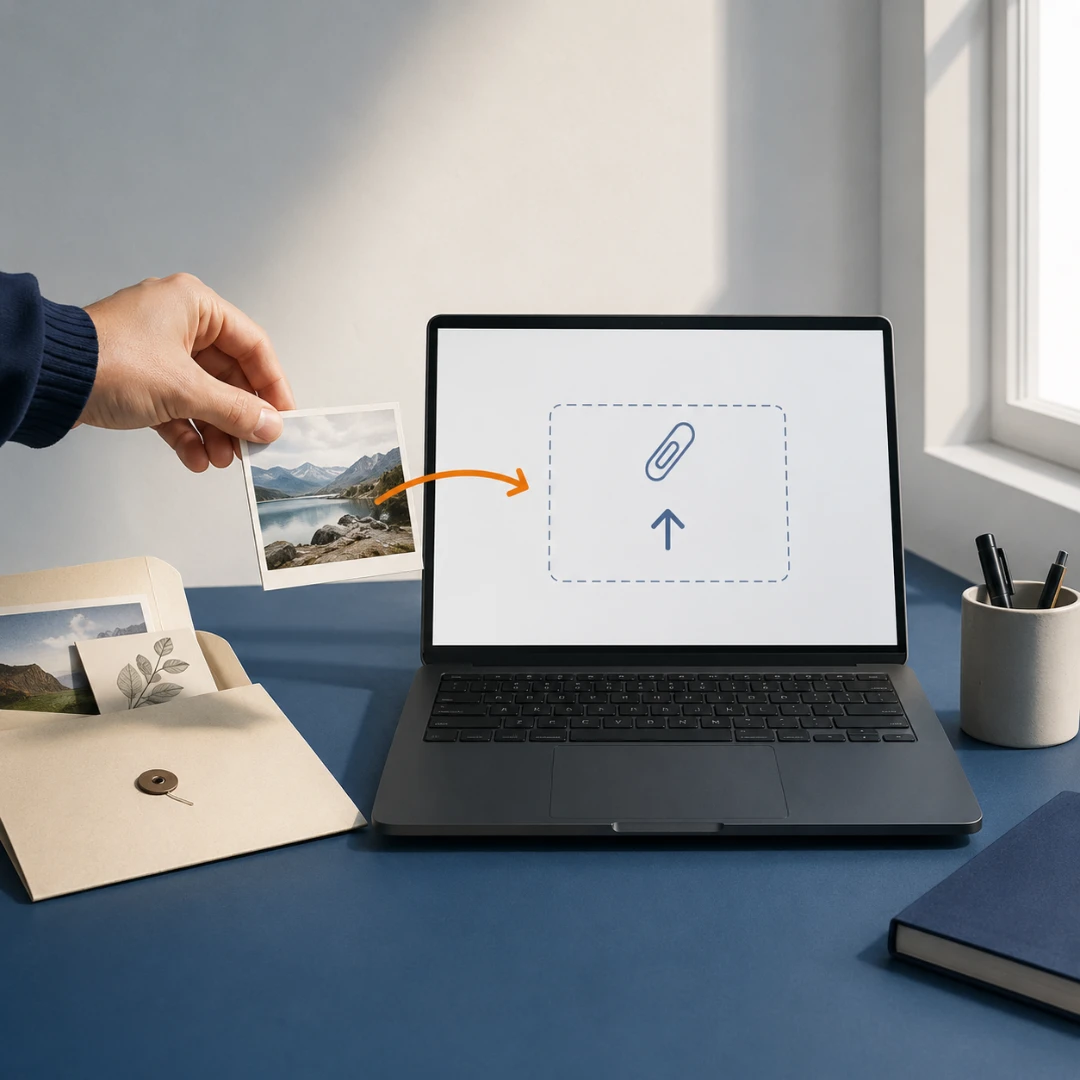
1. Upload Your Picture

1. Upload Your Picture

Choose a photo, screenshot, artwork, diagram, or scanned document.

2. Ask a Clear Question

2. Ask a Clear Question

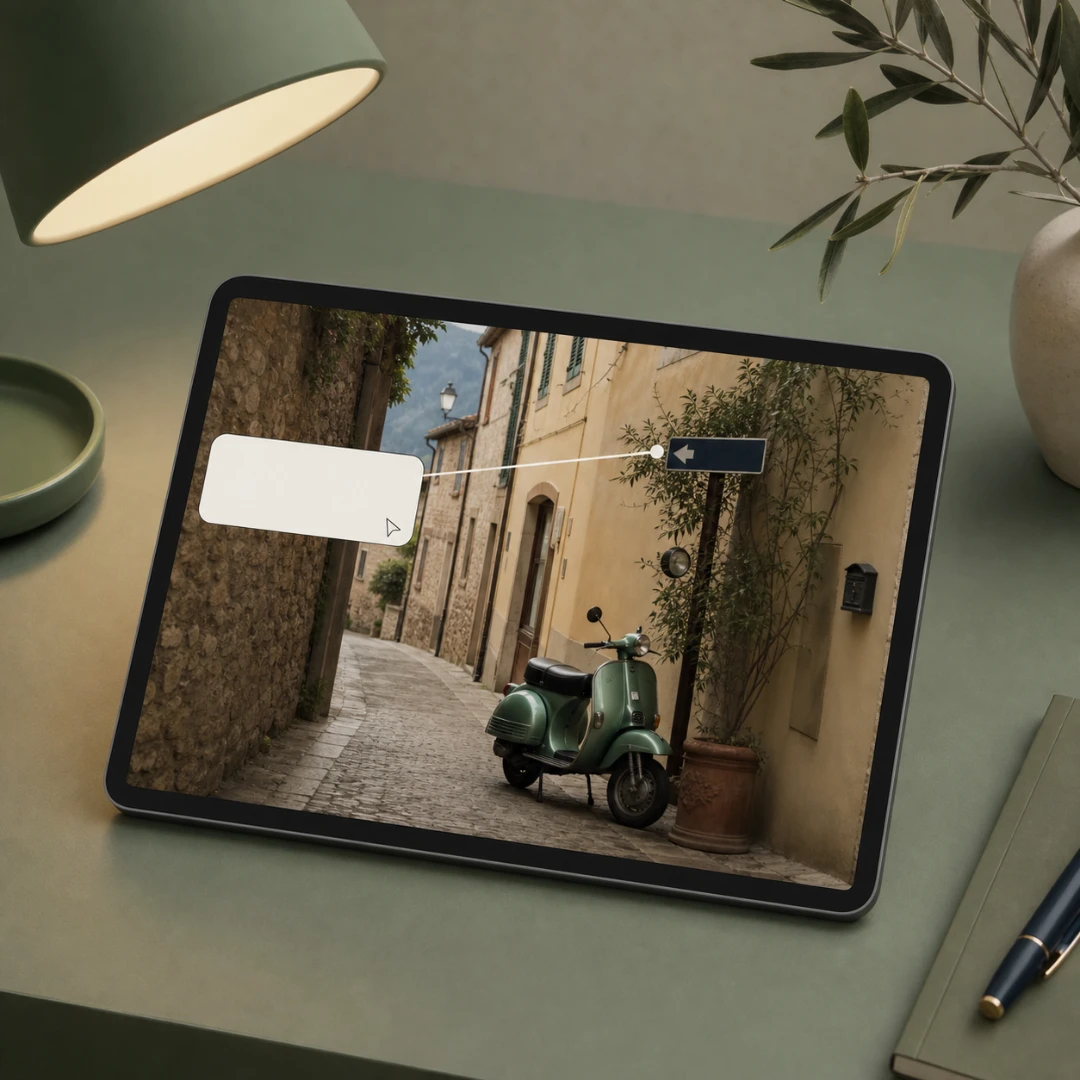
Tell AI what to inspect, translate, compare, identify, or explain.

3. Continue the Conversation

3. Continue the Conversation

Review the answer, ask follow-ups, and explore any detail you need.

Start a Conversation with Your Picture

Use Chat With Image by TutorGPT to inspect a visual. Get answers in moments. Begin online with no software to install.

How People Use Chat With Image

Maya Thompson avatar

Maya Thompson

University Student

A biology worksheet included a cell diagram with labels I could barely read on my phone. Chat With Image by TutorGPT helped me trace each label, explain the organelles, and connect them to the question I was answering. Instead of jumping among search results, I kept the discussion beside the same picture. This chat with image workflow made revision more focused without simply handing me an unexplained answer.
Daniel Brooks avatar

Daniel Brooks

History Teacher

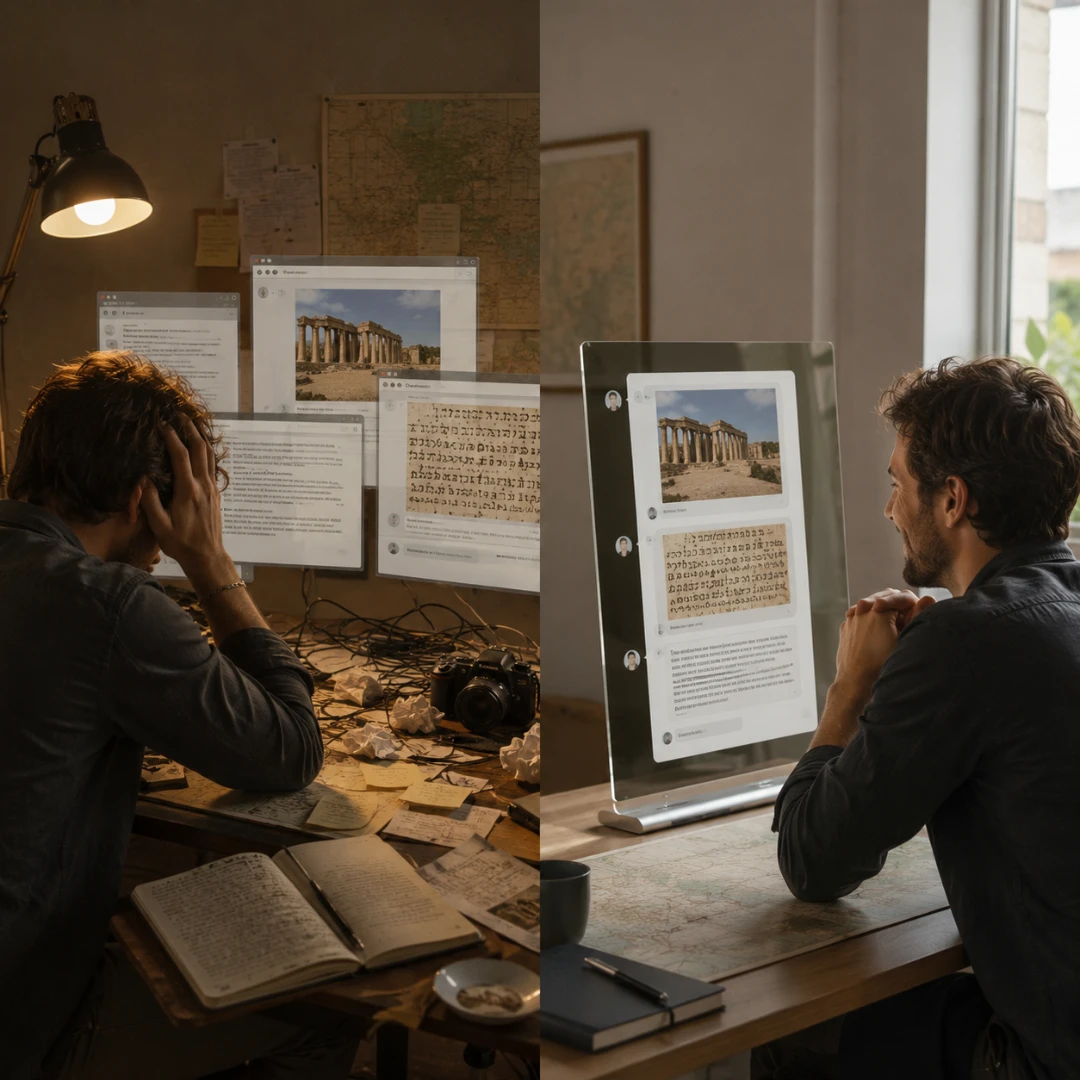
One history source contained a handwritten caption in another language, and preparing it for class used to mean switching between OCR, translation, and search tools. Chat With Image by TutorGPT read the visible wording, translated the key passage, and helped me discuss its context. Image chat AI saved preparation time while still letting me check uncertain phrases before sharing them with students.
Elena Rossi avatar

Elena Rossi

Independent Traveler

At a small railway station, I photographed a notice that had no English version. Chat With Image by TutorGPT separated the schedule details from the surrounding signs and gave me a readable translation. I asked a follow-up about the departure platform and got a more precise explanation. AI image chat felt far more useful than a raw translation because the answer accounted for where each line appeared.
Marcus Lee avatar

Marcus Lee

Content Designer

A client sent me reference art but could not name the look they wanted. Chat With Image described the muted palette, soft lighting, framing, and editorial mood in terms I could use in a creative brief. This chat with picture process did not make the design choices for me; it gave me a clearer vocabulary for discussing style and testing several directions with the client.
Priya Nair avatar

Priya Nair

Research Associate

I was reviewing archived charts with crowded legends and inconsistent annotations. Chat With Image helped identify labels, summarize visible trends, and separate direct observations from possible interpretations. Keeping an online image conversation open for follow-up questions made it easier to record what required verification rather than treating every first response as final evidence.
Owen Carter avatar

Owen Carter

Museum Education Volunteer

My first upload was a museum photograph with several objects, reflections, and a small wall label. Chat With Image let me ask about one area at a time, then connect those details into a useful summary. I expected a generic caption, but the visual question tool responded well when I narrowed each request. The guided exchange made the scene easier to understand without requiring technical setup.

Frequently Asked Questions About Chat With Image