




Feedback
AI Profile Picture Generator

Upload one photo and generate multiple profile pictures in different styles at once with AI.

AI Profile Picture Examples

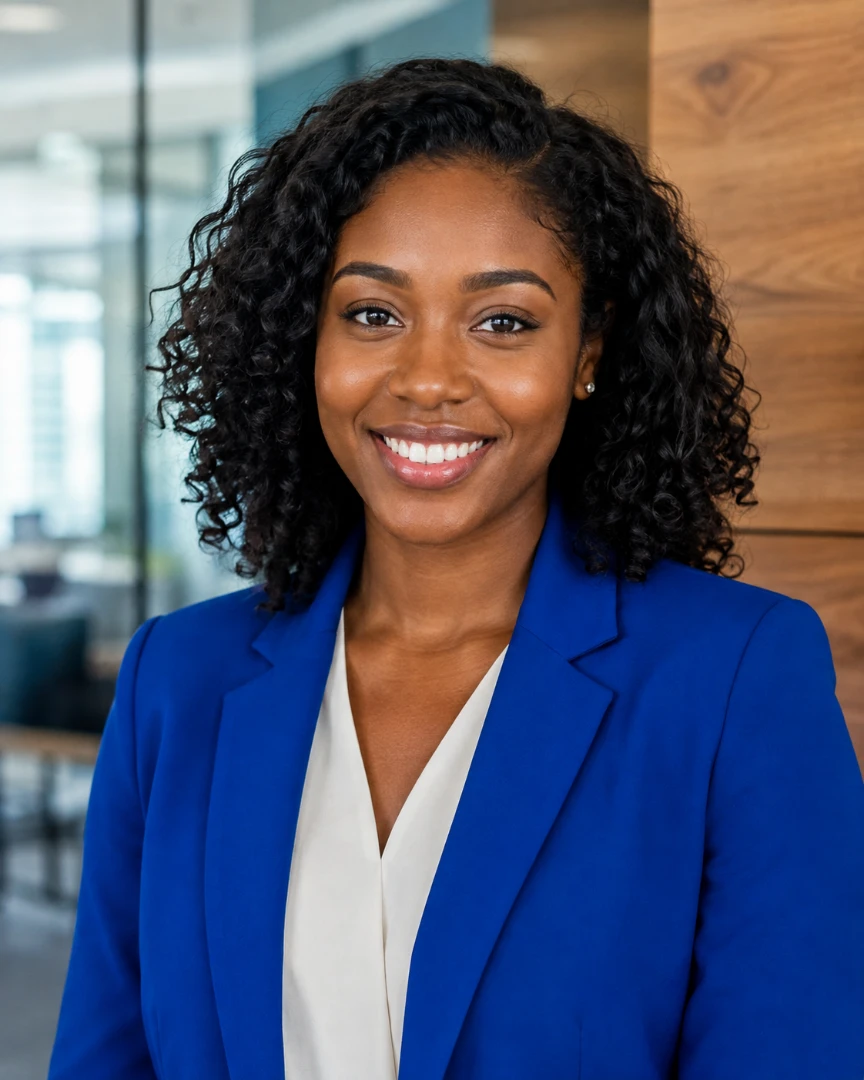
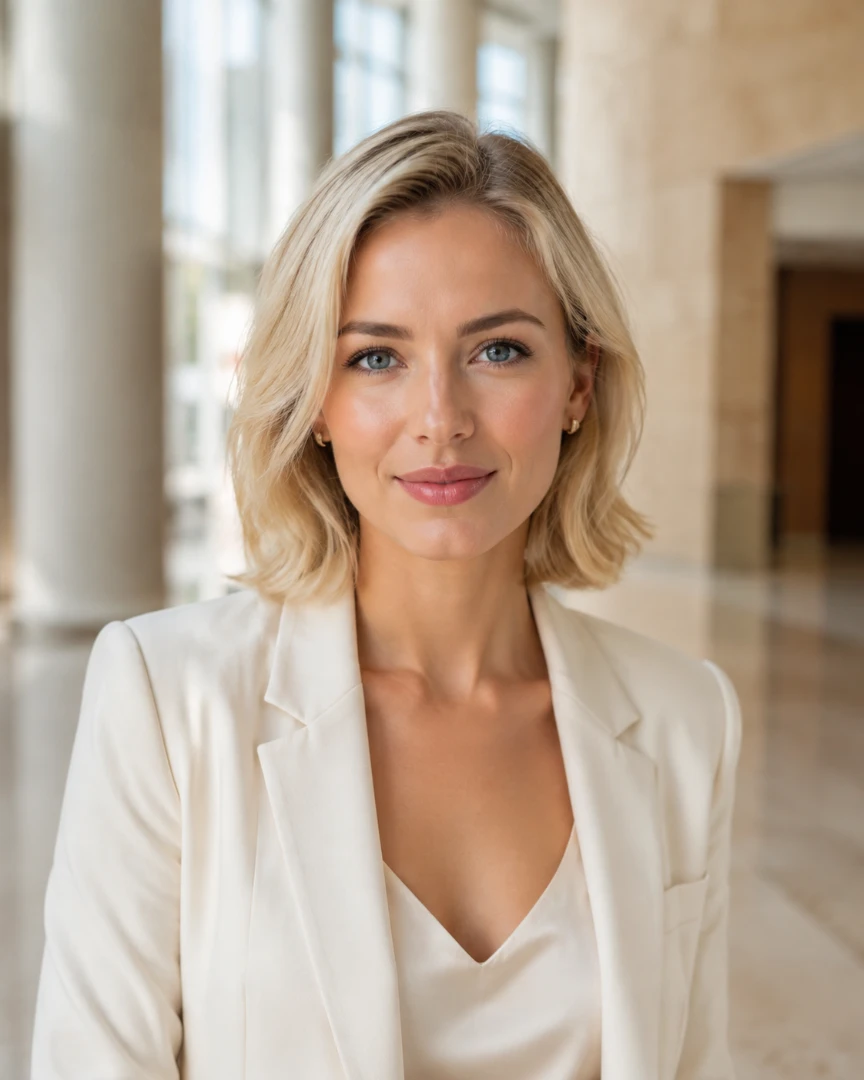
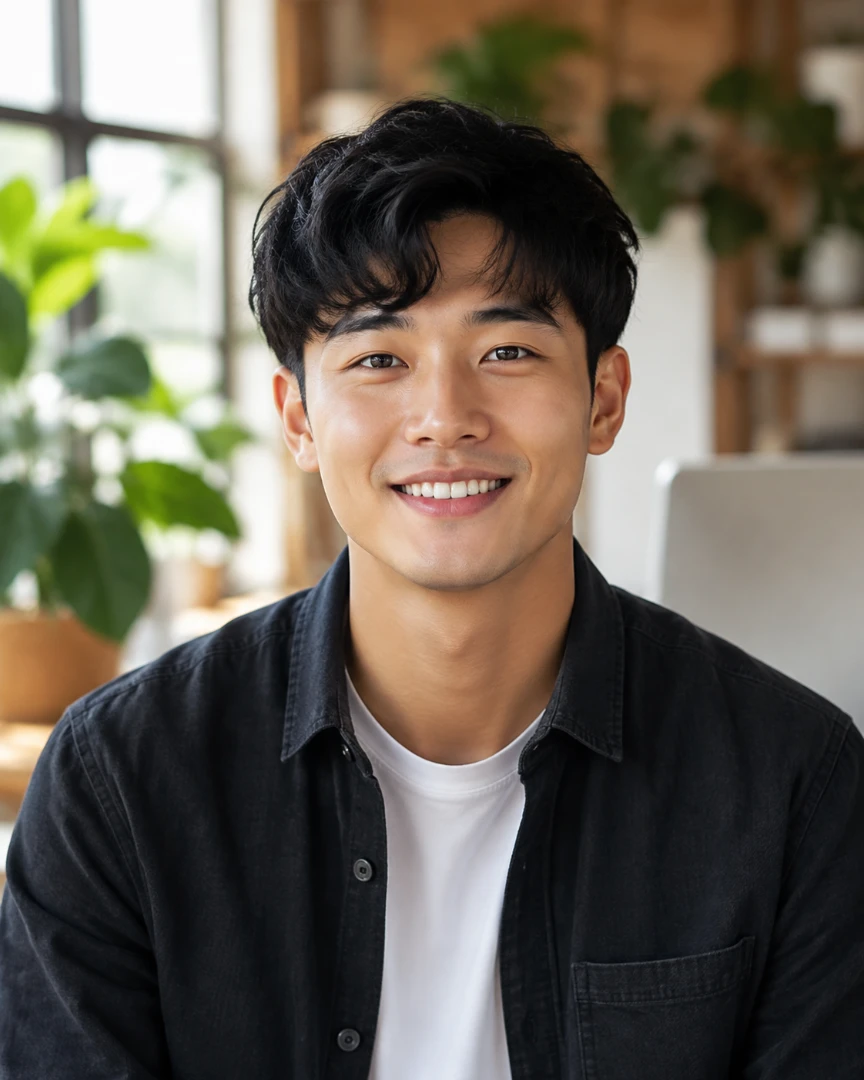
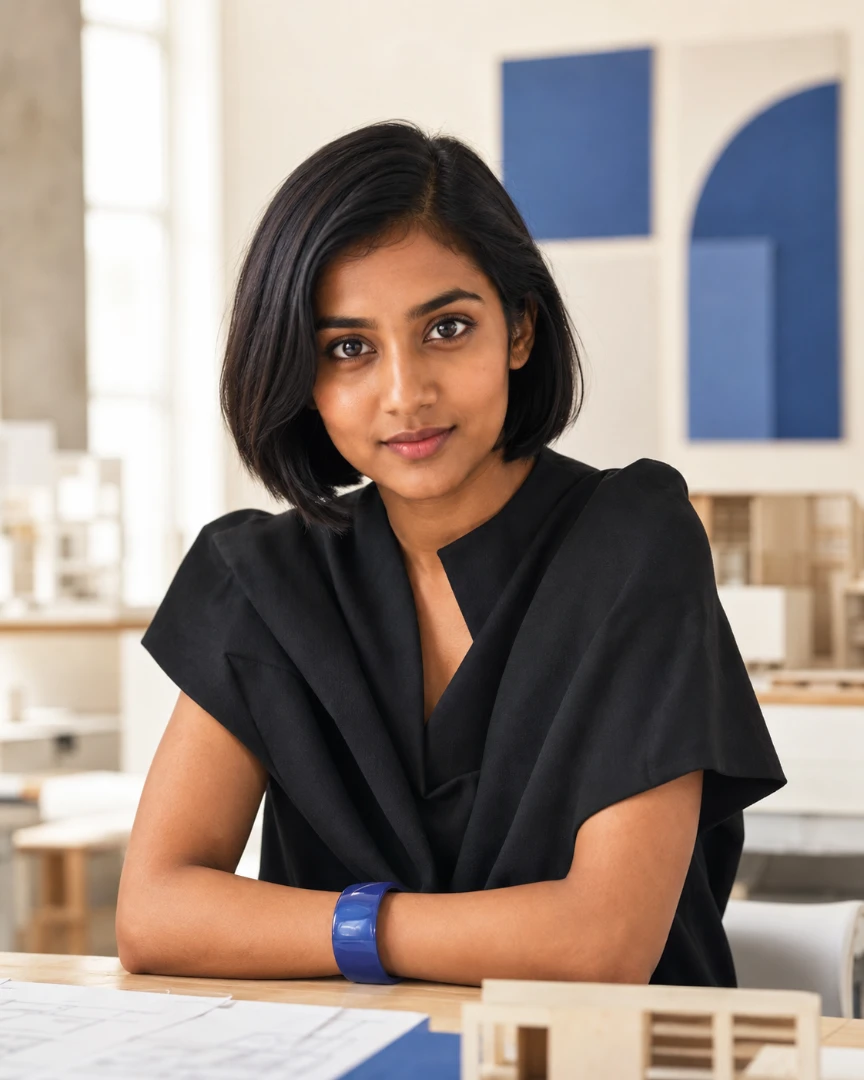
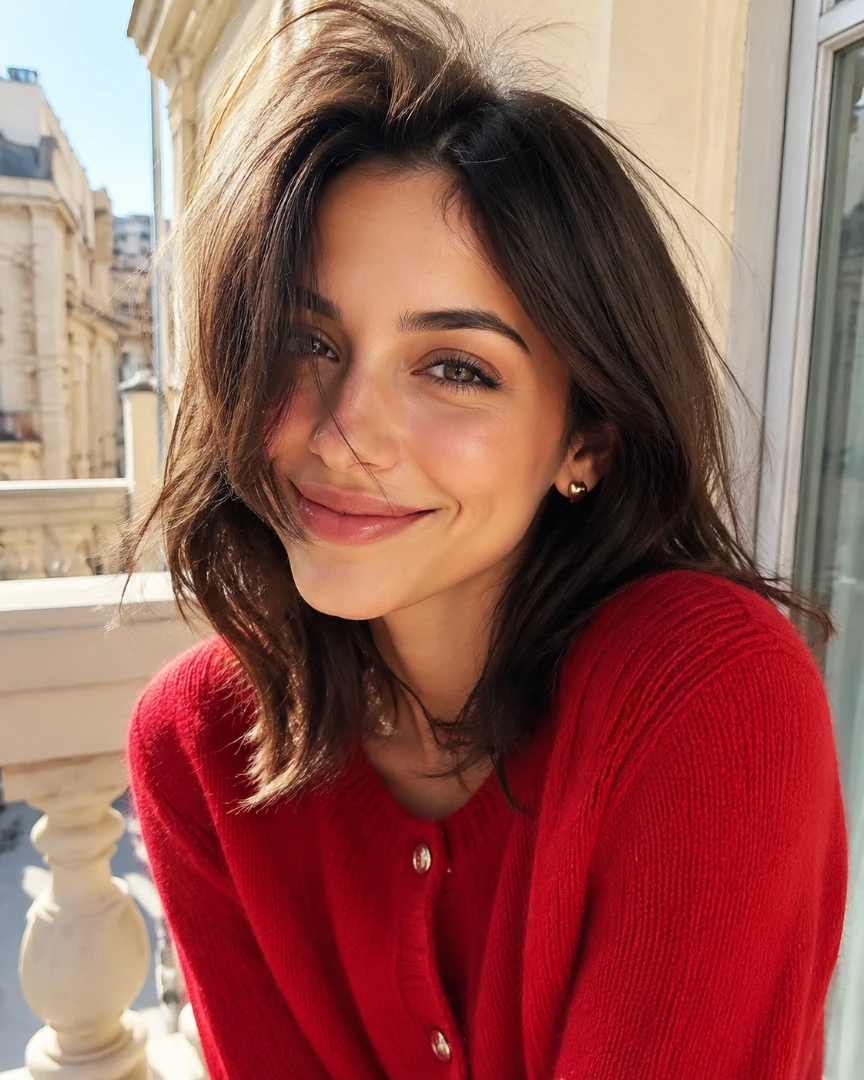
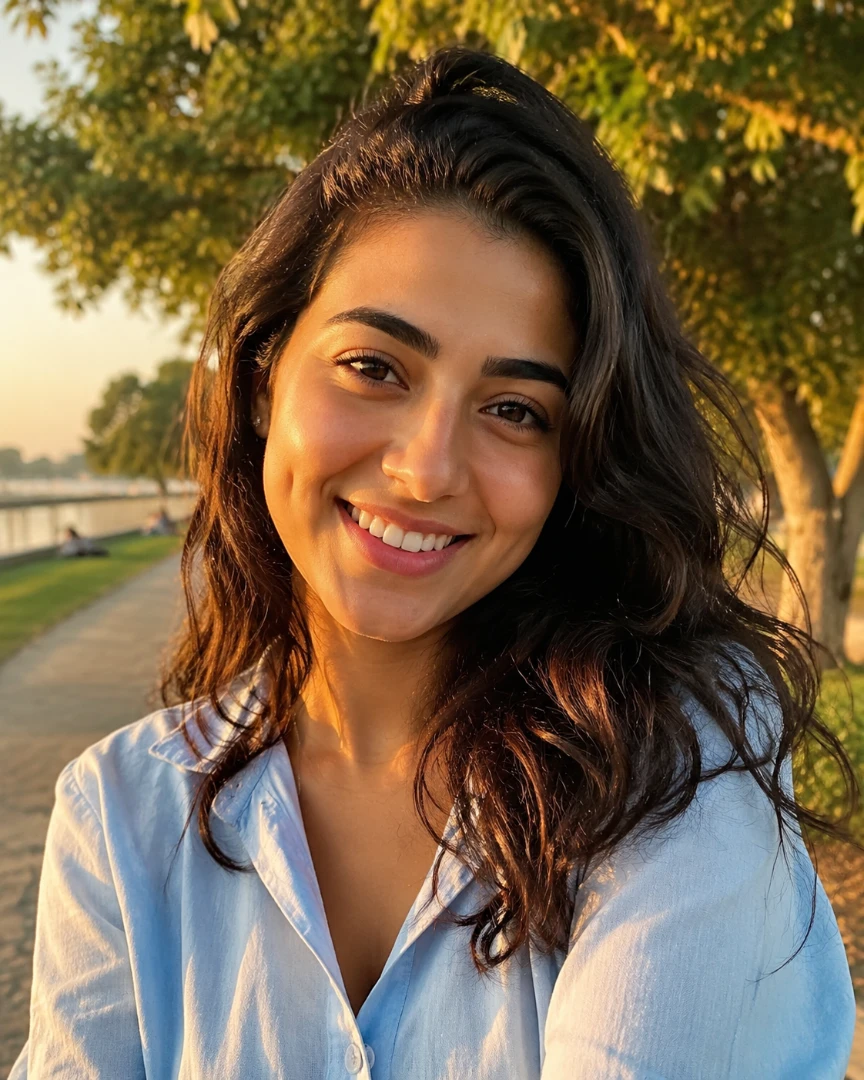
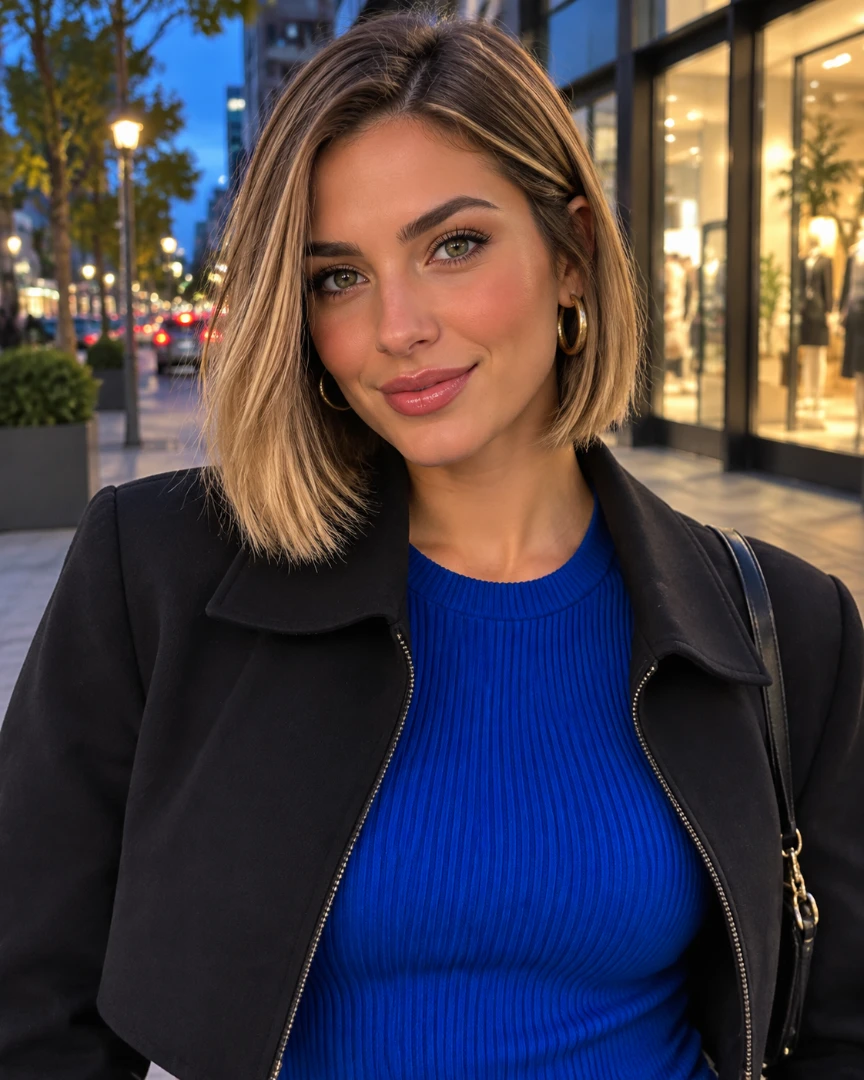
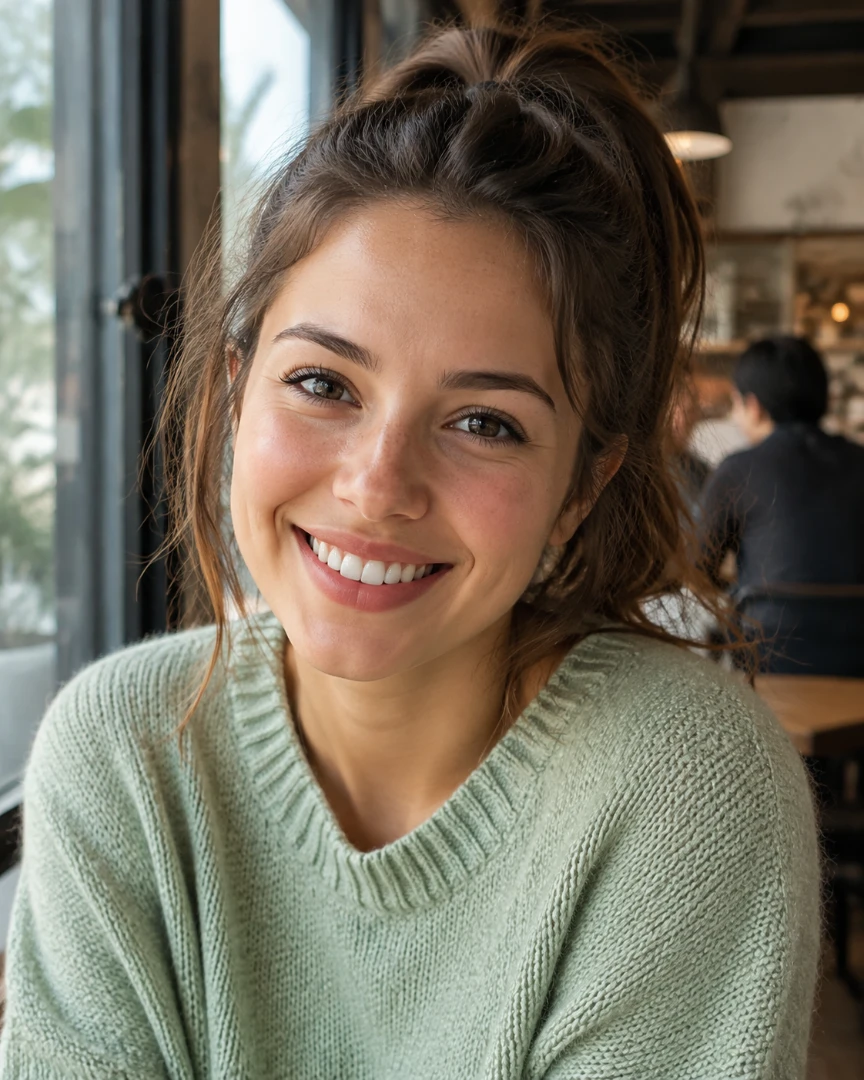
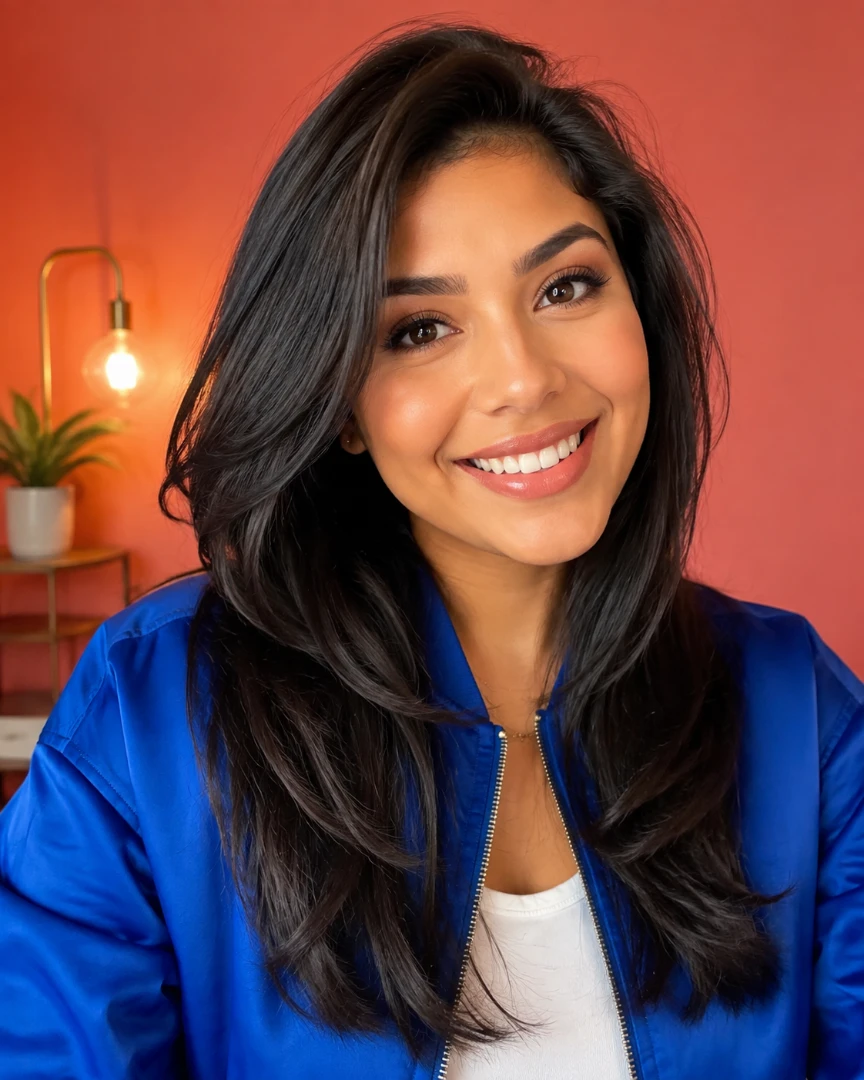
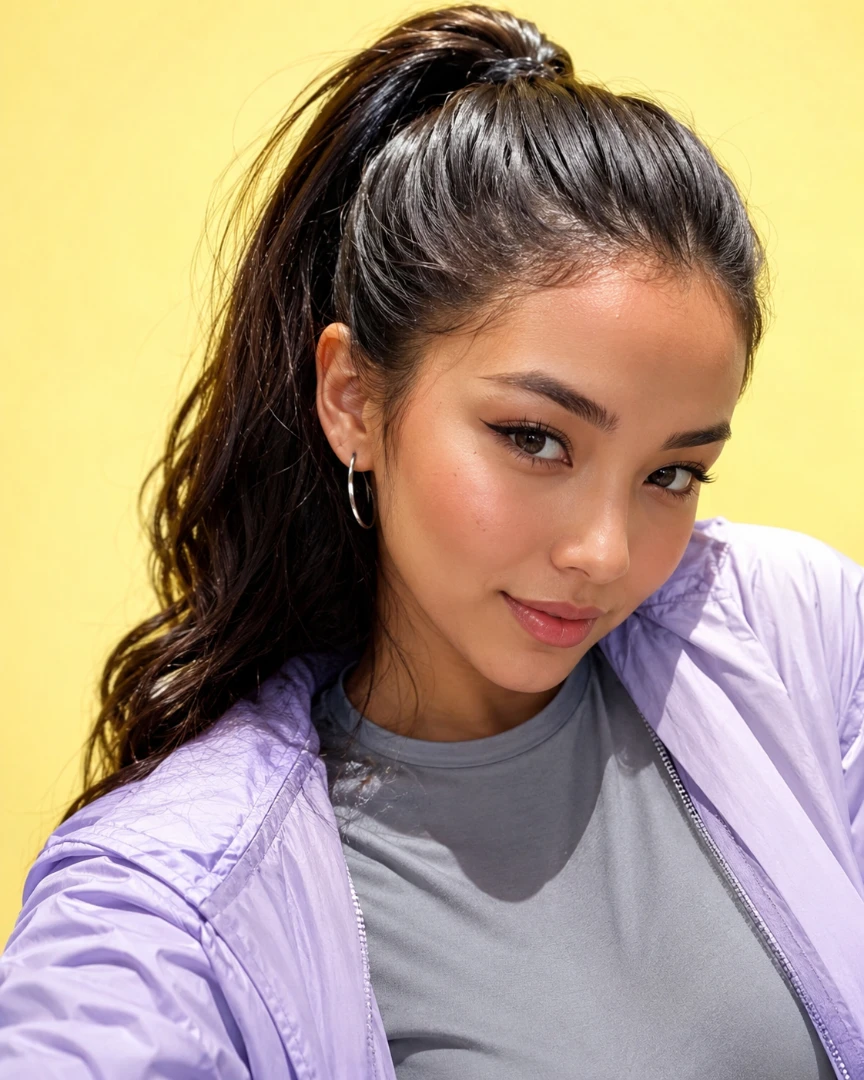
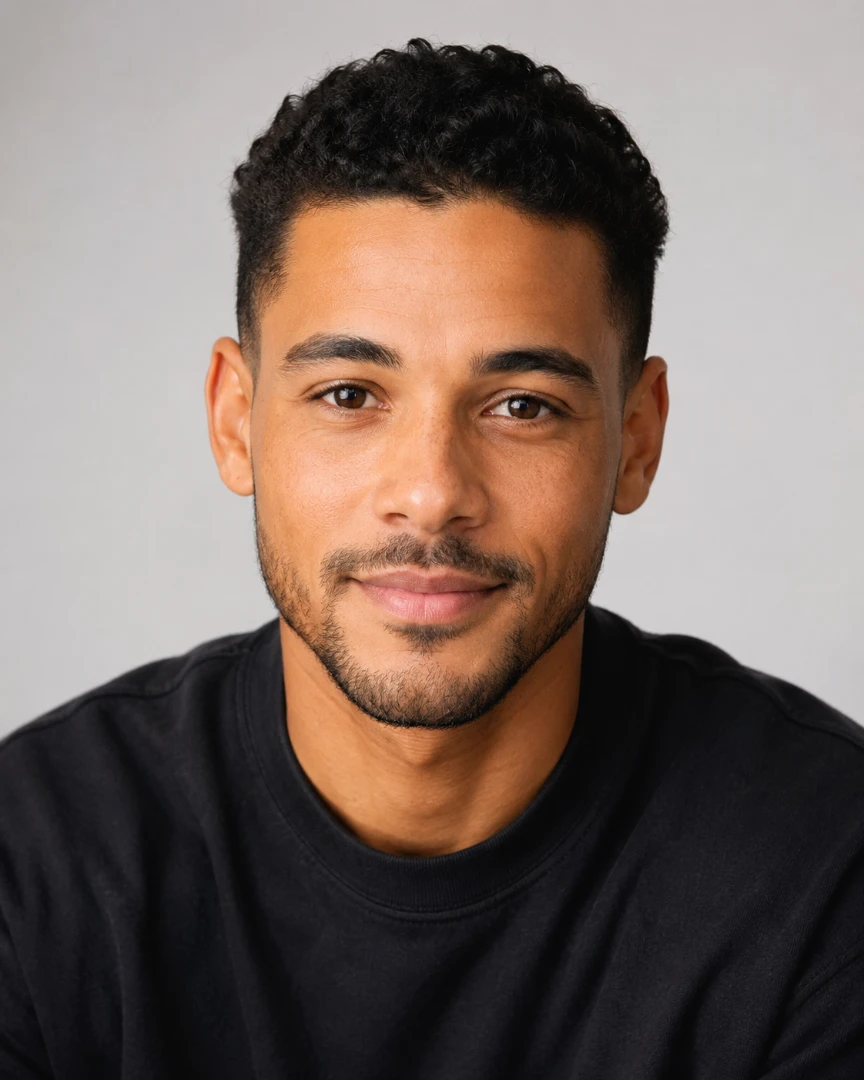
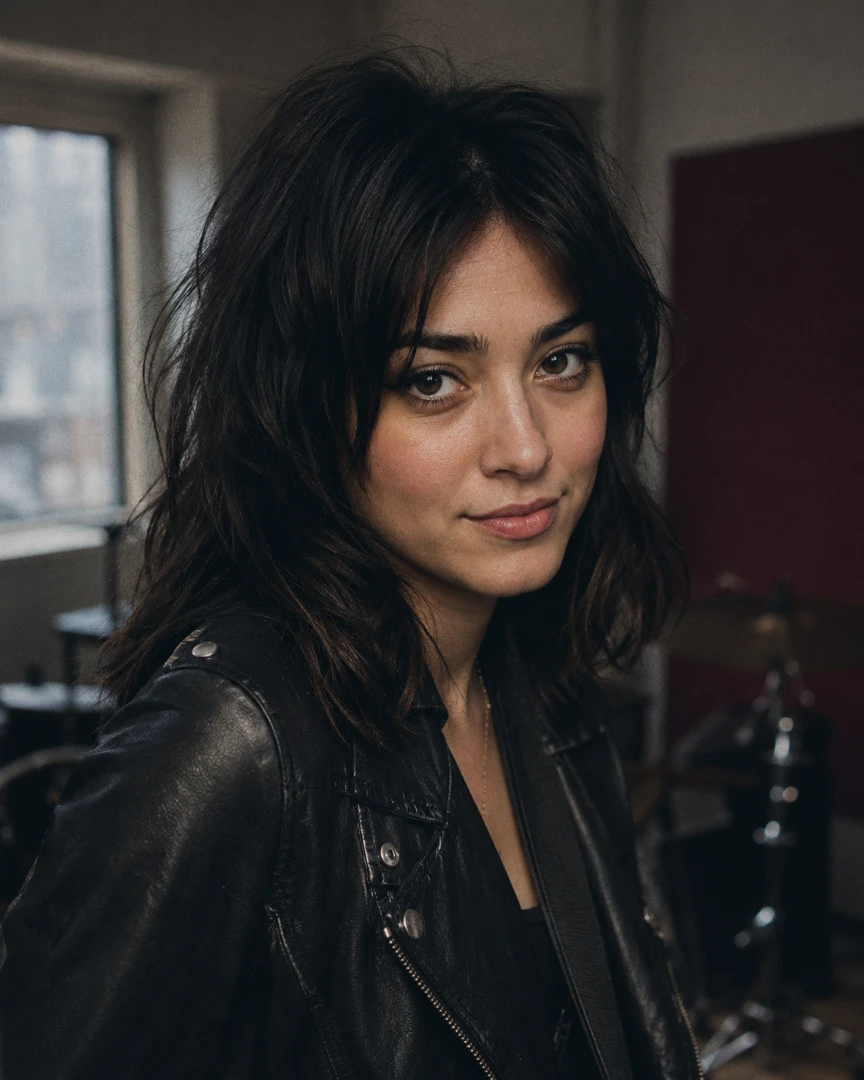
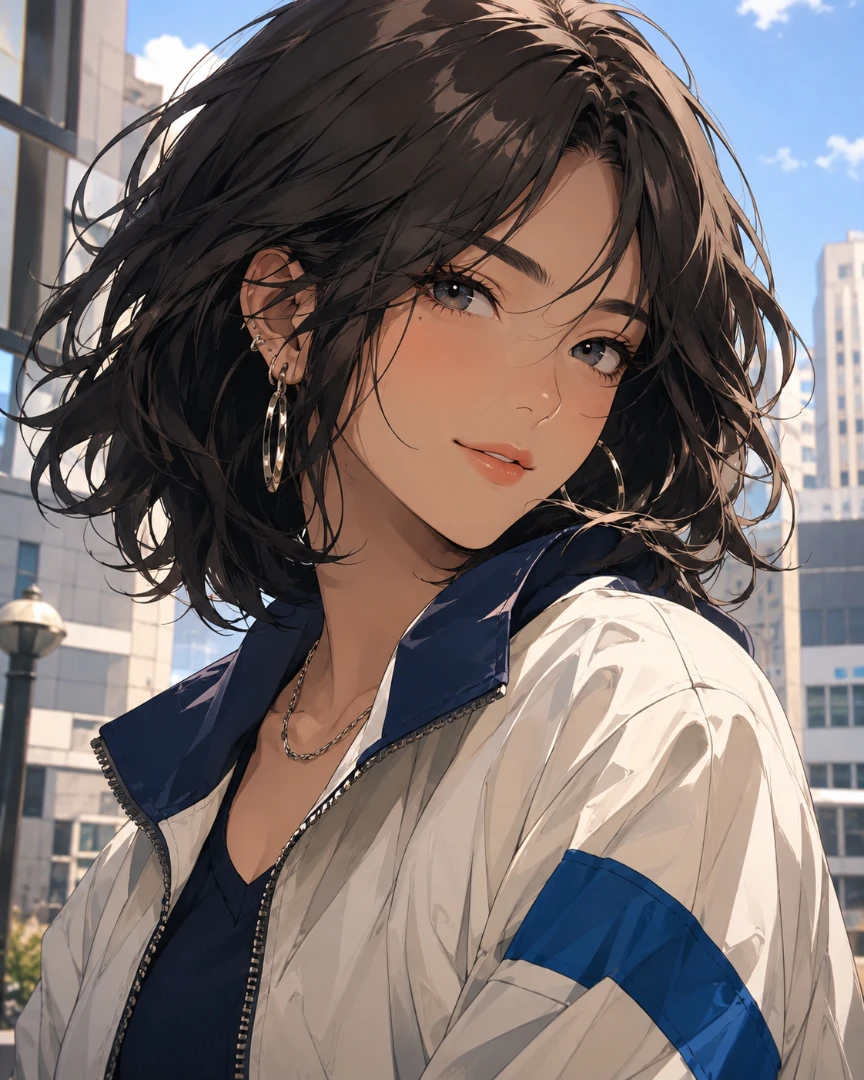
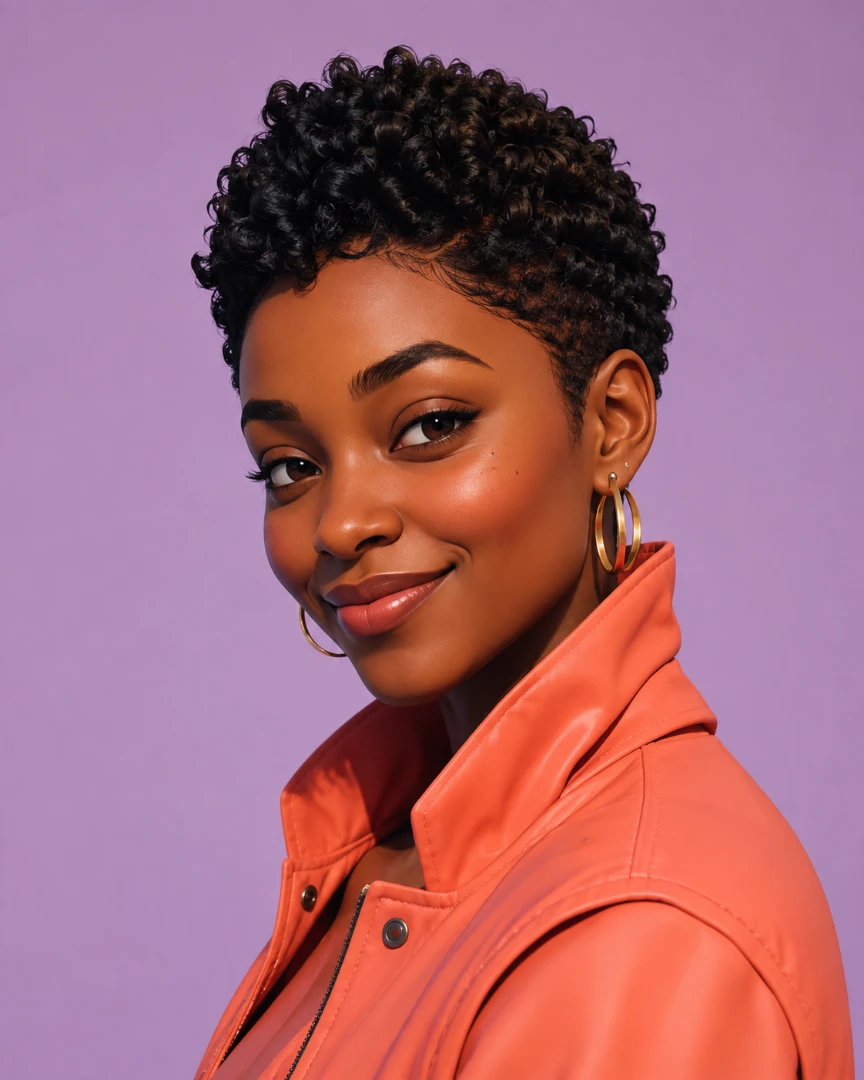
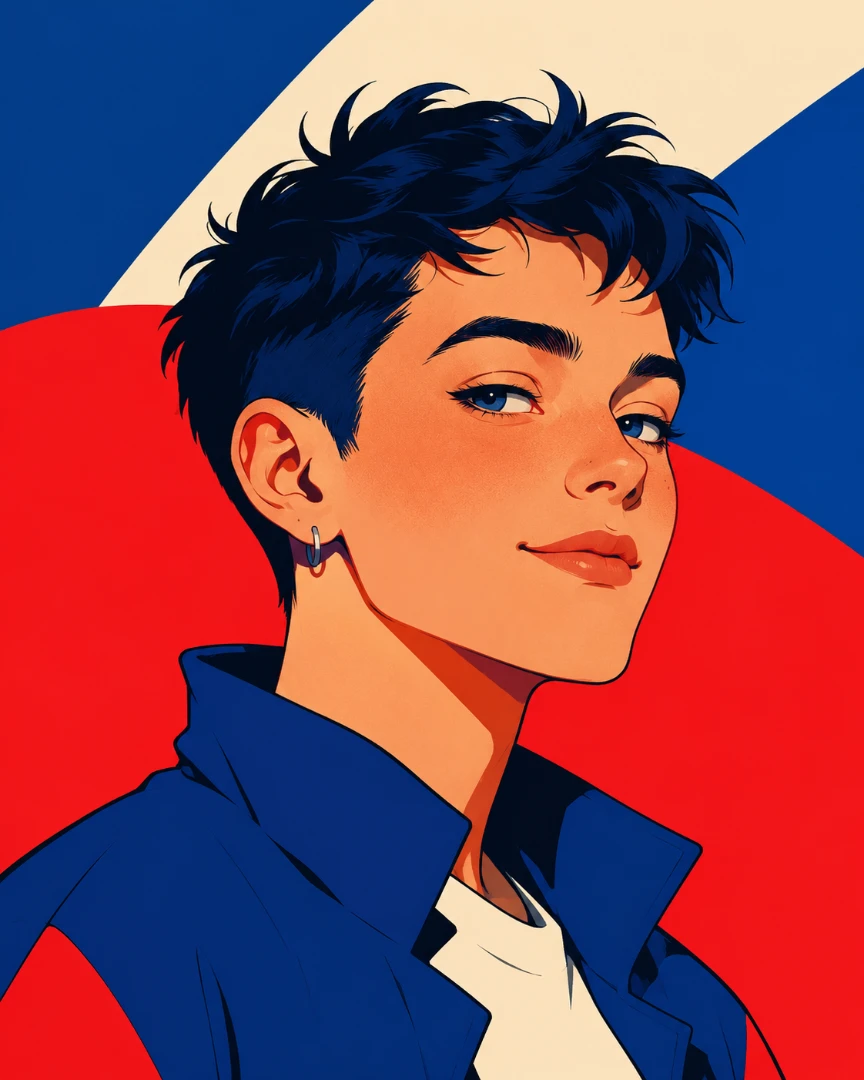
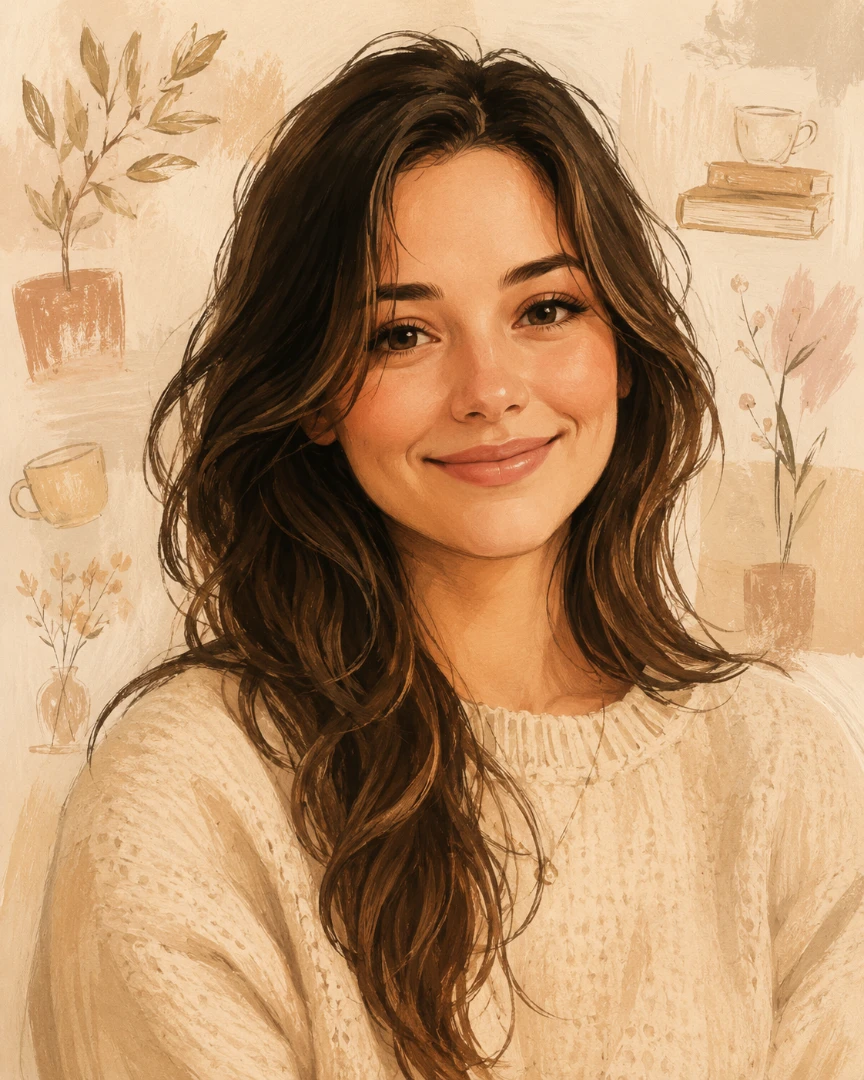
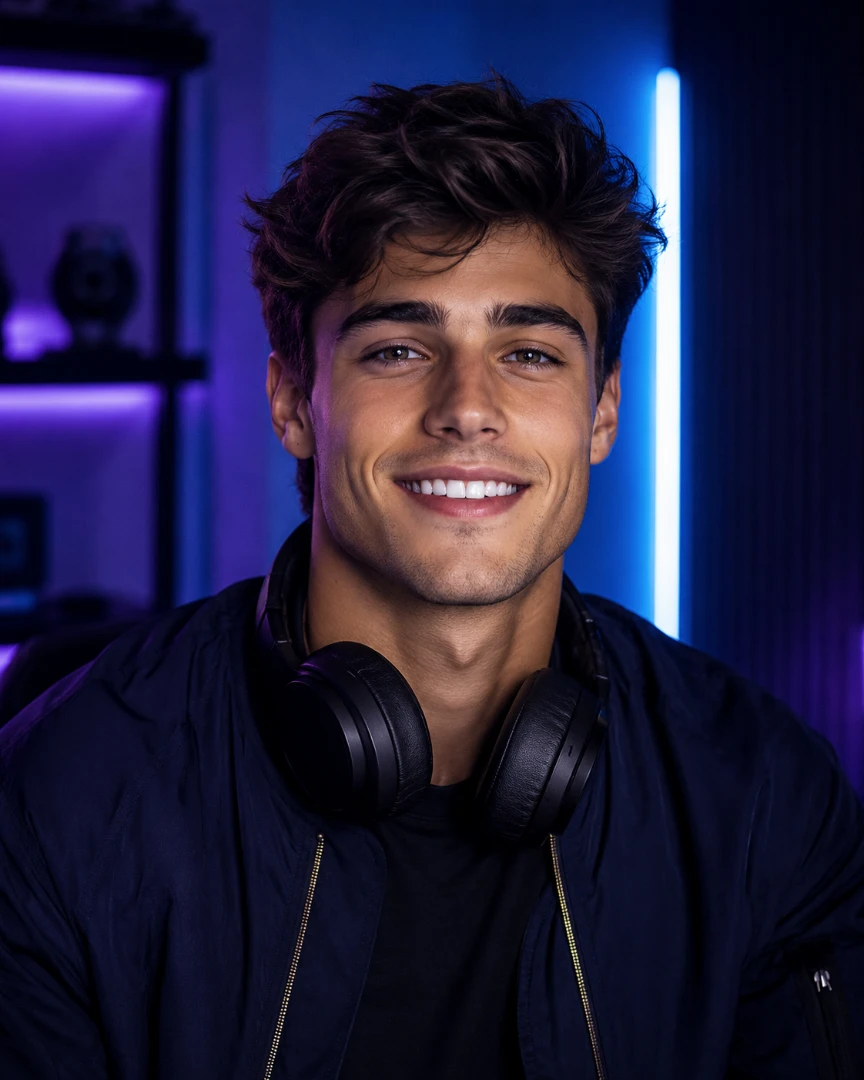
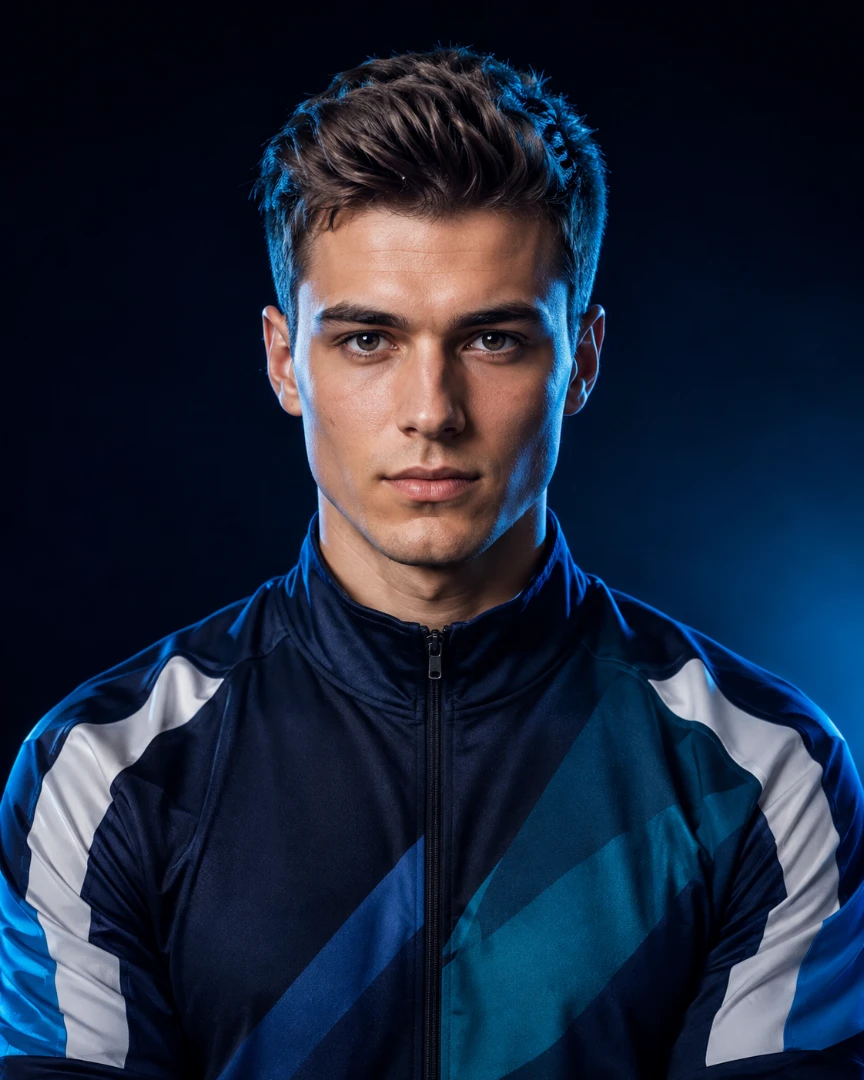
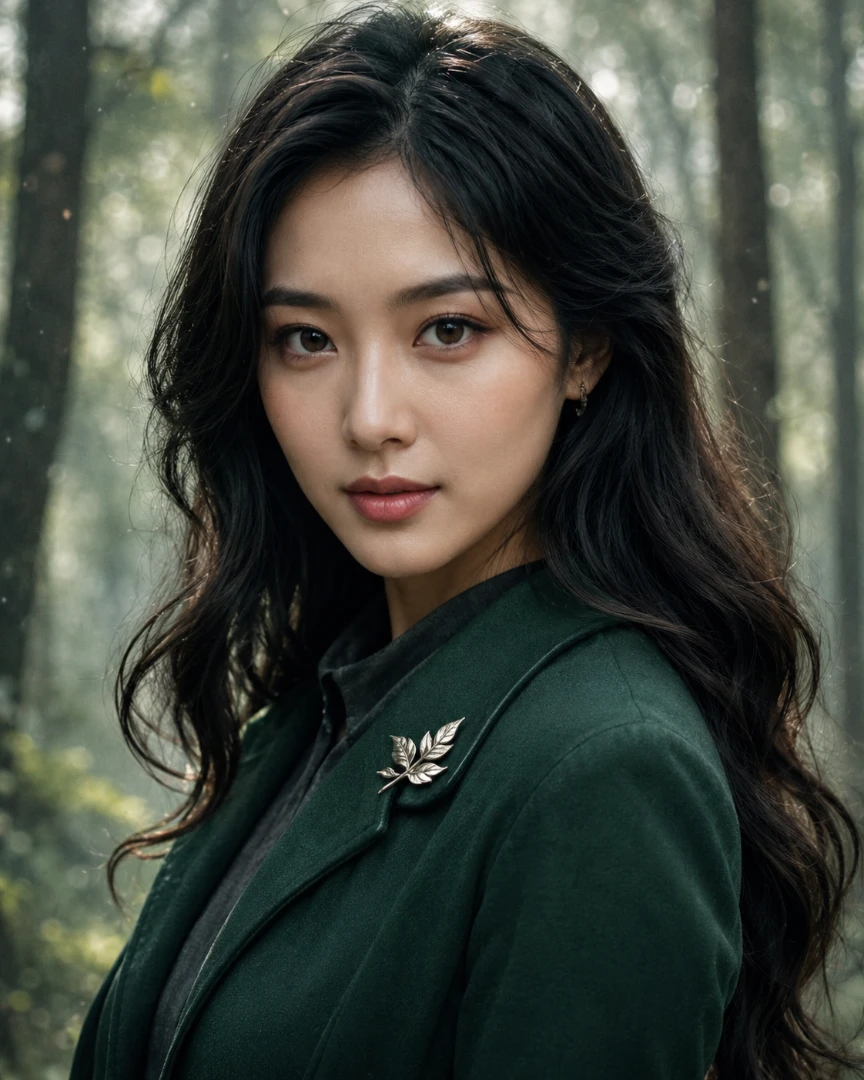
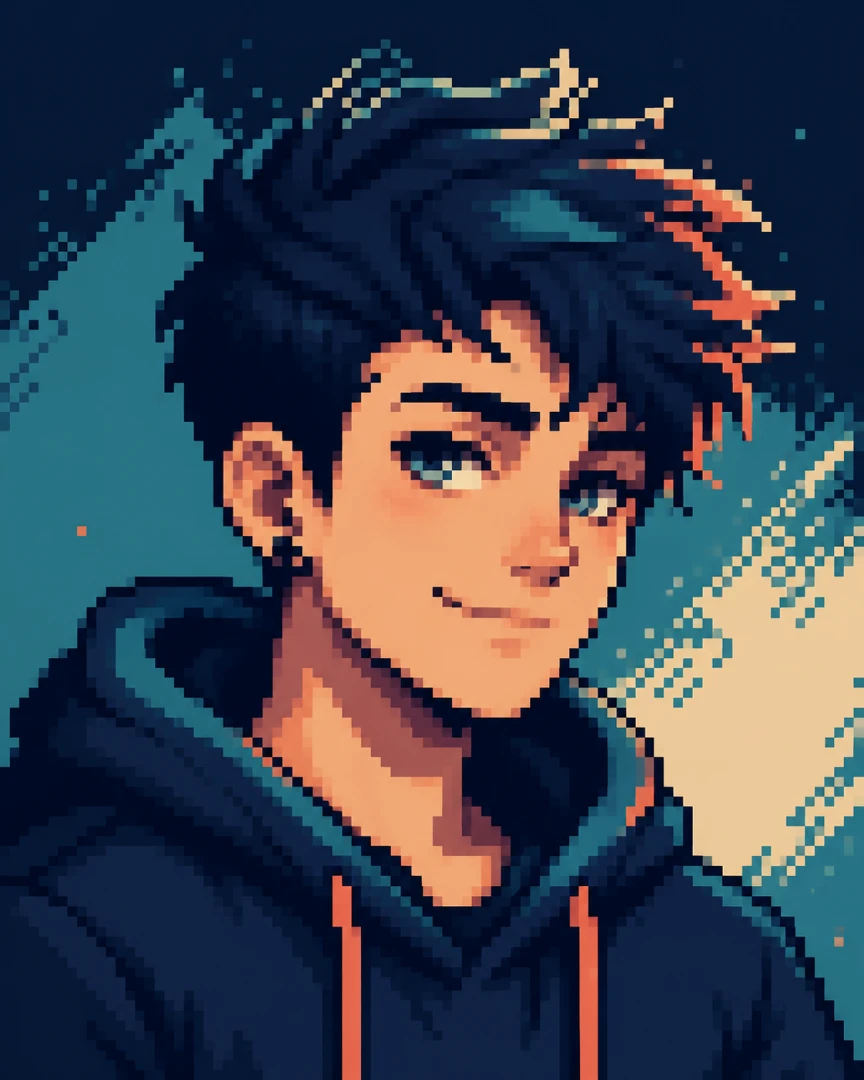
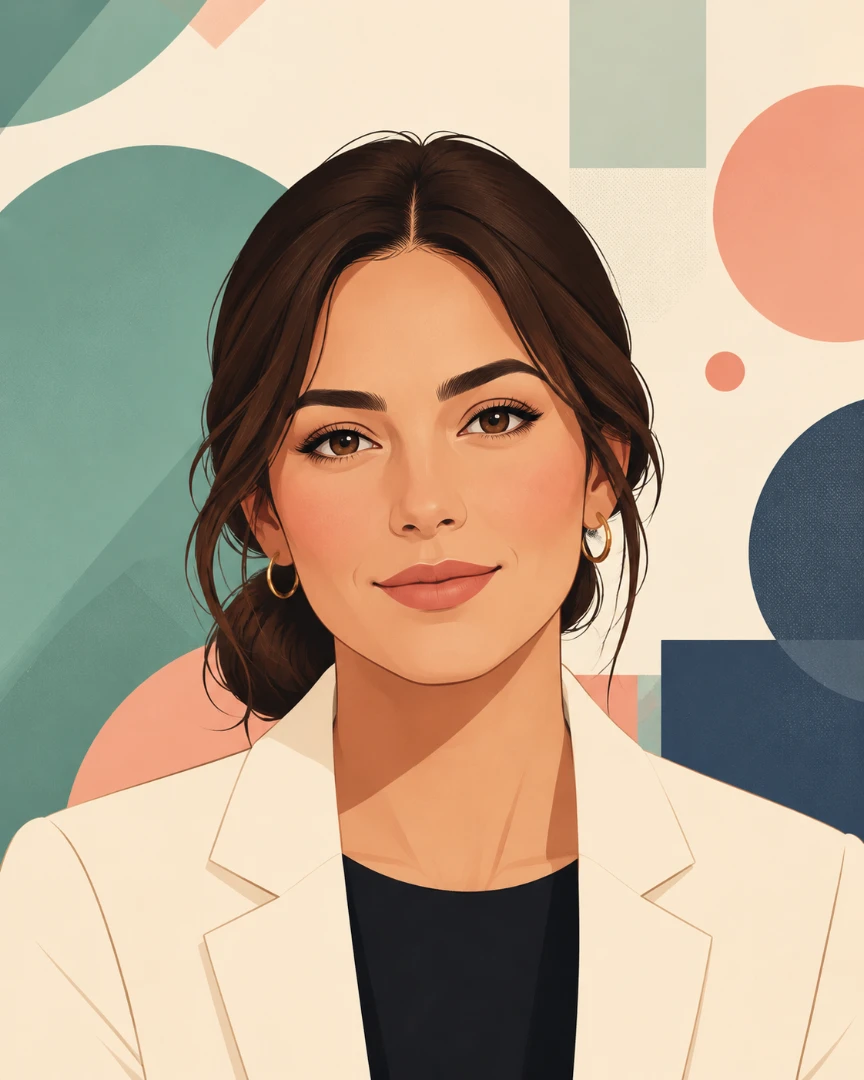
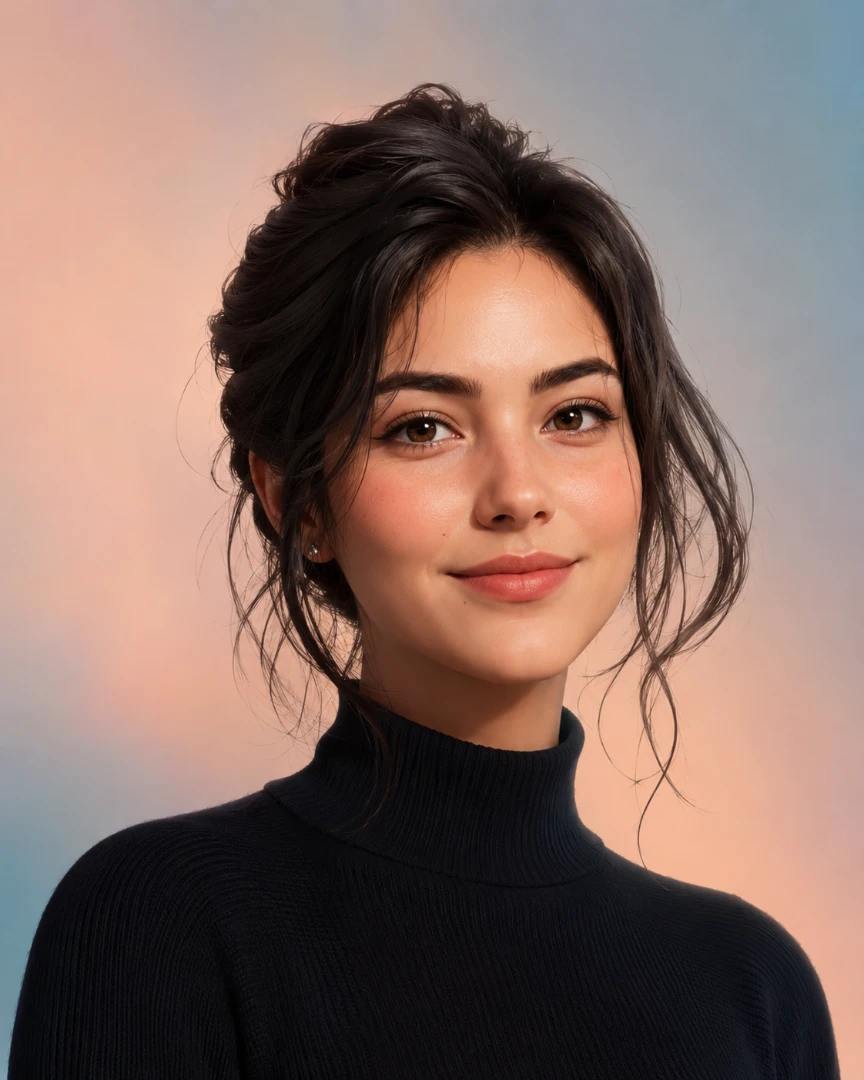
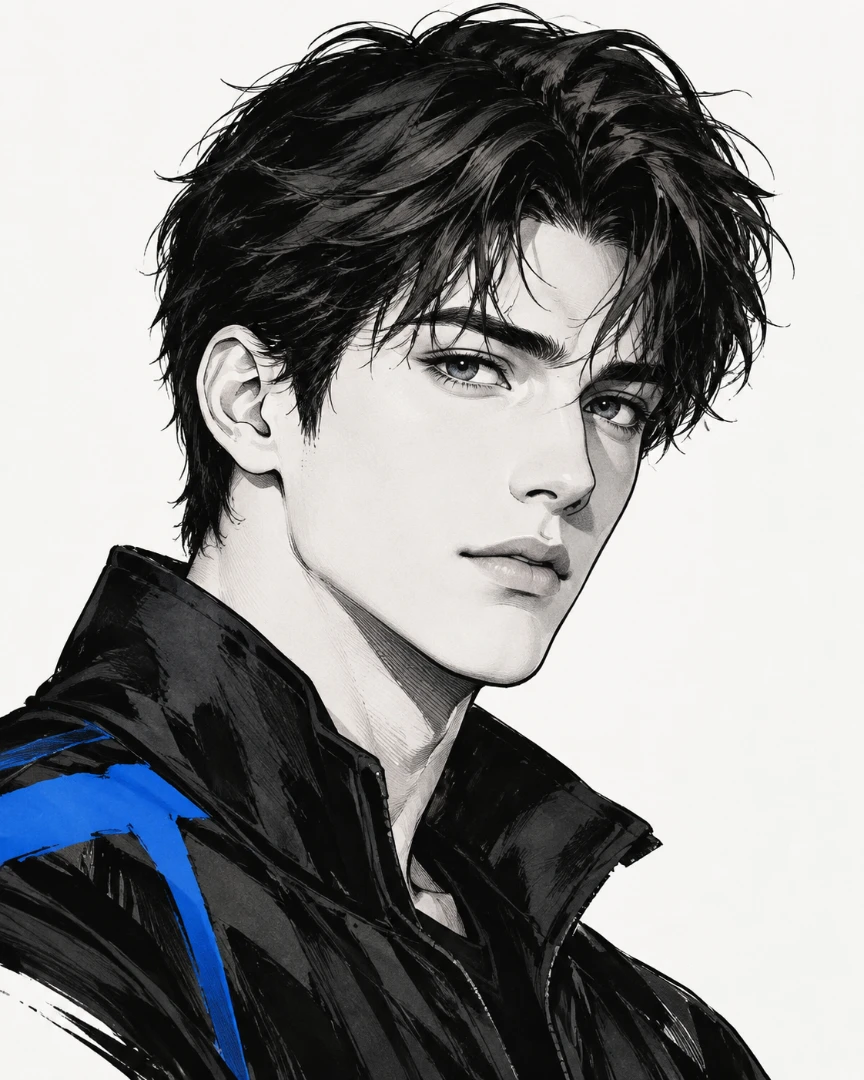
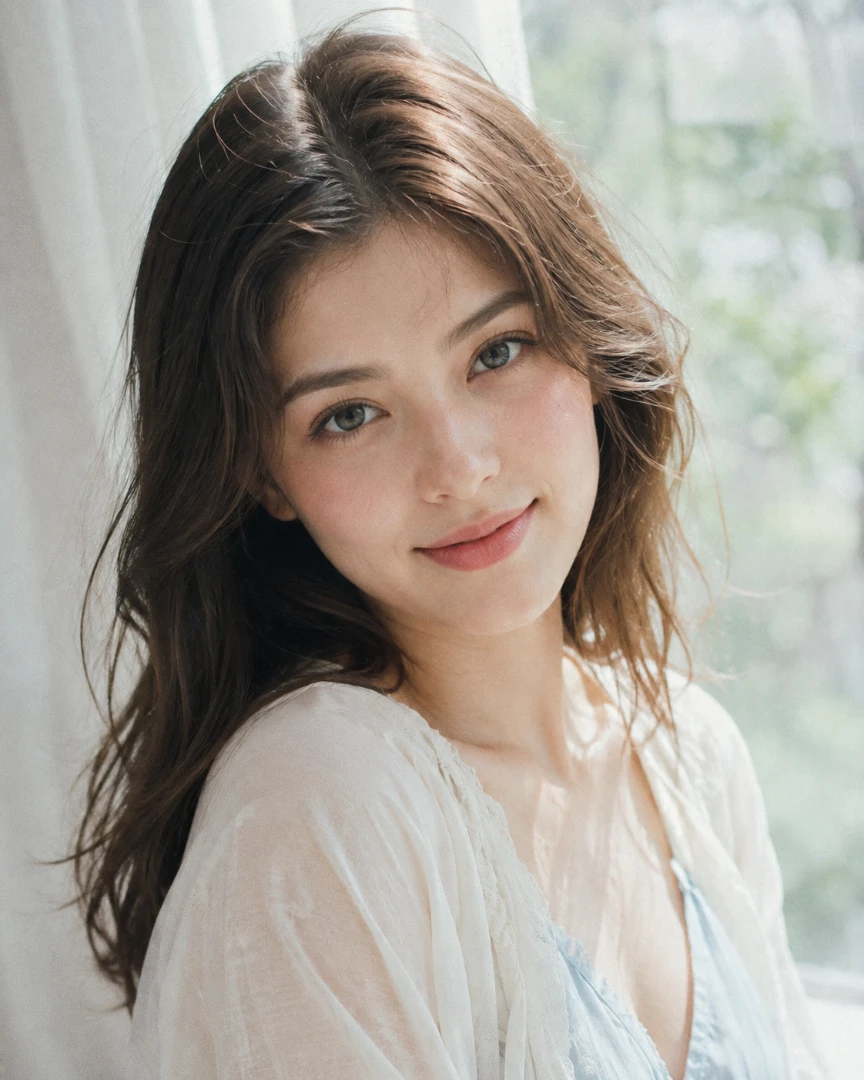
Profile pictures created with TutorGPT's AI Profile Picture Generator. Hover any image to reuse its prompt.

LinkedIn Pro
Executive Light
Startup Founder
Team Profile
Creative Director
Tech Product
Healthcare Warmth
Client Consultant
Instagram Glow
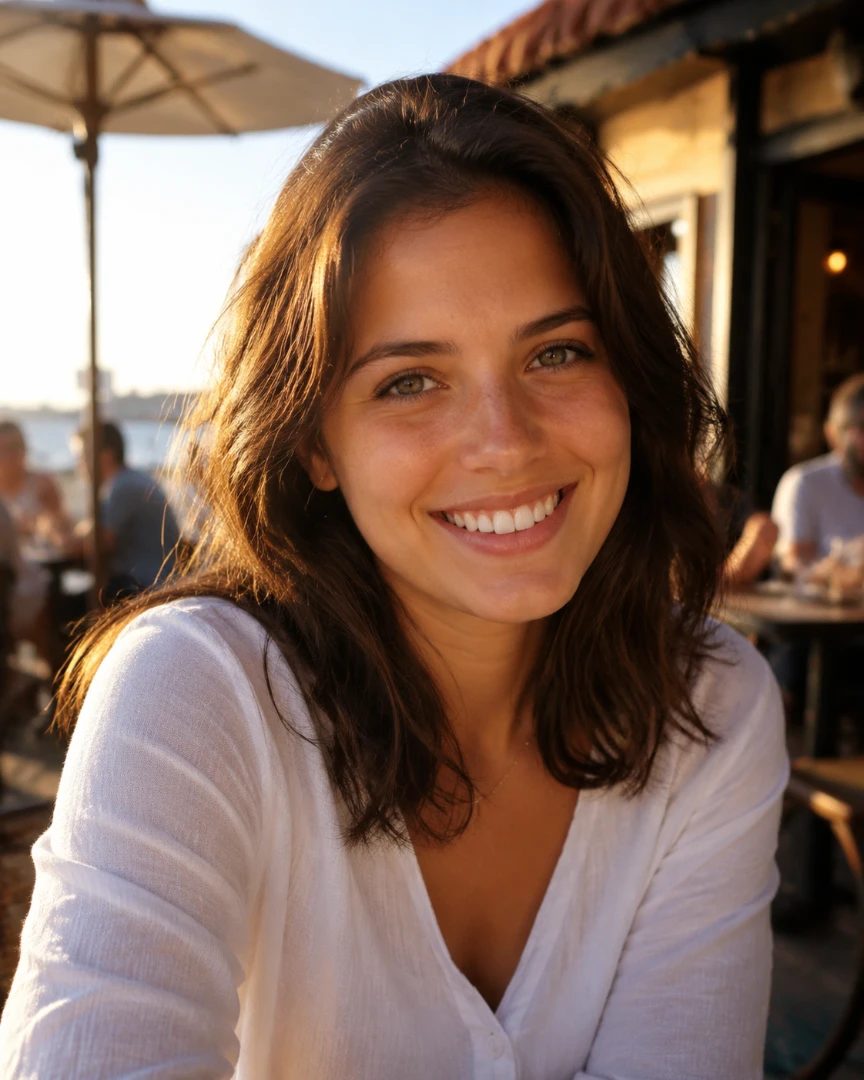
Golden Hour
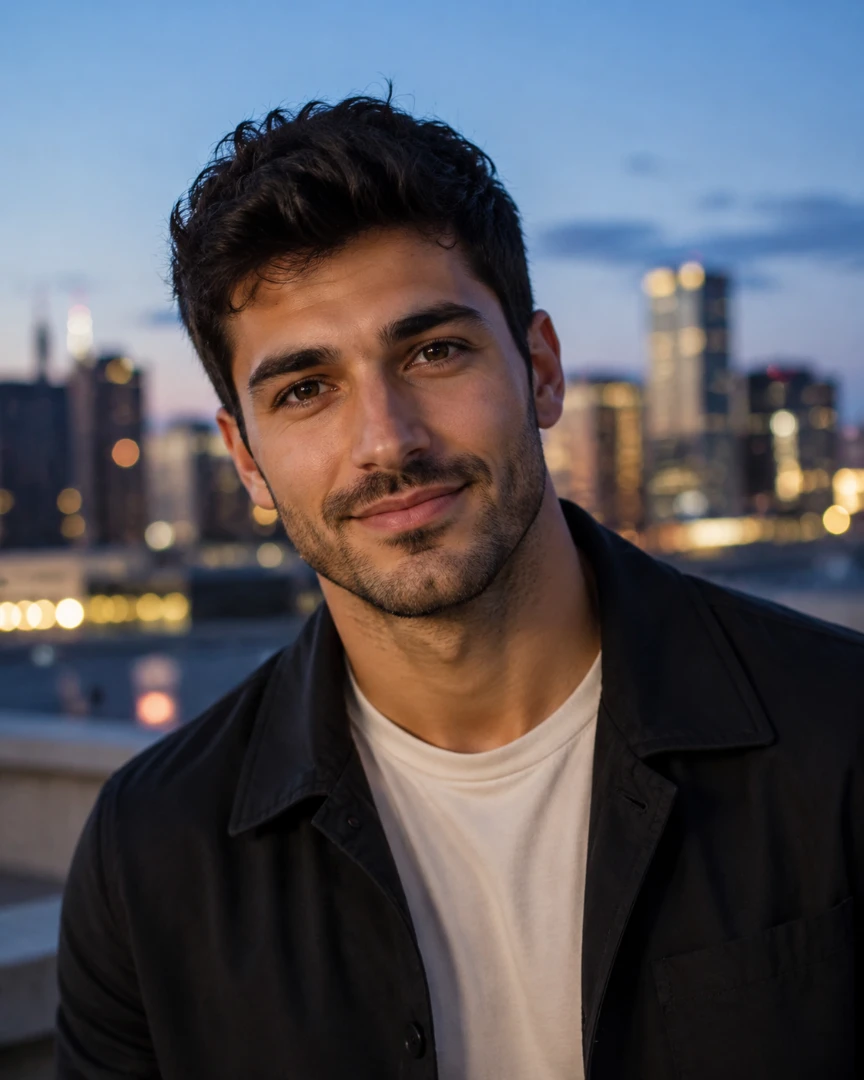
City Cool
Weekend Café
YouTube Creator
TikTok Fashion
X Thought Leader
Music Artist
Dating Natural
Rooftop Evening
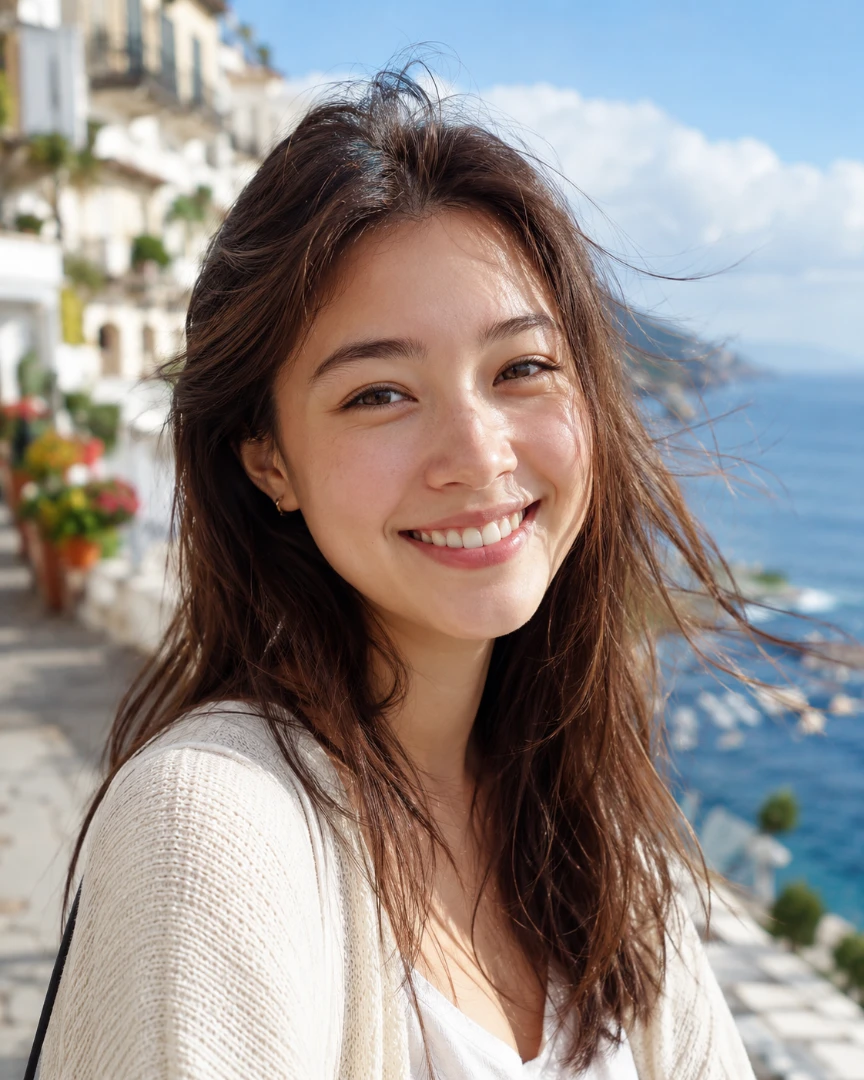
Travel Smile
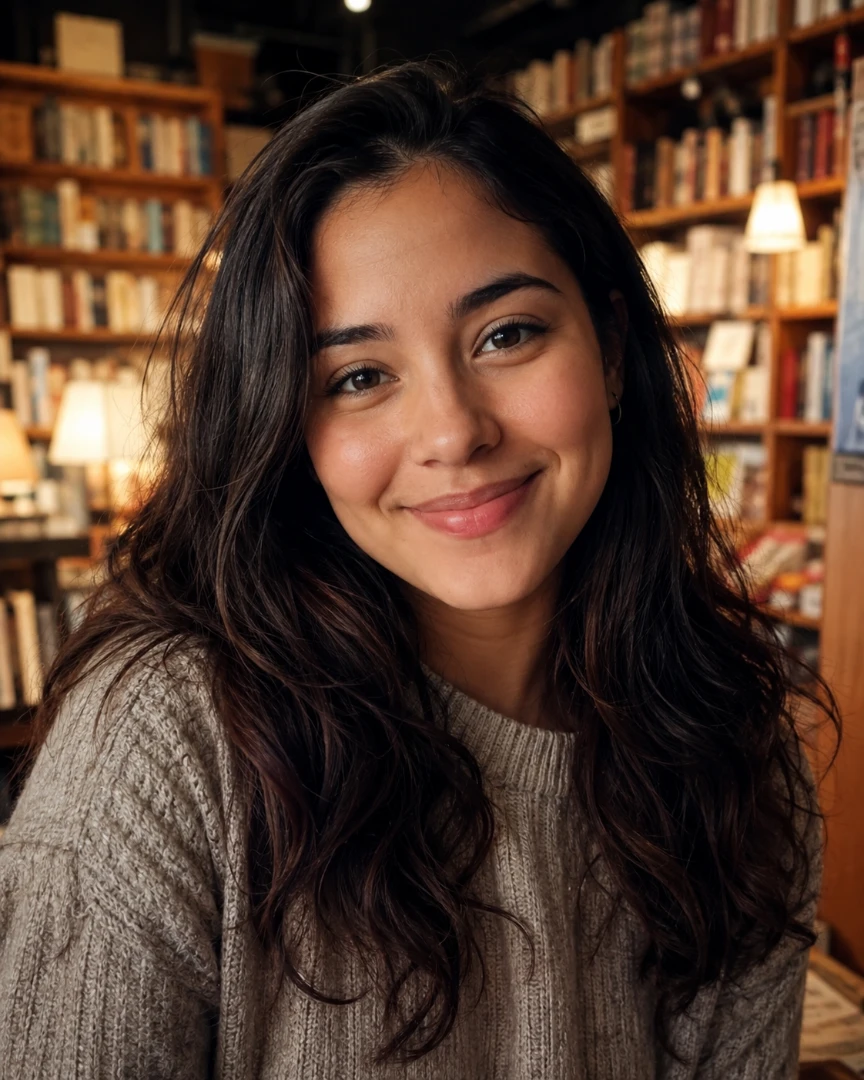
Bookstore Crush
Discord Anime
Reddit 3D
Fandom Pop
Cozy Community
Twitch Gamer
Esports Edge
Fantasy RPG
Retro Pixel
Editorial Illustration
Soft 3D
Manga Ink
Dreamy Film

AI Profile Picture Generator: Batch & Multi-Style Free

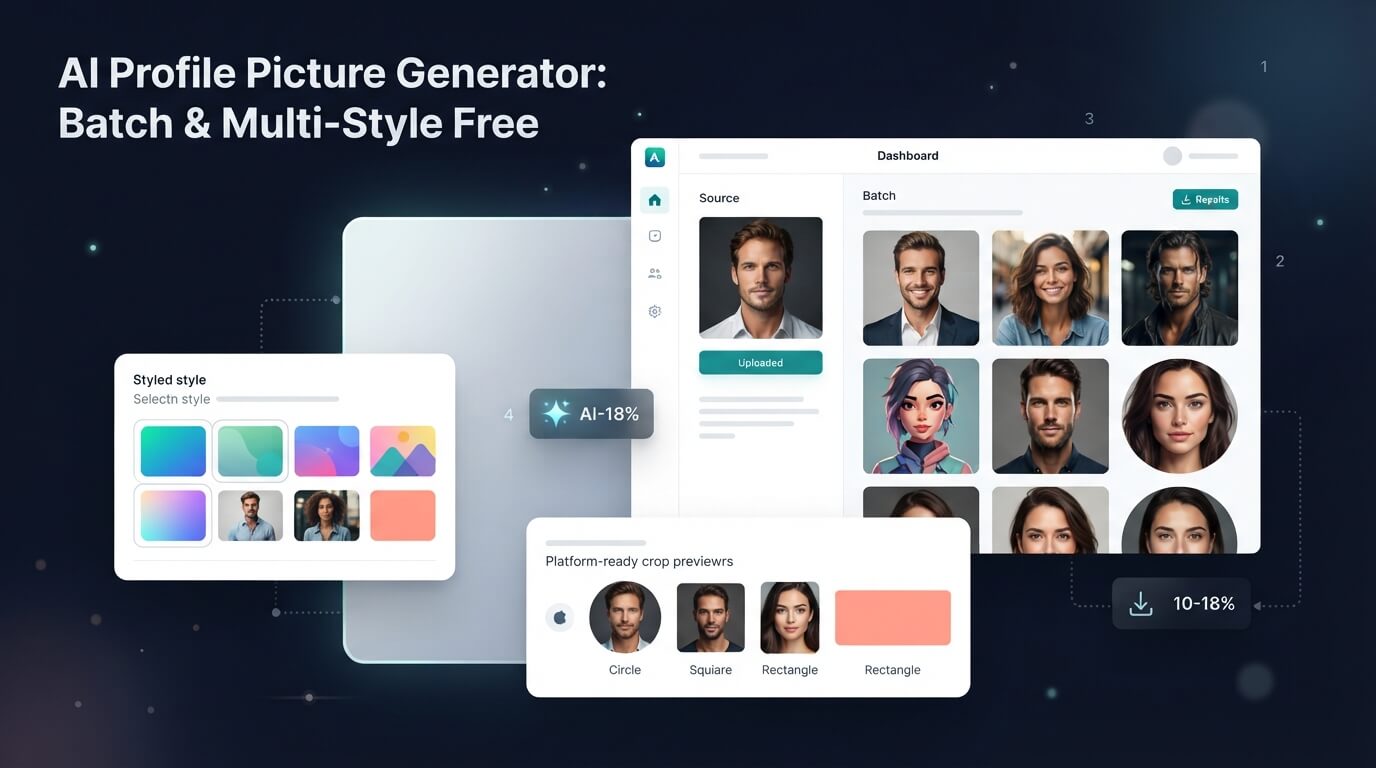
Create multiple profile pictures in different styles with TutorGPT's free AI Profile Picture Generator. Upload one photo and generate stunning results in batches.

AI Profile Picture Generator: Batch & Multi-Style Free

What Is an AI Profile Picture Generator?

An AI Profile Picture Generator turns one ordinary photo into multiple polished profile pictures in different styles. It keeps your real face and key features while changing the look, background, lighting, and overall mood. You can create professional, creative, casual, or social-ready profile photos in batches without taking new photos or editing each image by hand.

What Is an AI Profile Picture Generator?

Create Multiple Profile Pictures at Once

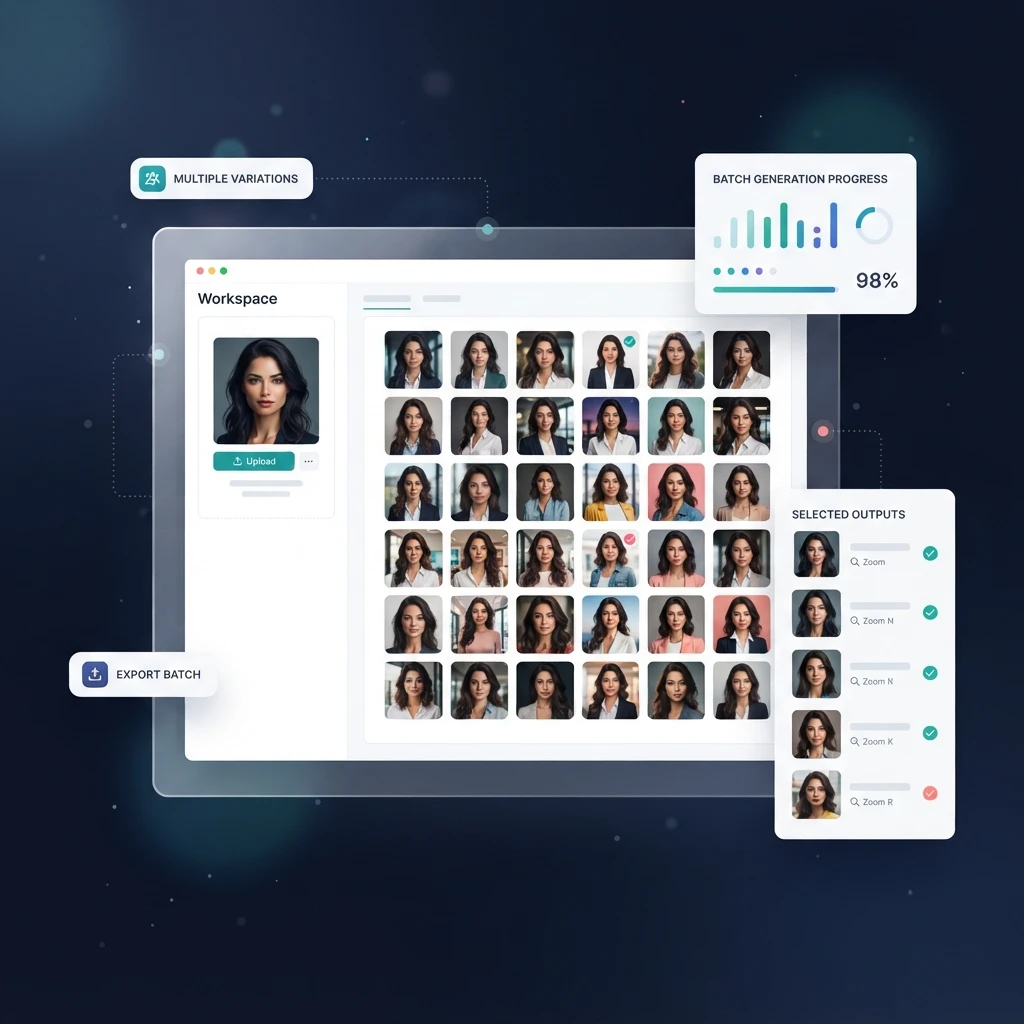
Turn one photo into a full set of profile pictures in one go. Instead of generating and downloading each version separately, create multiple images at once and explore different looks side by side. It's an easy way to refresh your profiles without taking a dozen new selfies.

Create Multiple Profile Pictures at Once

Try Different Styles with One Photo

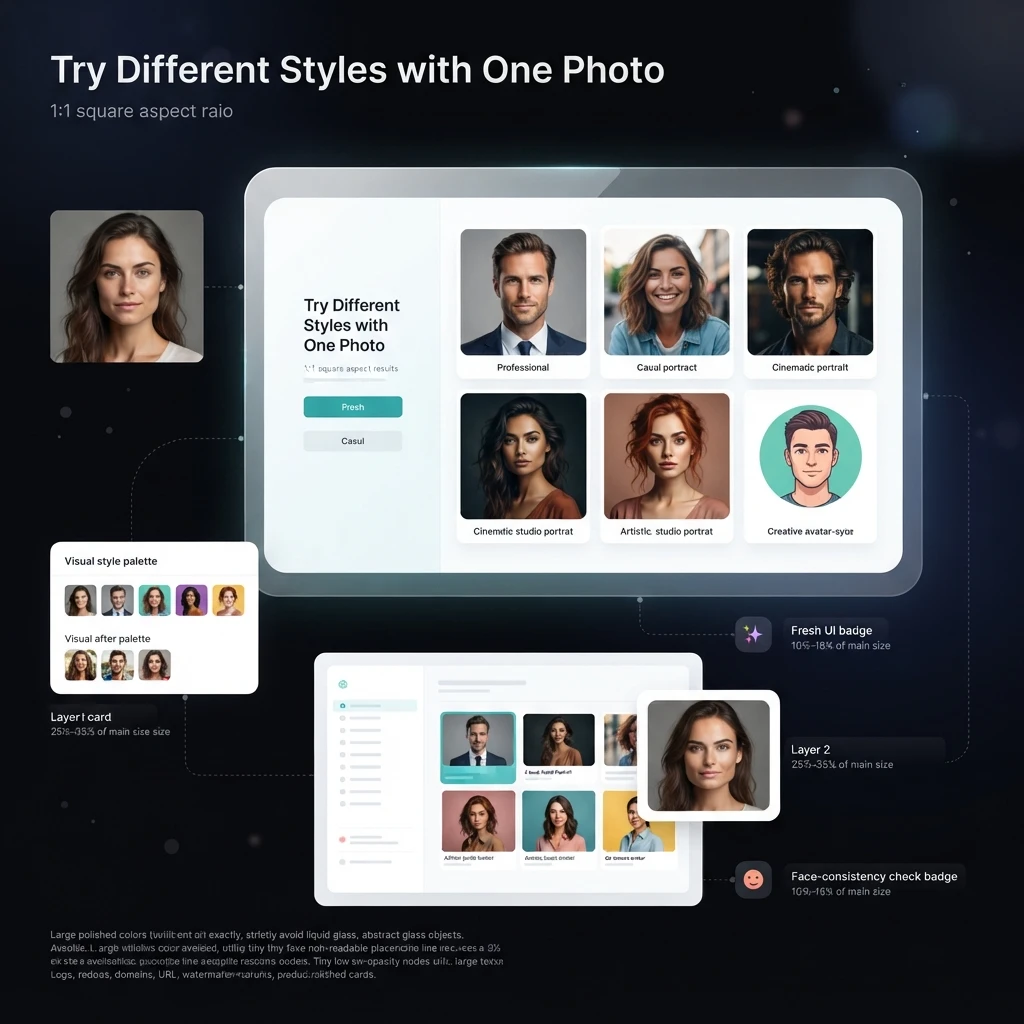
Give the same photo a completely different look without starting over. Try professional, casual, artistic, anime, cinematic, or other styles while keeping your face recognizable. The AI Profile Picture Generator helps you create personalized profile photos, while the Free AI Image Generator lets you explore more creative image styles beyond profile pictures.

Try Different Styles with One Photo

Find the Right Picture for Every Profile

Not every profile needs the same vibe. Create a polished photo for LinkedIn, a more relaxed look for Instagram, or something bold for gaming and online communities. Generate a collection of options first, then pick the profile picture that fits each platform best.

Find the Right Picture for Every Profile

Why Choose Our AI Profile Picture Generator?

Create polished, ready-to-use profile pictures from one photo, with multiple styles, batch generation, better composition, and high-quality results built into one AI workflow.

Generate a Whole Set from One Photo

The AI Profile Picture Generator creates multiple profile pictures in one batch, so you can get several options from a single upload instead of generating every image separately.

Explore Multiple Styles in One Go

Try professional, casual, artistic, anime, cinematic, and other visual styles from the same photo. Generate different looks together and compare them without repeating the upload process.

Keep Your Face Looking Like You

Changing your style shouldn't mean changing your identity. The AI preserves recognizable facial features while adjusting the outfit, lighting, background, and overall visual direction.

Get a More Natural Photo Finish

AI-generated portraits can easily look overly smooth or artificial. The generator aims for natural skin texture, balanced lighting, realistic details, and a photographic finish that feels closer to a real portrait.

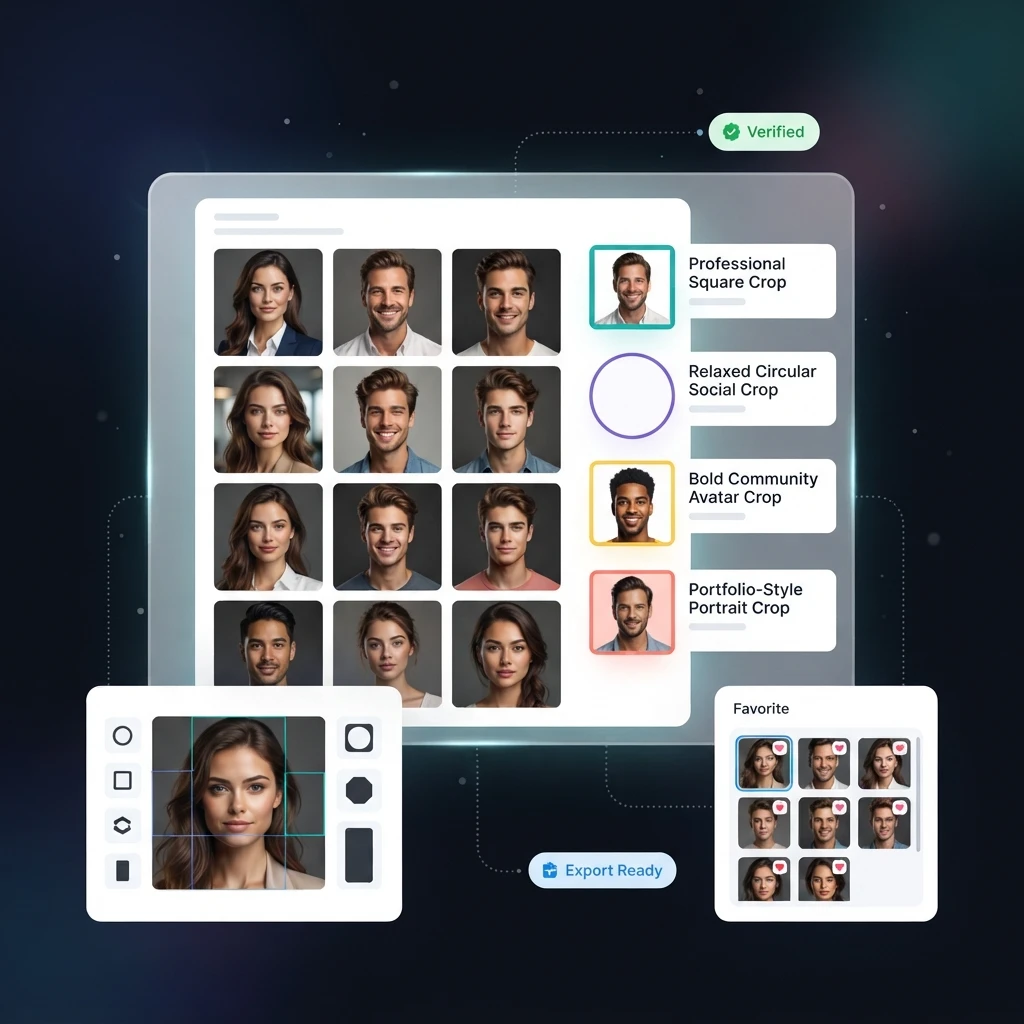
Frame Your Profile Picture the Right Way

A good portrait can still look wrong when it’s poorly cropped. Generate profile pictures with clean framing and centered composition that work naturally in square and circular profile layouts.

Create Clear, High-Quality Profile Pictures

Your profile photo shouldn't become blurry when you upload it. Generate sharp, detailed images that hold up better across social profiles, professional pages, communities, and other online platforms.

How to Create Multiple Profile Pictures with AI

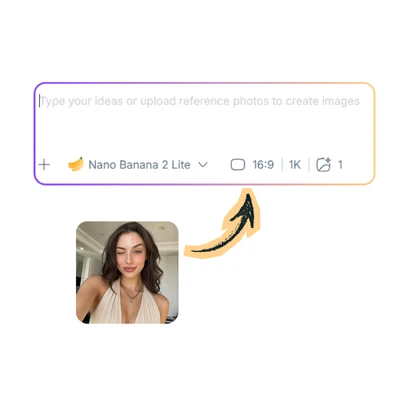
Step 1: Add Your Photo and Styles

Step 1: Add Your Photo and Styles

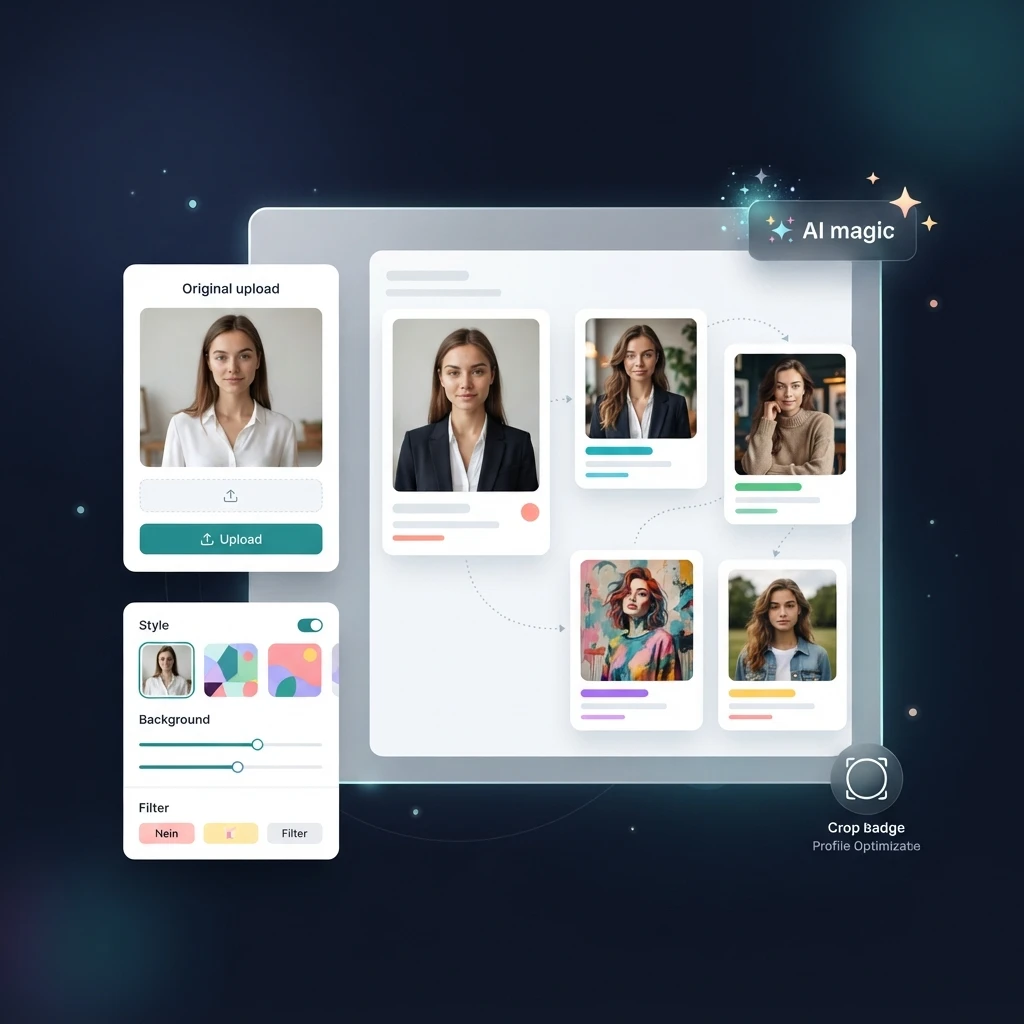
Upload a clear photo and tell the AI which profile picture styles you want to try.

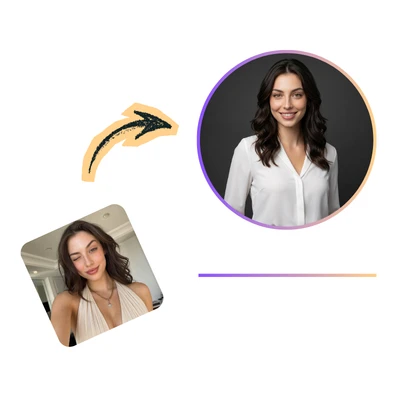
Step 2: Let AI Create the Variations

Step 2: Let AI Create the Variations

The AI turns your photo into multiple profile pictures, with each style giving you a different look.

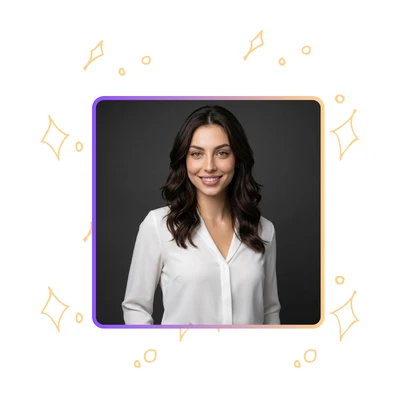
Step 3: Compare and Pick Your Favorites

Step 3: Compare and Pick Your Favorites

Review the generated profile pictures together and choose the ones that fit your work or social profiles best.

Create Your Perfect AI Profile Picture

Use the AI Profile Picture Generator to turn one photo into multiple profile pictures in different styles. Find a look that fits your work, social profiles, or personal brand.

What People Love About AI Profile Picture Generator

Jason Miller avatar

Jason Miller

Growth Marketer

I had been using the same profile photo for years because I didn't want to book a photographer just for a simple update. TutorGPT AI Profile Picture Generator helped me create several profile pictures from one selfie, and I could choose different versions for LinkedIn, X, and my personal accounts.
Rachel Thompson avatar

Rachel Thompson

Product Designer

I've tried a few AI profile picture tools before, but the results usually looked like someone else with my face. What I liked about TutorGPT's AI Profile Picture Generator was that I could explore different styles while still keeping my actual features recognizable. That made the final images feel much more natural.
Kevin Williams avatar

Kevin Williams

Software Developer

Honestly, I just wanted more choices. A professional one for work, something casual for social media, and maybe a creative version for communities. The AI Profile Picture Generator gave me multiple styles from one photo instead of making me repeat the same process again and again.
Amanda Collins avatar

Amanda Collins

Brand Consultant

I was pretty skeptical because a lot of AI portraits have that overly smooth, fake skin effect. TutorGPT's AI Profile Picture Generator produced results that felt more like edited photography rather than a completely artificial image. The lighting and overall photo quality were the biggest improvements for me.
Chris Johnson avatar

Chris Johnson

Student Creator

I literally had one decent selfie on my phone and didn't want to spend an afternoon taking new pictures. I uploaded it, generated different profile picture styles, and ended up with enough options for all my profiles. Simple and honestly saved me a lot of time.
Natalie Brooks avatar

Natalie Brooks

Community Manager

Your profile picture is often the first thing people see, but I never paid much attention to mine. Using TutorGPT AI Profile Picture Generator gave me a few different looks that matched different situations. A cleaner professional photo for work, and something more personal for social platforms.

Frequently Asked Questions About AI Profile Picture Generator