
A two-hour lecture is difficult enough the first time. Having to replay it because your notes are incomplete is worse.
That is the problem video-to-notes AI tools are supposed to solve. Instead of constantly pausing a lecture, copying definitions, and searching the timeline for one forgotten explanation, you give the tool a video and receive notes you can scan, search, and review.
The promise sounds simple. The results are not.
Some tools return little more than a shortened transcript. Others create useful headings but leave out the examples that make a concept understandable. A few work well with public YouTube videos but reject an MP4 recording downloaded from a university portal. Videos without subtitles introduce another problem: many tools rely entirely on existing captions and cannot process the audio themselves.
If your lecture is saved as an MP4, comes from a course platform, or has no usable captions, a file-friendly AI Video Summarizer can process the recording directly and extract the ideas you need for your notes.
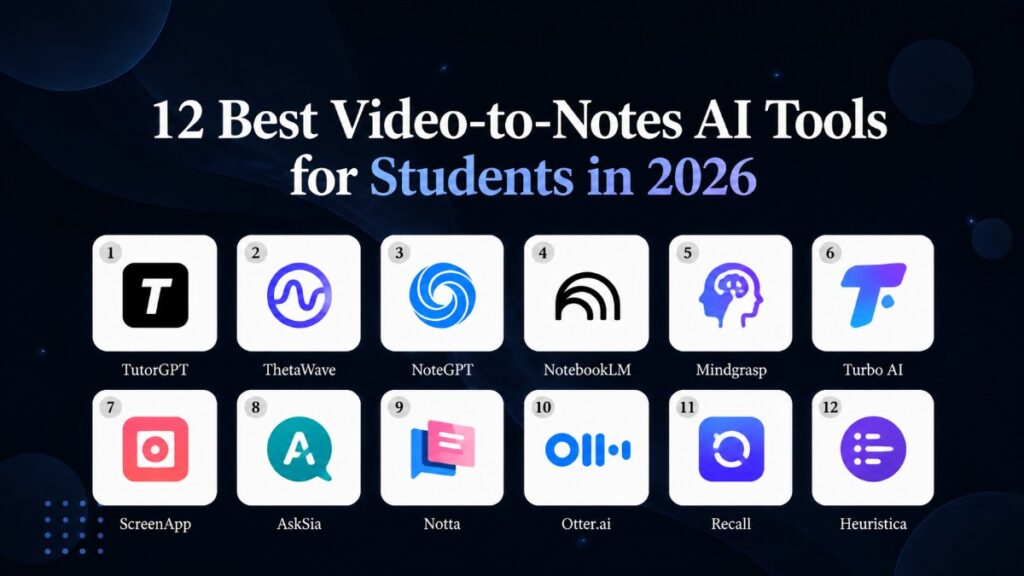
We reviewed 12 popular video-to-notes AI tools with the workflow students actually use. That means lectures, online courses, recorded tutorials, long videos, local uploads, imperfect captions, and the occasional professor whose audio sounds as though it was recorded from the other side of the room.
Our goal was not to find the tool with the longest feature list. We wanted to know which tools produce notes that are genuinely useful after the video closes.
Quick Comparison of the Best Video-to-Notes AI Tools
| Tool | Best for | Video input | Notable strength | Main limitation |
| TutorGPT | Videos without subtitles | Video upload and online link | Handles long, subtitle-free videos | Fewer advanced study outputs |
| ThetaWave | YouTube-based studying | YouTube URL | Notes connected to quizzes and flashcards | Primarily designed around YouTube |
| NoteGPT | Flexible student workflows | YouTube and local video | Multiple study formats | Free quotas can run out quickly |
| NotebookLM | Research across several sources | Captioned YouTube and supported files | Source-grounded questions and synthesis | Imports YouTube transcripts, not visuals |
| Mindgrasp | All-in-one exam preparation | Videos, recordings, and course files | Broad study-tool ecosystem | More than some students need |
| Turbo AI | Simple lecture-to-study workflow | Video, audio, links, and documents | Easy progression from notes to review | Important features depend on the plan |
| ScreenApp | Timestamped, exportable notes | Upload, URL, or recording | Strong timestamps and exports | More general-purpose than study-specific |
| AskSia | Video, slides, and notes together | Video, audio, slides, and URLs | Combines several lecture sources | Dense feature set for one-off use |
| Notta | Recorded classes and multilingual content | Upload and YouTube URL | Transcription and language support | Free use is limited |
| Otter.ai | Discussions and recorded seminars | Local audio and video | Speaker-aware notes and action items | Built primarily for meetings |
| Recall | Building a video knowledge library | YouTube and supported online sources | Saves and connects what you learn | Best suited to an ongoing workflow |
| Heuristica | Visual learners | YouTube URL | Converts notes into maps and study aids | Limited for local video files |
How We Evaluated These Video-to-Notes AI Tools
A polished summary can look impressive while still being poor study material. For that reason, we focused on the entire workflow rather than the first screen of generated text.
The first question was whether each tool could accept the videos students already had. Public YouTube lectures are only part of the picture. Students also work with downloaded MP4 classes, webinar replays, screen recordings, private course content, tutorials, and videos without usable captions.
Next came note quality. We looked for topic-based organization, clear definitions, supporting examples, important distinctions, and enough context to understand why a point mattered. A video to notes AI tool should reorganize information. Simply removing sentences from a transcript is not enough.
We also considered how easily a student could verify the output. Clickable timestamps help when checking an equation, quotation, number, or complicated explanation. When timestamps were unavailable, access to a clean transcript or the original video still mattered.
Finally, we examined what happened after the notes were generated. Could students edit or export them? Could they ask follow-up questions? Were flashcards and quizzes available? Did the free version allow a realistic lecture to be processed, or was it only enough for a short demonstration?
No tool won every category. The best video to notes AI depends heavily on the kind of video you have and what you plan to do after generating the notes.
The 12 Best Video-to-Notes AI Tools for Students
1. TutorGPT: Best for Long Videos Without Subtitles
TutorGPT is the most practical choice when your source is not a neat, captioned YouTube lecture.
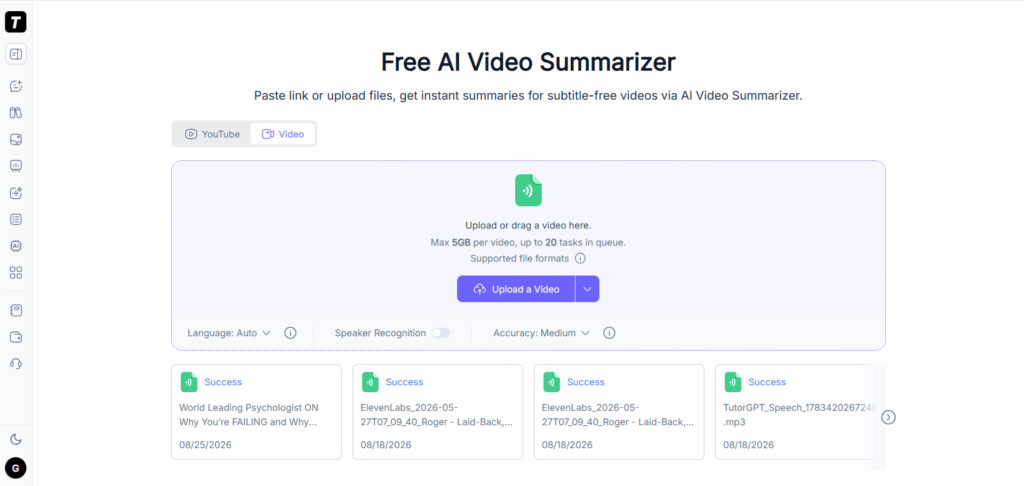
TutorGPT’s AI Video Summarizer accepts uploaded video files as well as supported online links. More importantly, it can process videos without subtitles instead of requiring students to find or create a transcript first. That makes it useful for downloaded classes, recorded presentations, workshops, interviews, and personal recordings.
The workflow is direct. Add the video, select the language and speaker-recognition settings when needed, and let the system identify the main content. The result gives you a concise foundation that can be organized into review notes without manually typing every sentence.
This distinction matters in real life. A student may have a two-hour MP4 downloaded from a learning management system rather than a public YouTube URL. Another may be reviewing a professor’s recording with no captions. Many YouTube-focused tools fail at that first step; TutorGPT is designed around it.
The trade-off is that TutorGPT focuses more on extracting and summarizing the video than on building an elaborate study system. Students who want automatic flashcards, quizzes, knowledge graphs, and a long-term course library may need additional tools. For turning a difficult or subtitle-free video into notes quickly, however, that simplicity is an advantage.
Best for: students who need notes from local videos, long recordings, or videos without subtitles.
2. ThetaWave: Best for YouTube Lectures and Active Review
ThetaWave is built around the journey from a YouTube lecture to structured study material.
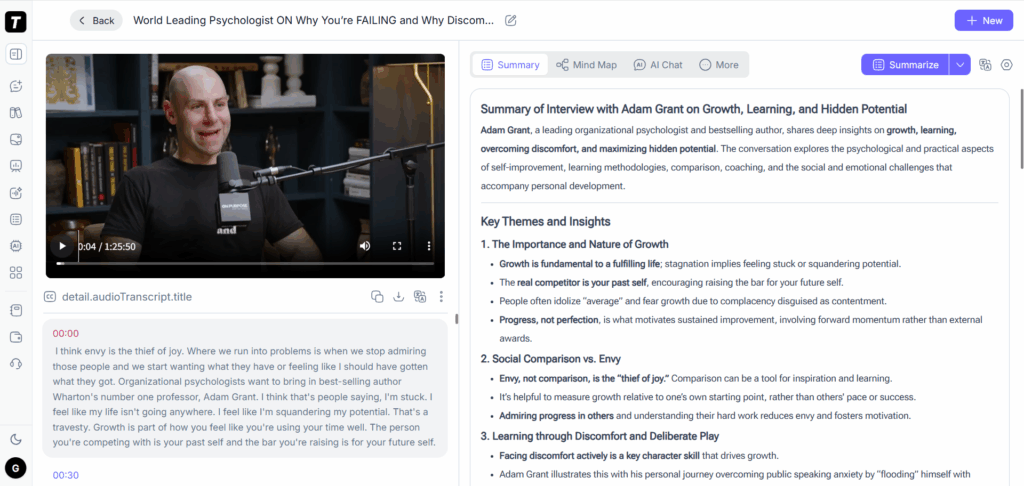
Paste a public YouTube URL and it generates organized notes rather than a transcript-shaped block of text. The same material can then move into flashcards and quizzes, so students do not have to copy the output between several unrelated apps.
That connected workflow works particularly well for learners who rely on educational YouTube channels, recorded course playlists, and tutorial videos. The notes become the beginning of the study process instead of its final product.
ThetaWave is less compelling when videos come from several places. If your professor shares local recordings, private course files, or videos without accessible captions, an upload-friendly video to notes AI tool will usually fit better.
Best for: students who primarily learn through public YouTube lectures and want immediate study activities.
3. NoteGPT: Best for Flexible Video Inputs
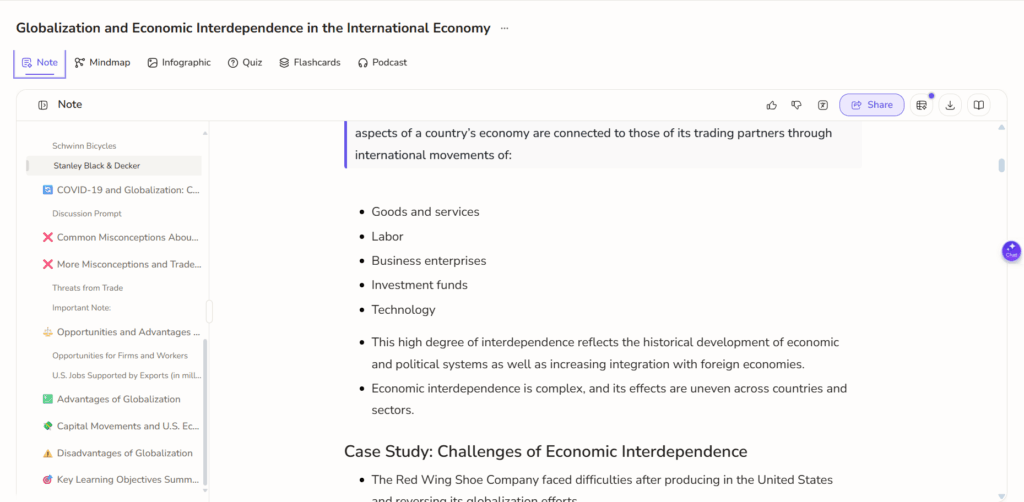
NoteGPT offers one of the more recognizable all-round student workflows. It can process YouTube links and local video uploads, then turn the content into summaries and other learning materials.
Its main appeal is flexibility. One class may use YouTube, while another provides downloadable lecture recordings. NoteGPT lets both sources enter a similar workflow, reducing the need to maintain separate tools.
The platform also goes beyond basic notes with options such as mind maps and related study outputs. That makes it attractive to students who prefer several ways of reviewing the same material.
Free usage is the point to watch. Quotas that appear reasonable during a short trial can disappear quickly when every course has several lectures per week. Before committing, test the longest and most complicated video you expect to process regularly.
Best for: students who alternate between YouTube videos and local lecture files.
4. NotebookLM: Best for Combining Videos with Course Materials
NotebookLM approaches AI video to notes differently. It is less of a one-click converter and more of a source-grounded research notebook.
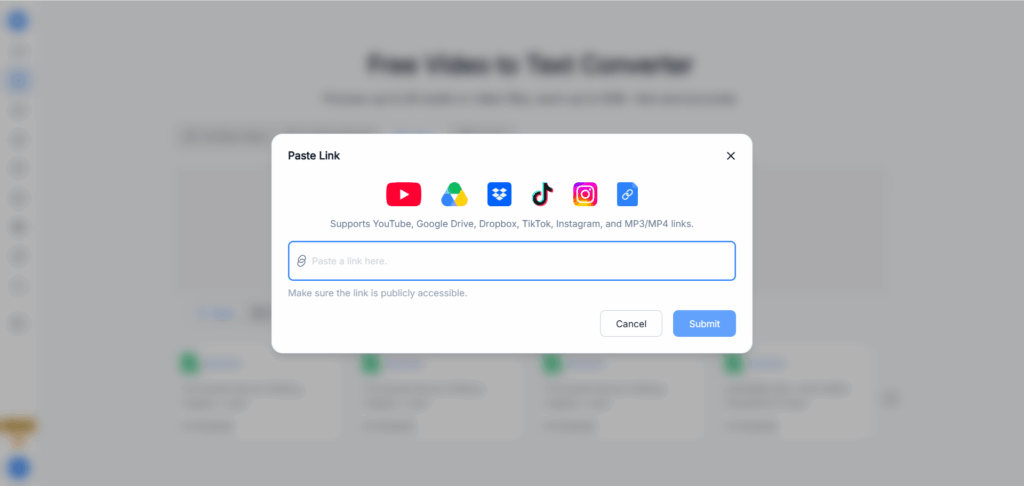
A public YouTube video with captions can be added as a source. Students can then place that transcript beside PDFs, lecture slides, readings, websites, and their own documents. From there, they can request summaries, study guides, explanations, and comparisons grounded in the imported material.
This becomes powerful when a video is only one part of a course. You might compare a professor’s lecture with a textbook chapter, identify concepts appearing in both, or request an explanation based only on selected sources.
There is an important limitation: for YouTube sources, NotebookLM imports the text transcript rather than fully interpreting everything displayed on screen. A silent diagram, code demonstration, map, or handwritten equation may therefore be missed. Public videos also need captions.
Best for: research-heavy students who want video transcripts combined with readings, slides, and other sources.
5. Mindgrasp: Best for a Complete Study Toolkit
Mindgrasp is aimed at students who want more than a single set of notes. It accepts a range of course materials, including recordings and videos, and connects the resulting notes to summaries, flashcards, quizzes, and other study aids.
The appeal is convenience. Once a lecture enters the platform, students can continue from initial understanding to exam practice without assembling a workflow from unrelated apps.
That breadth can also be a drawback. If all you need is to turn one video into notes and export the result, a large study platform may feel heavier than necessary. Its value becomes clearer when you plan to use the generated material throughout an entire course.
Best for: students seeking an all-in-one environment for notes and exam preparation.
6. Turbo AI: Best for a Straightforward Study Workflow
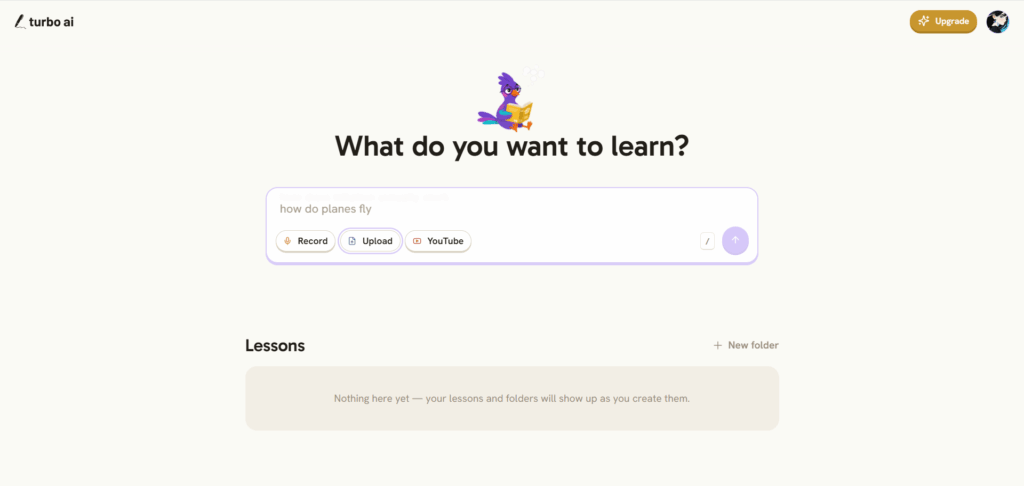
Turbo AI follows an easy-to-understand path: add your source, generate notes, and convert the useful material into study activities.
It supports several types of course content, including video, audio, YouTube links, and documents. This makes it convenient for students whose materials change from week to week. The workflow is approachable, particularly for someone using video-to-notes AI tools for the first time.
The practical question is how the plan limits match your study load. Long recordings, repeated uploads, and more advanced outputs may require paid access. Test the full process, including editing and exporting, rather than judging it from a five-minute video.
Best for: students who want a simple route from mixed course materials to review-ready notes.
7. ScreenApp: Best for Timestamps and Exports
ScreenApp is a strong option when you care about returning to the exact moment behind a note.
It accepts video uploads and URLs, producing transcripts, topic-based notes, and clickable timestamps. Notes can also be exported into commonly used formats, which is valuable if your real study system lives in Word, Notion, Obsidian, or another note-taking app.
ScreenApp is not limited to academic content. It also handles webinars, interviews, presentations, tutorials, and recorded meetings. As a result, its notes work well for students and professionals.
Because the platform serves such a broad audience, its output can feel more like organized documentation than an exam-focused study guide. That will be a benefit for some users and a limitation for others.
Best for: students who prioritize timestamps, verification, and flexible exports.
8. AskSia: Best for Combining Videos, Slides, and Notes
AskSia addresses a problem many video-to-notes AI tools overlook: the recording is rarely the only source that matters.
Students can bring together a lecture video, slide deck, transcript, and other course documents. AskSia then creates structured material that connects information across those sources. This is especially useful when the professor explains one detail verbally, places another on a slide, and expects students to understand both.
Timestamp and slide references make it easier to verify important claims. The resulting material can also continue into flashcards, quizzes, study guides, or visual maps.
For a single short tutorial, this may be more machinery than you need. For a difficult lecture in which slides and spoken explanations depend on one another, it offers a more complete workflow than transcript-only tools.
Best for: students who want to study a recording together with its slides and supporting documents.
9. Notta: Best for Multilingual Recordings
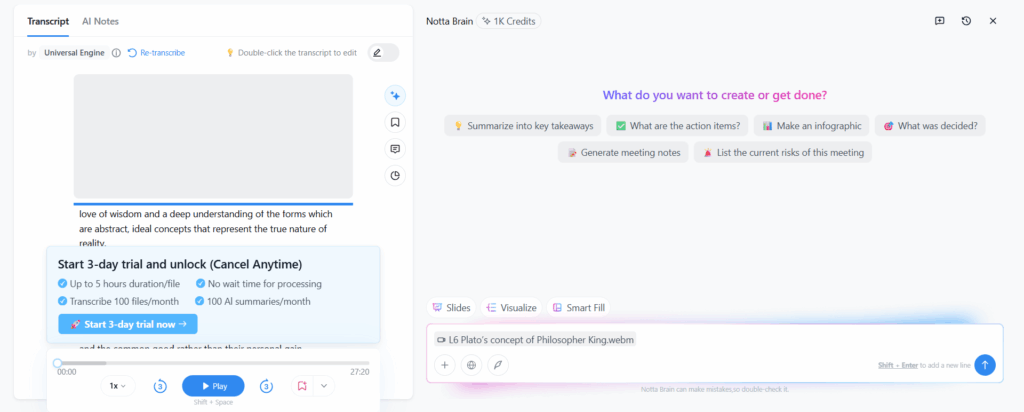
Notta combines video transcription with AI-generated notes. Users can upload common video formats or provide supported links, making it useful for recorded lectures, webinars, classes, and meetings.
Its transcription-first design is particularly helpful when you need both the full spoken record and a shorter set of notes. Multilingual capabilities also make it relevant to international students or anyone studying content in more than one language.
The resulting notes are typically well suited to spoken presentations and discussions. As with other transcription-focused products, material shown only on screen may need to be added manually.
The free experience is better treated as a trial than a complete semester-long solution. Frequent uploads and longer recordings can push users toward a paid plan.
Best for: multilingual students who want transcripts and notes from uploaded recordings.
10. Otter.ai: Best for Seminars and Multi-Speaker Discussions
Otter.ai is best known for meetings, but it can also import audio and video files and produce transcripts, summaries, outlines, and action items.
That makes it surprisingly useful for seminars, interviews, study-group recordings, guest lectures, and classes with several speakers. Speaker awareness helps preserve who asked a question, who answered it, and where the discussion changed direction.
For a traditional lecture, the meeting-oriented output may be less useful than notes organized around academic concepts. For discussion-heavy material, however, it can be more informative than a tool that treats every voice as one continuous speaker.
The free plan places strict limits on file imports, so students should not assume it will process an entire course library at no cost.
Best for: recorded seminars, interviews, group discussions, and classes with multiple speakers.
11. Recall: Best for Building a Searchable Video Library
Recall is designed for students who do not want their notes to disappear into a folder after one review session.
It summarizes supported videos into structured cards with timestamps, then saves them inside a searchable knowledge base. Over time, related ideas from videos, articles, podcasts, and other content can be organized and revisited together.
This is valuable for students following a subject across many creators or courses. Instead of generating disposable summaries, they build a connected collection that can be searched and discussed with AI later.
Recall is especially strong for YouTube-centered learning. Students whose main problem is uploading private MP4 recordings may prefer TutorGPT, ScreenApp, Notta, or another file-first option.
Best for: learners building a long-term knowledge library from videos and other online sources.
12. Heuristica: Best for Visual Learners
Heuristica turns YouTube videos into categorized study notes and can move those notes into flashcards, quizzes, concept maps, and other visual learning formats.
The concept-mapping capability is its clearest differentiator. A lecture that feels linear while playing can become a visible network of causes, comparisons, hierarchies, and related concepts. That can help with subjects where understanding relationships matters more than remembering the order of the speaker’s explanation.
It is less flexible for local video workflows because its video-to-notes experience is strongly centered on YouTube. Students also need to decide whether a concept map genuinely improves comprehension or simply creates another artifact to organize.
Best for: visual learners studying concept-heavy YouTube lectures.
Which Video-to-Notes AI Tool Should You Choose?
Start with the video in front of you, not the marketing page.
If you have a local recording or a video without subtitles, TutorGPT is the most natural place to begin. It removes the transcript requirement and keeps the process focused on getting the essential information out of the recording.
For public YouTube lectures that should become flashcards and quizzes, ThetaWave and Heuristica offer more study-specific follow-through. NoteGPT provides a useful middle ground when your sources include YouTube links and uploaded files.
NotebookLM is stronger when the video needs to be studied alongside readings and other course sources. AskSia is particularly useful when a recording and its slide deck should be analyzed together.
ScreenApp works well when timestamps and exports matter. Notta is a good fit for multilingual transcription, while Otter.ai makes the most sense for discussion-heavy recordings. Recall becomes more valuable as the number of videos grows and you want to retain ideas in a searchable library.
The right choice may change between courses. A biology lecture with diagrams, a recorded law seminar, and a software tutorial do not create the same note-taking problem.
How to Get Better Notes from Any Video
The quality of the tool matters, but the workflow around it matters just as much.
Begin with a recording that has clear audio whenever possible. Background music, overlapping speakers, distant microphones, and incorrect captions can damage every stage that follows. If the subject includes specialist vocabulary, scan the transcript or notes for names, formulas, dates, and technical terms before trusting the summary.
Next, decide what kind of notes the video requires. A lecture may need definitions, explanations, and likely exam questions. A tutorial needs ordered steps, commands, prerequisites, and common errors. A webinar may be better organized around claims, evidence, recommendations, and action items.
Do not judge the result by how short it is. Good video notes preserve the structure needed to understand the subject. A five-line summary of a two-hour lecture may save time, but it could also remove every qualification, worked example, and exception likely to appear on an exam.
Finally, keep a route back to the source. Timestamps are ideal, but a searchable transcript or clearly labeled video file also works. AI-generated notes should reduce rewatching, not prevent verification.
Frequently Asked Questions
Can AI Really Turn a Video into Notes?
Yes. A video to notes AI tool normally transcribes or processes the video’s spoken content, identifies the main topics, and reorganizes them into headings, summaries, or bullet points. Some tools can also generate flashcards, quizzes, action items, and concept maps.
Can I Turn an MP4 Video into Notes?
Yes, but you need a tool that supports local video uploads. TutorGPT, NoteGPT, ScreenApp, AskSia, Notta, Otter.ai, and several other tools in this guide accept uploaded recordings. YouTube-only products may require a public URL instead.
Can AI Make Notes from a Video Without Subtitles?
Some tools can. TutorGPT can summarize videos without existing subtitles instead of requiring students to supply a caption track first. Other platforms may depend on available captions or transcripts, particularly when importing a YouTube URL.
What Is the Difference Between a Transcript and Video Notes?
A transcript records what was said in approximately the same order. Video notes reorganize that material around topics, definitions, examples, decisions, or study questions. A transcript is useful for verification; notes are generally better for review.
Are Free Video-to-Notes AI Tools Really Free?
Most free plans include a limit based on minutes, uploads, credits, video length, or generated outputs. A free version may be enough to test one representative lecture, but it might not cover several complete courses every week.
Which Is the Best Video-to-Notes AI for Students?
TutorGPT is a strong choice for uploaded or subtitle-free videos. ThetaWave works well for YouTube-centered active study, NotebookLM for multi-source research, AskSia for combining recordings with slides, and ScreenApp for timestamped exports. The right option depends on your video source and what you want to do with the notes.
Final Verdict
The best video to notes AI tool is not necessarily the one that generates the most outputs. It is the one that accepts your real videos, preserves the details you need, and produces notes you can understand tomorrow.
For students dealing with downloaded lectures, long recordings, and videos without captions, TutorGPT removes one of the biggest workflow barriers: you do not need to find a transcript before you begin. Upload the recording or add a supported link to its AI Video Summarizer, then turn hours of video into material you can review in minutes.
If another tool fits your course better, use it. The objective is not to collect more AI features. It is to stop repeatedly scrubbing through the same lecture and start working with notes that make learning easier.